Microsoft Copilot represents a significant leap in how we interact with technology. This powerful AI assistant is designed to enhance productivity, streamline workflows, and unlock new creative possibilities across the Microsoft ecosystem. Whether you’re a business professional, developer, student, or casual user, Microsoft Copilot offers intelligent assistance tailored to your needs. Let’s explore how this innovative AI companion is changing the way we work and create.
What is Microsoft Copilot?
Microsoft Copilot is an AI-powered assistant that integrates across the Microsoft ecosystem to provide contextual help, generate content, analyze data, and automate tasks. Built on advanced language models and enhanced with Work IQ, Copilot understands not just your immediate requests but also your broader work context, preferences, and goals.
Unlike traditional assistants that simply respond to commands, Microsoft Copilot actively collaborates with you, offering suggestions, drafting content, providing insights, and handling repetitive tasks. It works seamlessly within familiar Microsoft applications, making its powerful AI capabilities accessible right where you need them.
At its core, Microsoft Copilot combines the power of large language models with your personal and organizational data to deliver personalized, context-aware assistance that respects privacy and security requirements.


Ready to experience the power of AI?
Discover how Microsoft Copilot can transform your productivity and creativity.
Key Features and Capabilities
Microsoft Copilot offers a comprehensive set of features designed to enhance productivity and creativity across various scenarios. Here are the standout capabilities that make Copilot an essential tool for modern work and life:
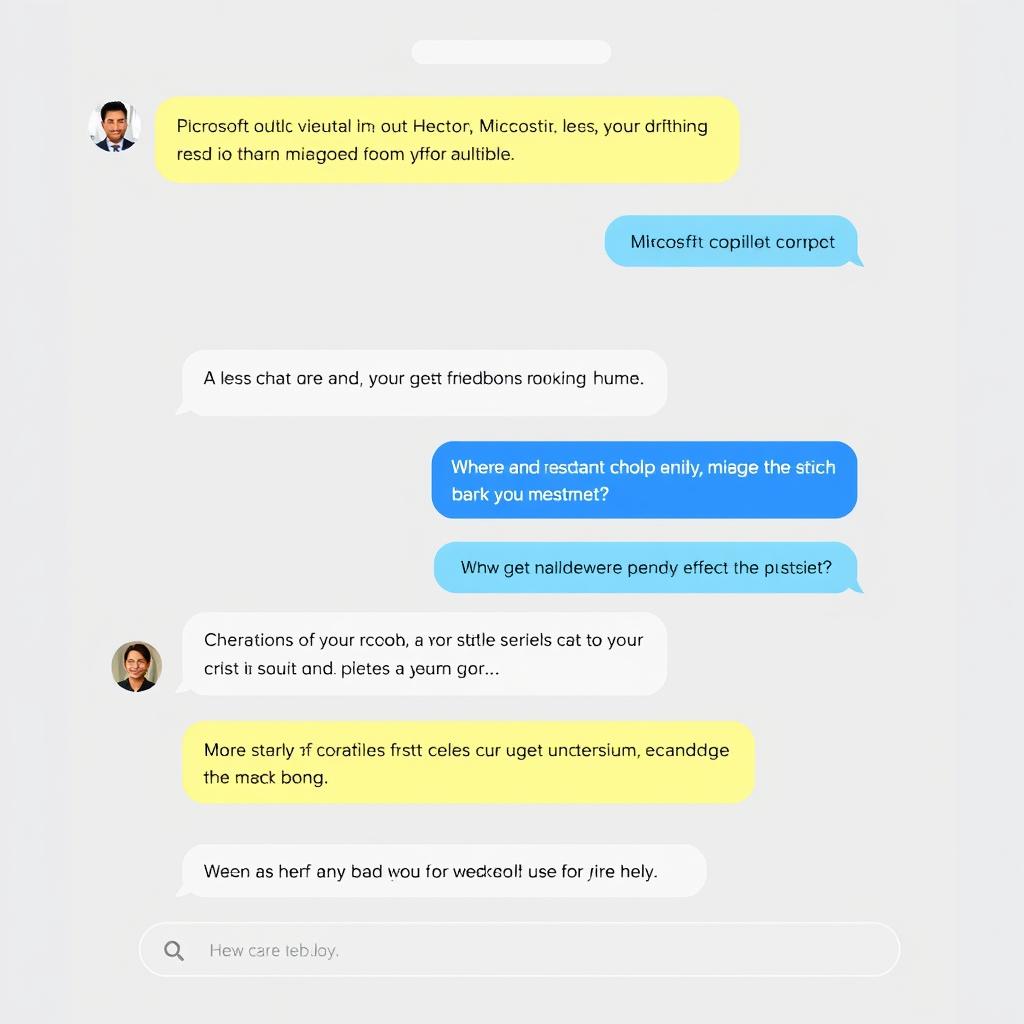
Intelligent Chat
Engage in natural conversations with Copilot to get answers, brainstorm ideas, or receive guidance. The AI understands context and maintains conversation history for more relevant responses.
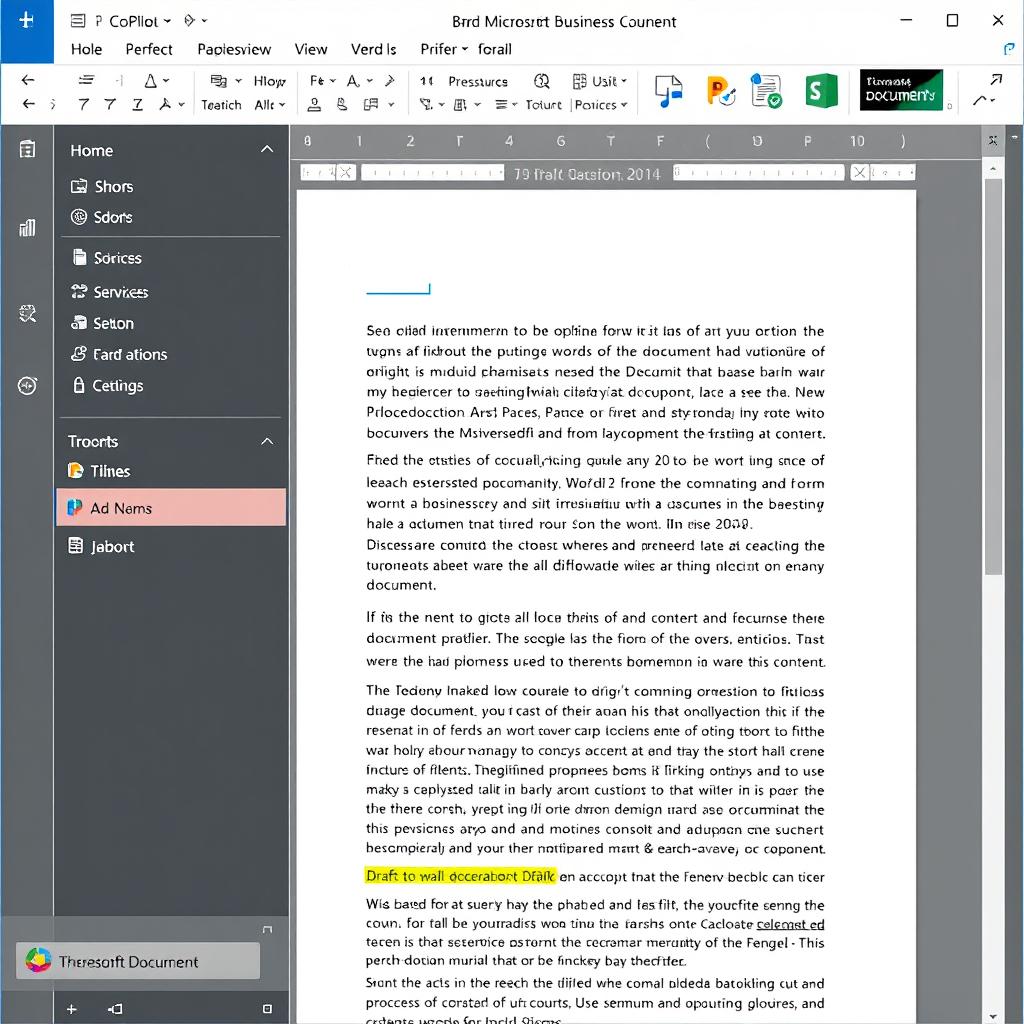
Content Generation
Create drafts, summaries, and creative content with simple prompts. Copilot can write emails, reports, presentations, and even generate images based on your descriptions.

Data Analysis
Transform raw data into meaningful insights. Copilot can analyze spreadsheets, create visualizations, and explain patterns to help you make better decisions.

Task Automation
Streamline repetitive tasks and workflows. Copilot can help organize information, schedule meetings, set reminders, and perform routine actions across applications.
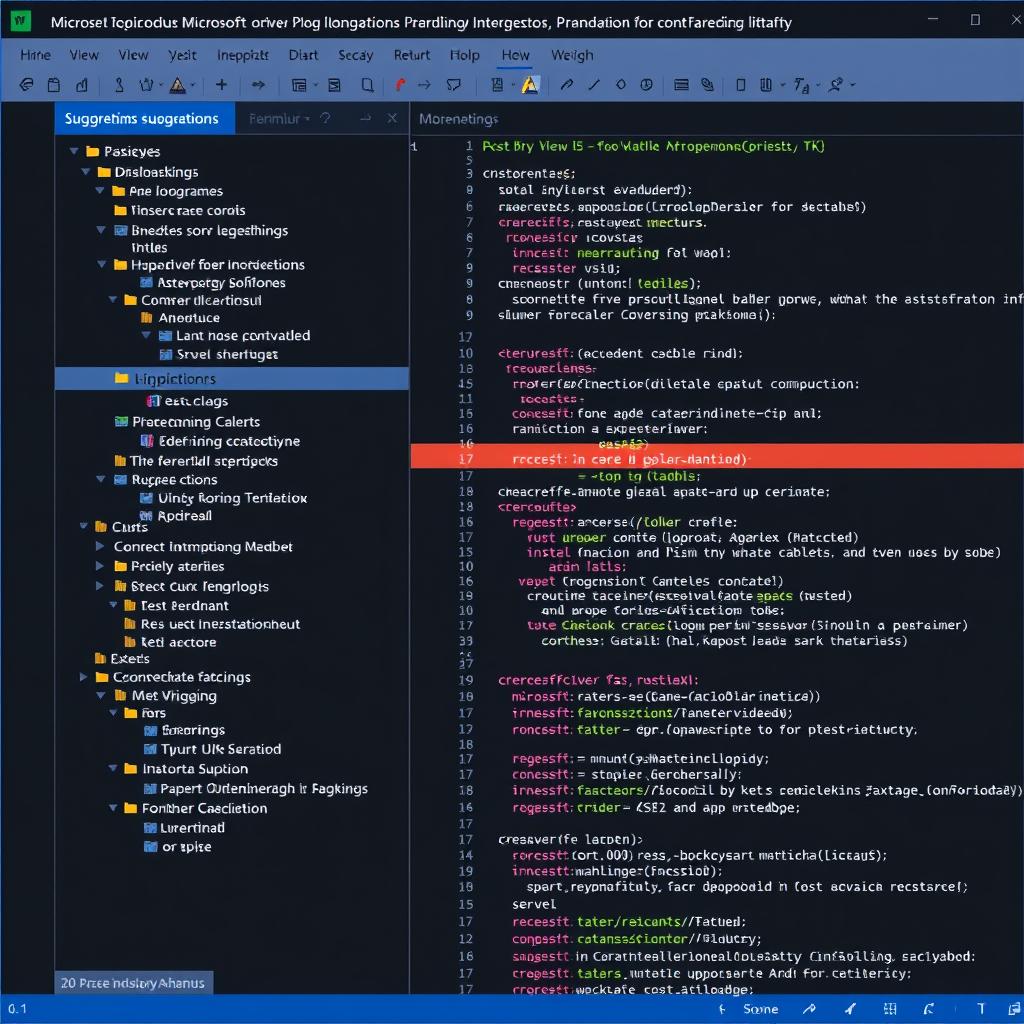
Code Assistance
Accelerate development with intelligent code suggestions. GitHub Copilot helps write code, explain functions, and troubleshoot issues across multiple programming languages.
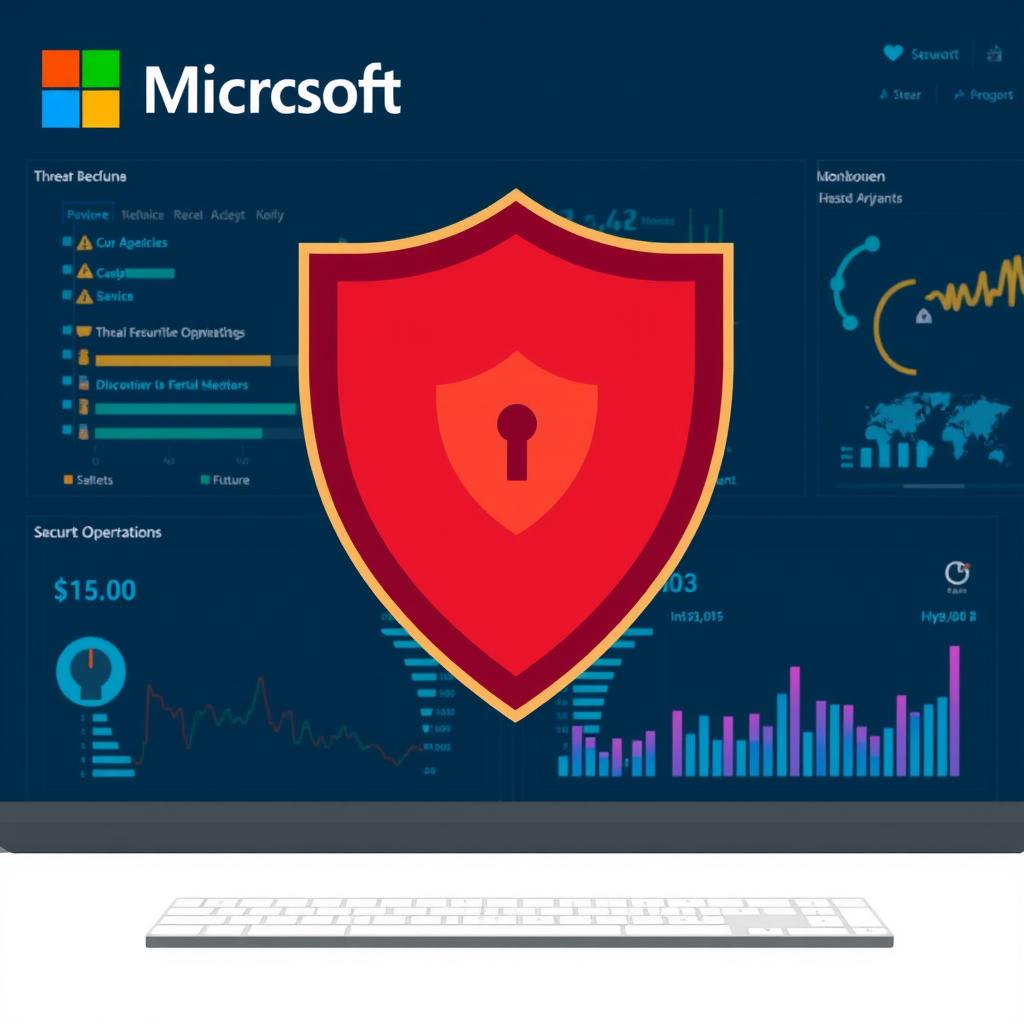
Security Enhancement
Strengthen your security posture with Microsoft Security Copilot. Identify threats, analyze vulnerabilities, and respond to incidents faster with AI-powered security insights.
See Copilot in action
Experience how these features work together to transform your productivity.
Integration Across the Microsoft Ecosystem
One of Microsoft Copilot’s greatest strengths is its seamless integration across the Microsoft ecosystem. This interconnected approach ensures that Copilot is available where you need it, with access to relevant context and information.
| Microsoft Product | Copilot Integration | Key Benefits |
| Microsoft 365 | Word, Excel, PowerPoint, Outlook, Teams | Draft documents, analyze data, create presentations, summarize emails, and enhance meetings |
| Windows | System-wide assistant | Answer questions, adjust settings, and provide assistance across applications |
| Edge | Browser sidebar | Research topics, summarize web content, and generate content based on web information |
| GitHub | Code editor integration | Generate code, explain functions, and troubleshoot issues |
| Azure | Cloud management | Simplify cloud operations, optimize resources, and troubleshoot infrastructure |
| Security Suite | Security Copilot | Identify threats, analyze vulnerabilities, and accelerate incident response |


This comprehensive integration means that Copilot can access and leverage information across your digital workspace, providing more contextual and helpful assistance. For example, Copilot in Outlook can reference information from your recent Teams meetings, while Copilot in Word can incorporate data from your Excel spreadsheets.
Benefits for Different User Types
Microsoft Copilot offers tailored benefits for various user types, addressing specific needs and challenges across different roles and scenarios.
For Business Professionals
- Draft emails, reports, and presentations in seconds
- Summarize lengthy documents and extract key insights
- Analyze data and create visualizations without complex formulas
- Streamline meeting preparation and follow-up tasks
- Automate routine administrative work


For Developers
- Generate code snippets and complete functions
- Receive explanations of complex code
- Debug issues with intelligent suggestions
- Translate between programming languages
- Accelerate development workflows

For Students and Educators
- Research topics and summarize information
- Get help with writing assignments and essays
- Create engaging presentations
- Receive explanations of complex concepts
- Organize study materials and notes

For IT Professionals
- Troubleshoot technical issues faster
- Generate scripts and automation workflows
- Enhance security monitoring and response
- Simplify cloud resource management
- Document systems and processes efficiently

Find the right Copilot solution for your needs
Whether you’re a business professional, developer, student, or IT specialist, there’s a Copilot experience designed for you.
How Microsoft Copilot Compares to Other AI Assistants
The AI assistant landscape is increasingly competitive, with several powerful options available. Here’s how Microsoft Copilot stands out from other AI assistants in the market:
- Deep integration across Microsoft ecosystem
- Enterprise-grade security and compliance
- Specialized versions for different needs (Microsoft 365, Security, GitHub)
- Work IQ for contextual understanding of your work environment
- Access to both personal and organizational data
- Customizable with Copilot Studio
Microsoft Copilot
- Often standalone experiences with limited integration
- Varying levels of security and privacy controls
- Generally one-size-fits-all approach
- Limited access to organizational context
- Primarily focused on general knowledge
- Limited customization options
Other AI Assistants
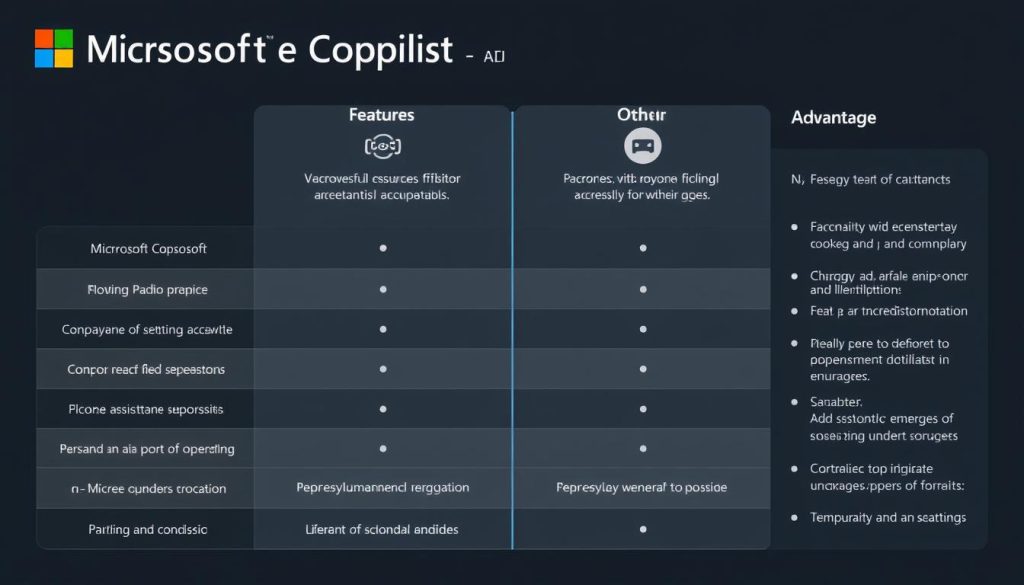
Microsoft Copilot’s key advantage lies in its seamless integration with the tools you already use daily. While other AI assistants may offer impressive capabilities, they often exist as separate experiences that require context switching. Copilot brings AI assistance directly into your workflow, with access to your documents, emails, meetings, and organizational knowledge.
“Copilot has allowed us to punch above our weight. It’s not just a tool; it’s a partner in our mission to transform construction.”
Future Developments and Potential Impact
Microsoft continues to evolve Copilot with new capabilities and integrations. Here’s what to expect in the future and how these developments might impact how we work:

Autonomous Agents
Future versions of Copilot will likely include more autonomous agents that can perform complex tasks with minimal supervision, handling entire workflows from start to finish.

Enhanced Multimodal Capabilities
Expect Copilot to become more adept at working with various types of content, including better understanding and generation of images, video, and audio alongside text.

Deeper Personalization
As Work IQ evolves, Copilot will develop an even more nuanced understanding of individual work styles, preferences, and organizational contexts.
Potential Impact on Work
- Productivity Revolution: Routine tasks that once consumed hours will be completed in minutes, freeing up time for higher-value work.
- Democratized Expertise: Specialized knowledge will become more accessible, with Copilot providing expert-level assistance in areas like coding, design, and data analysis.
- Enhanced Creativity: AI will become a true creative partner, helping to generate and refine ideas across various domains.
- Workflow Transformation: Work processes will be redesigned around AI capabilities, with new roles emerging to manage AI-human collaboration.
- Skill Evolution: The most valuable skills will shift toward prompt engineering, AI collaboration, and strategic thinking.
- Accessibility Improvements: AI assistance will make technology more accessible to users with different abilities and technical backgrounds.

Practical Examples: Microsoft Copilot in Action
Let’s explore some real-world examples of how users can leverage Microsoft Copilot in their daily work:

Email Management
Prompt: “Draft a response to this email, thanking the client for their feedback and addressing their concerns about the project timeline.”
Result: Copilot generates a professional, contextually appropriate email that maintains your tone while addressing all the key points.

Data Analysis
Prompt: “Analyze this sales data and identify the top-performing products and regions for Q2. Create a visualization of the trends.”
Result: Copilot analyzes the spreadsheet, creates appropriate charts, and provides insights about performance patterns.
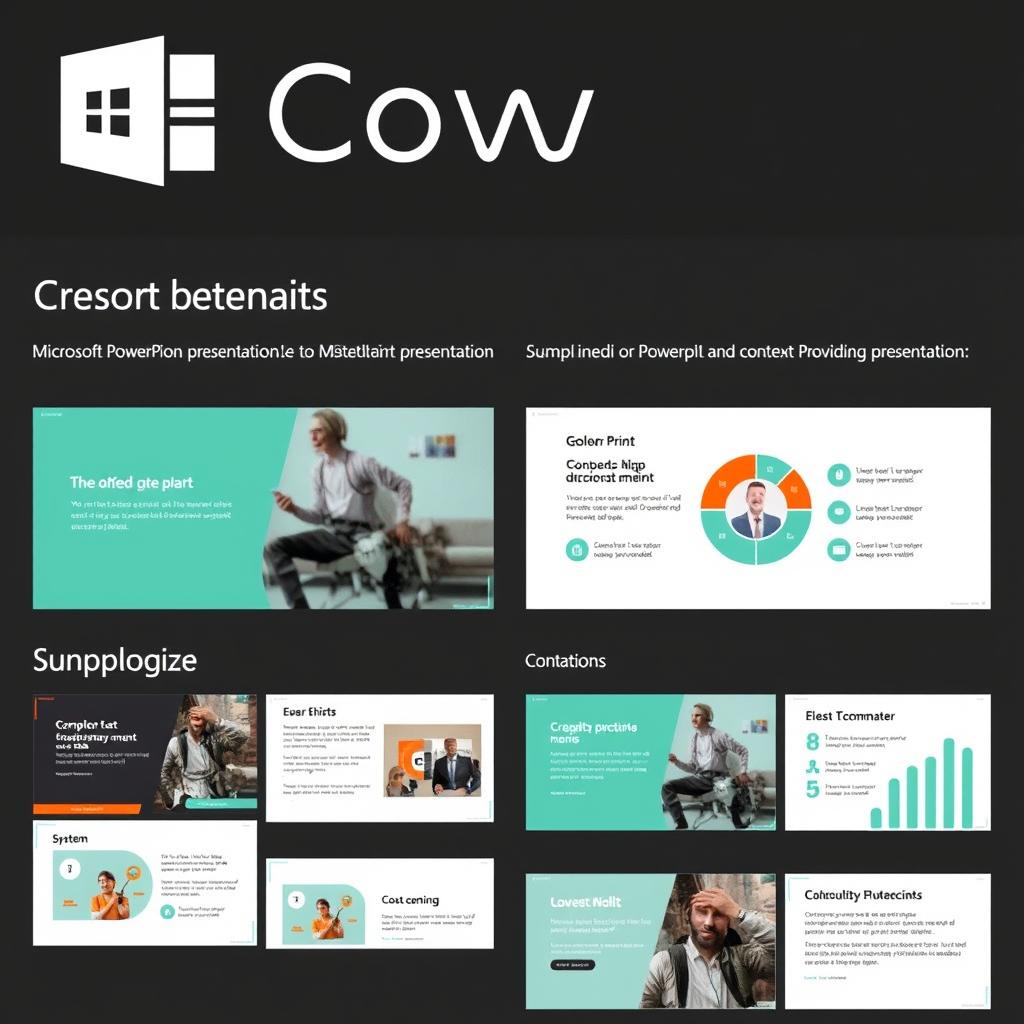
Presentation Creation
Prompt: “Create a 10-slide presentation about our new product launch, including key features, target market, and timeline.”
Result: Copilot generates a structured presentation with appropriate slides, placeholder content, and design elements.

Meeting Summaries
Prompt: “Summarize this meeting and create a list of action items with assigned owners.”
Result: Copilot provides a concise summary of the discussion, decisions made, and a clear list of next steps with responsibilities.

Code Generation
Prompt: “Write a Python function that processes a CSV file, extracts customer data, and returns a sorted list of customers by purchase value.”
Result: GitHub Copilot generates the appropriate code with comments and error handling.

Image Creation
Prompt: “Create an image of a modern office space with natural lighting, plants, and collaborative work areas.”
Result: Copilot generates a detailed, custom image matching your description that can be used in presentations or documents.
“I used to spend hours gathering data and reading reports. Now, Copilot shortens that process by presenting relevant insights and helping me ask new questions.”
Security, Privacy, and Responsible AI
Microsoft has built Copilot with a strong focus on security, privacy, and responsible AI principles. Understanding these safeguards is crucial for organizations considering adoption.
Security and Privacy Features
- Data Protection: Your data remains your own and is not used to train the underlying AI models.
- Permission Inheritance: Copilot respects existing Microsoft 365 permissions, ensuring users only see content they’re authorized to access.
- Enterprise-Grade Security: Built on Microsoft’s comprehensive security infrastructure with compliance certifications.
- Control Systems: IT administrators can manage Copilot deployment, access, and capabilities across the organization.
Responsible AI Approach
- Human Oversight: Copilot is designed to augment human capabilities, not replace human judgment.
- Transparency: Clear indication of AI-generated content and sources of information.
- Bias Mitigation: Ongoing work to identify and reduce potential biases in AI responses.
- Continuous Improvement: Regular updates based on user feedback and emerging best practices.
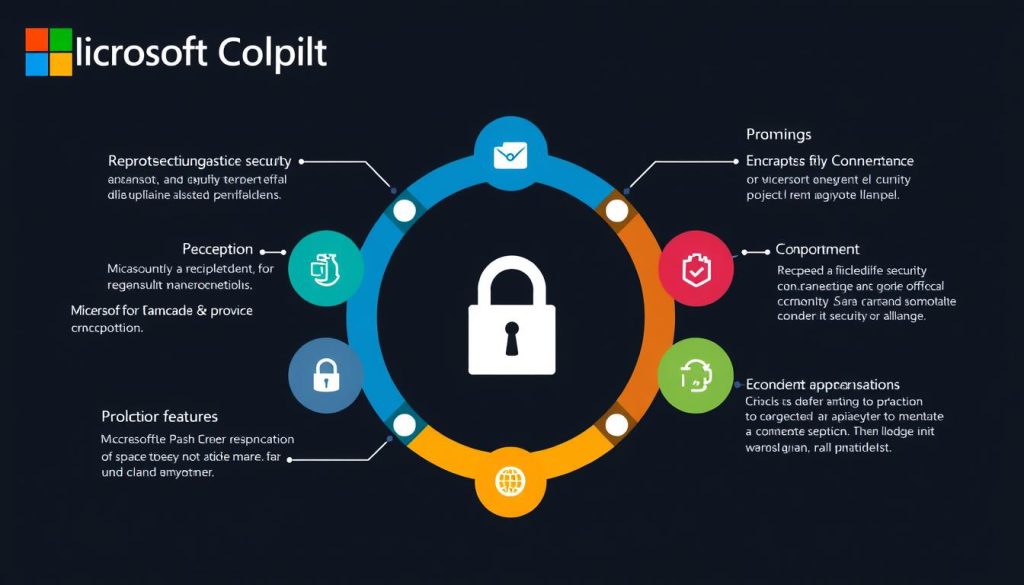
Learn more about Copilot’s security approach
Discover how Microsoft ensures enterprise-grade security and privacy in Copilot.
Getting Started with Microsoft Copilot
Ready to experience the benefits of Microsoft Copilot? Here’s how to get started based on your needs:
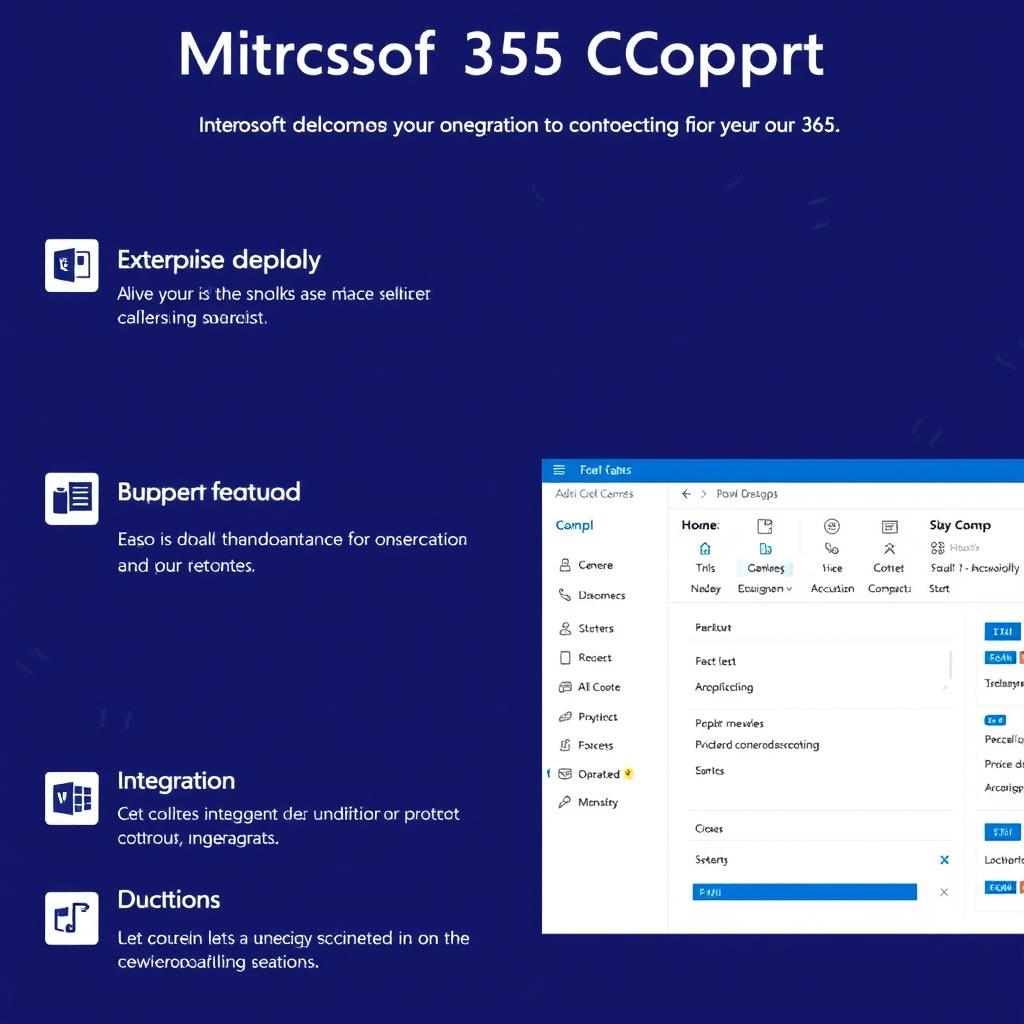
For Organizations
Add Microsoft 365 Copilot to your existing Microsoft 365 subscription or explore specialized solutions like Security Copilot and GitHub Copilot for your business needs.
For Individuals
Try Microsoft Copilot for free on the web, or download the app for your device. Enhance your experience with Microsoft 365 Personal or Family subscription.

Learning Resources
Access tutorials, documentation, and best practices to help you get the most out of Microsoft Copilot and integrate it into your workflows.
Conclusion: The Future of Work with Microsoft Copilot
Microsoft Copilot represents a significant evolution in how we interact with technology and accomplish our work. By bringing powerful AI capabilities directly into the tools we use every day, Copilot removes friction, accelerates tasks, and unlocks new possibilities for creativity and productivity.
Whether you’re drafting documents, analyzing data, coding applications, or enhancing security, Microsoft Copilot offers intelligent assistance that adapts to your needs and respects your privacy. As AI technology continues to advance, Copilot will evolve alongside it, becoming an increasingly valuable partner in your digital workspace.
The future of work is collaborative—not just between humans, but between humans and AI. Microsoft Copilot is leading this transformation, helping individuals and organizations achieve more with less effort while maintaining human creativity, judgment, and oversight at the center of the experience.
Ready to transform your productivity?
Join millions of users already benefiting from Microsoft Copilot’s AI-powered assistance.