Finding a quality laptop on a tight budget can feel like searching for a needle in a haystack. The good news? You don’t need to spend a fortune to get a reliable machine that handles everyday tasks with ease. We’ve researched and tested dozens of models to bring you the best laptops under $500 that offer the perfect balance of performance, features, and affordability. Whether you’re a student, remote worker, or casual user, our comprehensive guide will help you find a budget-friendly laptop that doesn’t compromise on the essentials.
Table of Contents:
What to Expect from Laptops Under $500
Before diving into our top picks, it’s important to understand what you can realistically expect in this price range. Budget laptops have come a long way in recent years, but you’ll still encounter certain limitations and trade-offs.
Common Features in This Price Range
- Intel Core i3/i5 or AMD Ryzen 3/5 processors
- 4GB to 8GB of RAM
- 128GB to 512GB storage (SSD preferred)
- HD or Full HD displays (1366×768 or 1920×1080)
- Windows 11 or Chrome OS
- Basic integrated graphics
- Average battery life of 6-10 hours
- Plastic construction with occasional metal elements
Common Limitations
- Less powerful for multitasking or demanding applications
- Lower build quality compared to premium models
- Average display quality (brightness, color accuracy)
- Heavier and bulkier designs
- Limited gaming capabilities
- Fewer ports and connectivity options
- Basic webcam and speaker quality
- May come with bloatware (pre-installed software)
Quick Comparison: Best Laptops Under $500
| Model | Processor | RAM | Storage | Display | Battery Life | Weight | OS | Price |
| Acer Aspire 3 | AMD Ryzen 5 7520U | 8GB | 512GB SSD | 14″ 1080p | 11.5 hours | 3.1 lbs | Windows 11 | $430 |
| Lenovo IdeaPad Slim 3 | AMD Ryzen 3 7320U | 8GB | 512GB SSD | 15.6″ 1080p | 11 hours | 3.6 lbs | Windows 11 | $410 |
| Lenovo Flex 5i Chromebook Plus | Intel Core i3-1315U | 8GB | 128GB eMMC | 14″ 1920×1200 Touch | 9.5 hours | 3.6 lbs | Chrome OS | $479 |
| Acer Aspire 3 (Touch) | AMD Ryzen 5 7520U | 16GB | 1TB SSD | 15.6″ 1080p Touch | 8 hours | 3.9 lbs | Windows 11 | $400 |
| Asus Chromebook Flip CM3 | MediaTek Kompanio 820 | 4GB | 64GB eMMC | 12″ 1366×912 Touch | 6.5 hours | 2.5 lbs | Chrome OS | $269 |
| Acer Chromebook Plus 515 | Intel Core i3-1215U | 8GB | 128GB UFS | 15.6″ 1080p | 10.8 hours | 3.7 lbs | Chrome OS | $397 |
| HP Chromebook 14 | Intel Celeron N4500 | 4GB | 64GB eMMC | 14″ HD Touch | 13.5 hours | 3.2 lbs | Chrome OS | $299 |
| Acer Aspire Go 15 | AMD Ryzen 3 7320U | 8GB | 128GB SSD | 15.6″ 1080p | 8.5 hours | 3.8 lbs | Windows 11 | $300 |
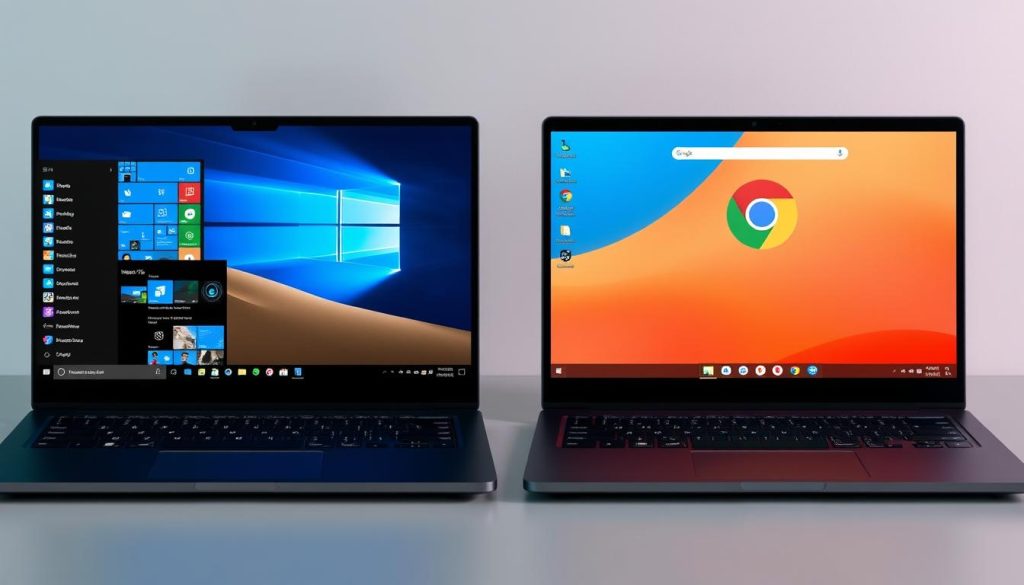
Windows Laptops vs. Chromebooks Under $500
- Full desktop operating system with extensive software compatibility
- Better for specialized software (Adobe, gaming, etc.)
- Works well offline
- More storage options (typically 128GB-512GB)
- Often comes with bloatware
- Generally slower performance on budget hardware
- More prone to slowdowns over time
Windows Laptops
- Lightweight, web-focused operating system
- Faster performance on budget hardware
- Longer battery life
- Automatic updates and security features
- Limited offline functionality
- Relies on web and Android apps
- Usually less storage (64GB-128GB)
Chromebooks
For most basic tasks like web browsing, document editing, and media consumption, Chromebooks often provide a smoother experience at the sub-$500 price point. However, if you need specific Windows software or prefer to work offline, a Windows laptop is worth the potential performance trade-offs.
Our Top Picks: Best Laptops Under $500
Acer Aspire 3 (A314-23P-R3QA)

The Acer Aspire 3 stands out as our top Windows pick under $500, offering an impressive balance of performance, portability, and battery life. Powered by an AMD Ryzen 5 7520U processor and 8GB of RAM, it handles everyday tasks with ease and can even manage light multitasking without slowdowns.
Pros
- Excellent performance for the price
- Impressive 11.5-hour battery life
- Compact and lightweight (3.1 lbs)
- Crisp 1080p display
- Backlit keyboard
- Wi-Fi 6 connectivity
Cons
- Display colors look somewhat washed out
- No touch screen
- Comes with bloatware
- Average webcam quality
- Can’t be opened with one hand
With its generous 512GB SSD, you’ll have plenty of storage for documents, photos, and applications. The 14-inch 1920×1080 display provides sharp visuals for work and entertainment, though colors aren’t the most vibrant. Battery life is a standout feature, lasting over 11 hours in our tests—enough for a full day of work or classes without needing a charger.
This laptop is ideal for students, remote workers, and anyone who needs a reliable Windows machine for everyday computing without breaking the bank. Its combination of modern components, long battery life, and reasonable price make it our top recommendation for most users.
Lenovo IdeaPad Slim 3 15AMN8

If you prefer a larger screen for productivity or entertainment, the Lenovo IdeaPad Slim 3 15AMN8 delivers with its 15.6-inch Full HD display. Despite the larger screen size, this laptop still manages to offer impressive battery life and solid performance at a budget-friendly price.
Pros
- Spacious 15.6-inch 1080p display
- Strong 11-hour battery life
- Reliable fingerprint reader
- Backlit keyboard
- Webcam privacy shutter
- 512GB SSD storage
Cons
- Heavier at 3.6 pounds
- Display has a greenish tint
- No touch capability
- Mediocre webcam quality
- Comes with bloatware
Powered by an AMD Ryzen 3 7320U processor and 8GB of RAM, this laptop handles everyday computing tasks smoothly. The 512GB SSD provides ample storage and fast boot times. The backlit keyboard feels responsive, and the large trackpad is accurate and reliable.
The IdeaPad Slim 3 is perfect for users who need a larger screen for productivity, media consumption, or multitasking. Its combination of screen real estate, decent performance, and long battery life make it an excellent value for budget-conscious buyers who don’t want to sacrifice screen size.
Lenovo Flex 5i Chromebook Plus

The Lenovo Flex 5i Chromebook Plus offers exceptional value with its versatile 2-in-1 design and impressive performance. This convertible Chromebook features a responsive 14-inch 1920×1200 touchscreen that supports both finger and pen input, making it perfect for note-taking, drawing, or casual browsing in tablet mode.
Pros
- Versatile 2-in-1 design
- Crisp, responsive touchscreen
- Above-average performance
- Backlit keyboard
- Good port selection
- Supports Android apps
Cons
- Heavy for a 14-inch laptop (3.6 lbs)
- Average battery life (9.5 hours)
- Stylus pen not included
- Limited offline functionality
- Plastic construction feels budget
Powered by an Intel Core i3-1315U processor and 8GB of RAM, this Chromebook Plus model delivers snappy performance for web browsing, document editing, and media streaming. Chrome OS runs smoothly, and the added ability to use Android apps expands its functionality considerably.
The Flex 5i is ideal for students, casual users, and anyone who values versatility in their computing experience. Its combination of touch capabilities, solid performance, and the lightweight Chrome OS make it our top Chromebook recommendation under $500.
More Great Laptops Under $500
Acer Aspire 3 15.6″ (A315-24PT-R288)

Price: $400
This Acer model stands out with its touchscreen capability and impressive specs, including 16GB RAM and a massive 1TB SSD. While it’s heavier at 3.9 pounds and has shorter battery life (8 hours), the extra memory and storage make it perfect for users who need more space for files and better multitasking performance.
Asus Chromebook Flip CM3
Price: $269
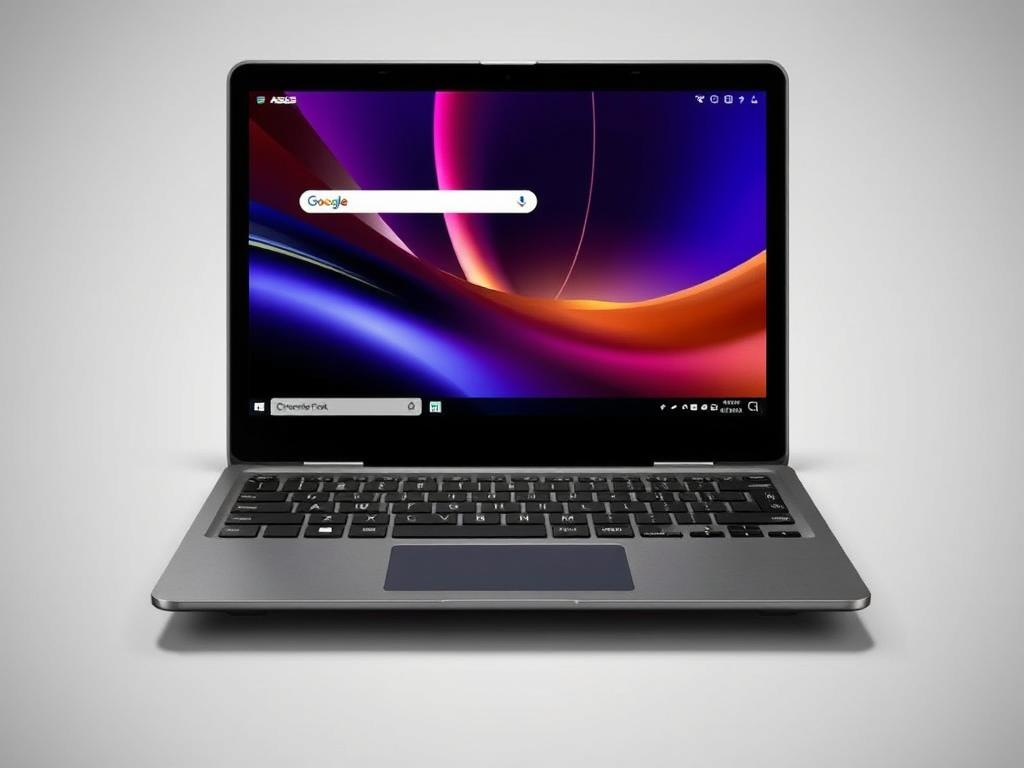
Weighing just 2.5 pounds, the Asus Chromebook Flip CM3 is the most portable option on our list. This 2-in-1 convertible features a 12-inch touchscreen and includes a stylus, making it perfect for note-taking on the go. Battery life is modest at 6.5 hours, but the ultra-portable design and affordable price make it an excellent choice for travelers and students.
Acer Chromebook Plus 515

Price: $397
The Acer Chromebook Plus 515 combines a large 15.6-inch Full HD display with the lightweight Chrome OS for an excellent large-screen experience. With an Intel Core i3 processor, 8GB RAM, and 10.8-hour battery life, it’s perfect for productivity and entertainment. The 1080p webcam is a standout feature for video calls, though the keyboard lacks backlighting.
HP Chromebook 14
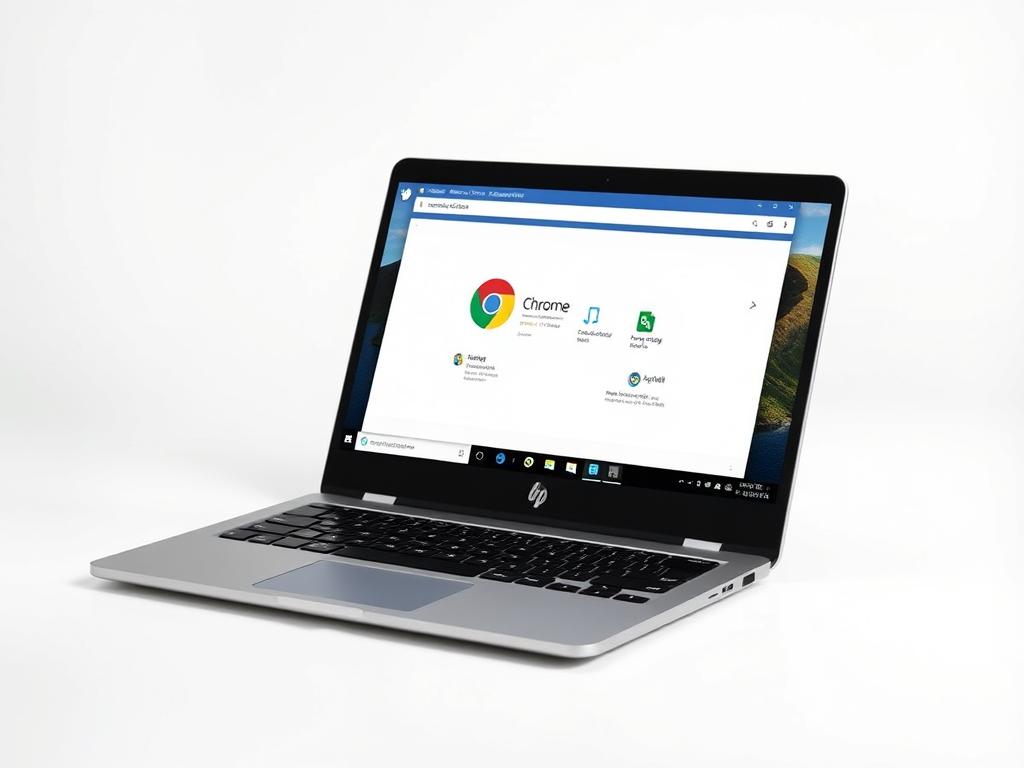
Price: $299
With an impressive 13.5-hour battery life, the HP Chromebook 14 is perfect for users who need all-day computing without access to power outlets. The 14-inch HD touchscreen adds versatility, though it’s not Full HD resolution. Performance is adequate for basic tasks with its Intel Celeron processor and 4GB RAM, making it best suited for web browsing and light productivity.
Acer Aspire Go 15
Price: $300
At just $300, the Acer Aspire Go 15 offers exceptional value with its AMD Ryzen 3 processor, 8GB RAM, and 128GB SSD. The 15.6-inch Full HD display provides good color accuracy for the price range, and USB-C charging adds convenience. Battery life is decent at 8.5 hours, though the laptop is on the heavier side at 3.8 pounds.
Lenovo Chromebook Duet
Price: $369
The Lenovo Chromebook Duet offers a unique 2-in-1 experience with its detachable keyboard design. This compact device functions as both a tablet and laptop, making it perfect for younger users and casual computing. The 11-inch touchscreen is sharp, and the included stylus adds versatility for drawing and note-taking. Battery life is modest at 6 hours.
Essential Buying Tips for Budget Laptops
Minimum Specifications to Prioritize
For Windows Laptops:
- Processor: Intel Core i3/i5 (12th gen or newer) or AMD Ryzen 3/5 (7000-series)
- RAM: 8GB minimum (4GB is insufficient for Windows 11)
- Storage: 128GB SSD minimum (avoid HDDs)
- Display: 1920×1080 (Full HD) resolution
- Battery: At least 7 hours of rated battery life
- Connectivity: Wi-Fi 6, USB-C, HDMI
For Chromebooks:
- Processor: Intel Core i3 or AMD Ryzen 3 (MediaTek is acceptable)
- RAM: 4GB minimum, 8GB recommended
- Storage: 64GB minimum (eMMC is common and acceptable)
- Display: 1366×768 minimum, 1920×1080 preferred
- Battery: At least 8 hours of rated battery life
- Support: Check the Auto Update Expiration date
Common Trade-offs in Budget Laptops
When shopping for laptops under $500, you’ll need to prioritize which features matter most to you. Here are the most common trade-offs:
- Performance vs. Battery Life: More powerful processors typically drain batteries faster
- Screen Quality vs. Price: Better displays (brighter, more accurate colors) cost more
- Weight vs. Screen Size: Larger screens usually mean heavier laptops
- Storage Space vs. Speed: More storage often means slower drives in this price range
- Build Quality vs. Specs: Better components often mean cheaper construction materials
Recommended Use Cases
| User Type | Recommended Laptop Type | Key Features to Prioritize |
| Students | Chromebook or lightweight Windows | Battery life, portability, durability |
| Remote Workers | Windows laptop with good connectivity | Webcam quality, keyboard comfort, screen size |
| Casual Users | Chromebook | Simplicity, battery life, reliability |
| Content Consumers | Laptop with larger screen | Display quality, audio, battery life |
| Light Gaming | Windows with Ryzen processor | RAM (8GB+), processor speed, display |
| Young Children | Durable Chromebook | Durability, simplicity, parental controls |
Pro Tip: When to Buy
The best deals on budget laptops typically appear during back-to-school sales (July-September), Black Friday/Cyber Monday, and end-of-year clearance events. Setting price alerts on major retailers can help you catch temporary price drops that bring better-spec laptops under the $500 threshold.
Frequently Asked Questions
Can you get a good laptop under 0?
Yes, you can definitely get a good laptop under 0, especially if your needs are basic to moderate. Modern budget laptops can handle everyday tasks like web browsing, document editing, video streaming, and video calls with ease. The key is to have realistic expectations and prioritize the features that matter most to you.
For the best experience, look for laptops with at least 8GB of RAM and SSD storage. Chromebooks often provide better performance at this price point compared to Windows laptops with similar specifications.
Is a Chromebook better than a Windows laptop in this price range?
For most basic users, a Chromebook will provide a smoother, more responsive experience than a Windows laptop in the sub-0 price range. Chrome OS is designed to run efficiently on lower-end hardware, while Windows 11 can feel sluggish without adequate RAM and processing power.
Choose a Chromebook if:
- You primarily use web-based applications
- You value simplicity and security
- You want longer battery life
- You don’t need specialized Windows software
Choose a Windows laptop if:
- You need specific Windows-only software
- You prefer to work offline
- You want more local storage
- You need compatibility with specific peripherals
How long will a laptop under 0 last?
With proper care, a budget laptop can last 3-5 years for basic tasks. Chromebooks typically maintain their performance longer than Windows laptops in this price range, as they’re less prone to slowdowns over time. The hardware lifespan depends on build quality and usage patterns, while software support varies by manufacturer.
For Chromebooks, check the Auto Update Expiration (AUE) date, which tells you how long the device will receive Chrome OS updates. For Windows laptops, models with better specifications (8GB RAM, SSD storage) will generally remain usable longer as software requirements increase over time.
Can budget laptops handle video editing or gaming?
Most laptops under 0 are not suitable for serious video editing or modern gaming. They lack the dedicated graphics cards, powerful processors, and cooling systems needed for these demanding tasks.
For very basic video editing, a Windows laptop with 8GB RAM and an AMD Ryzen processor might handle simple projects in lightweight editors. For gaming, you’ll be limited to older titles, indie games with low requirements, or cloud gaming services like GeForce Now or Xbox Cloud Gaming.
If video editing or gaming is important to you, consider saving up for a laptop in the 0-00 range, which will provide a much better experience for these tasks.
What’s the difference between eMMC, SSD, and HDD storage?
Storage type significantly impacts laptop performance:
- HDD (Hard Disk Drive): Mechanical storage that’s slow but offers more capacity for the price. Avoid these in budget laptops if possible, as they create significant performance bottlenecks.
- eMMC (embedded MultiMediaCard): Flash storage commonly found in budget laptops and Chromebooks. Faster than HDDs but slower than SSDs. Acceptable for Chromebooks but limiting for Windows.
- SSD (Solid State Drive): The fastest storage option with no moving parts. Dramatically improves boot times and overall responsiveness. Prioritize laptops with SSDs for Windows systems.
- UFS (Universal Flash Storage): A newer type of flash storage that’s faster than eMMC but not quite as fast as an SSD. Common in newer budget laptops.
For Windows laptops, an SSD is almost essential for a good experience, while Chromebooks can perform well with eMMC storage since they rely more on cloud storage and have a lighter operating system.
Final Thoughts: Finding the Right Budget Laptop
The market for laptops under $500 has improved dramatically in recent years, offering viable options for students, remote workers, and casual users. By understanding the trade-offs and prioritizing the features that matter most for your specific needs, you can find a budget laptop that delivers reliable performance without breaking the bank.
Our top picks—the Acer Aspire 3 for Windows users and the Lenovo Flex 5i for Chromebook fans—represent the best balance of performance, features, and value in this price range. Remember that sales and discounts can bring better-equipped models into this price bracket, so timing your purchase around major shopping events can help you get even more for your money.
Whether you choose Windows or Chrome OS, focus on getting adequate RAM, SSD storage when possible, and a decent display—these factors will have the biggest impact on your day-to-day experience with a budget laptop. With the right expectations and priorities, a sub-$500 laptop can serve you well for years to come.