
Table of Contents:
Tradesyncer Review: The Cloud-Based Trade Copier (Plus Risk Tools + Journaling)
If you trade multiple accounts—especially funded futures accounts—there’s a point where manual execution becomes the bottleneck. That’s the problem Tradesyncer is built to solve.
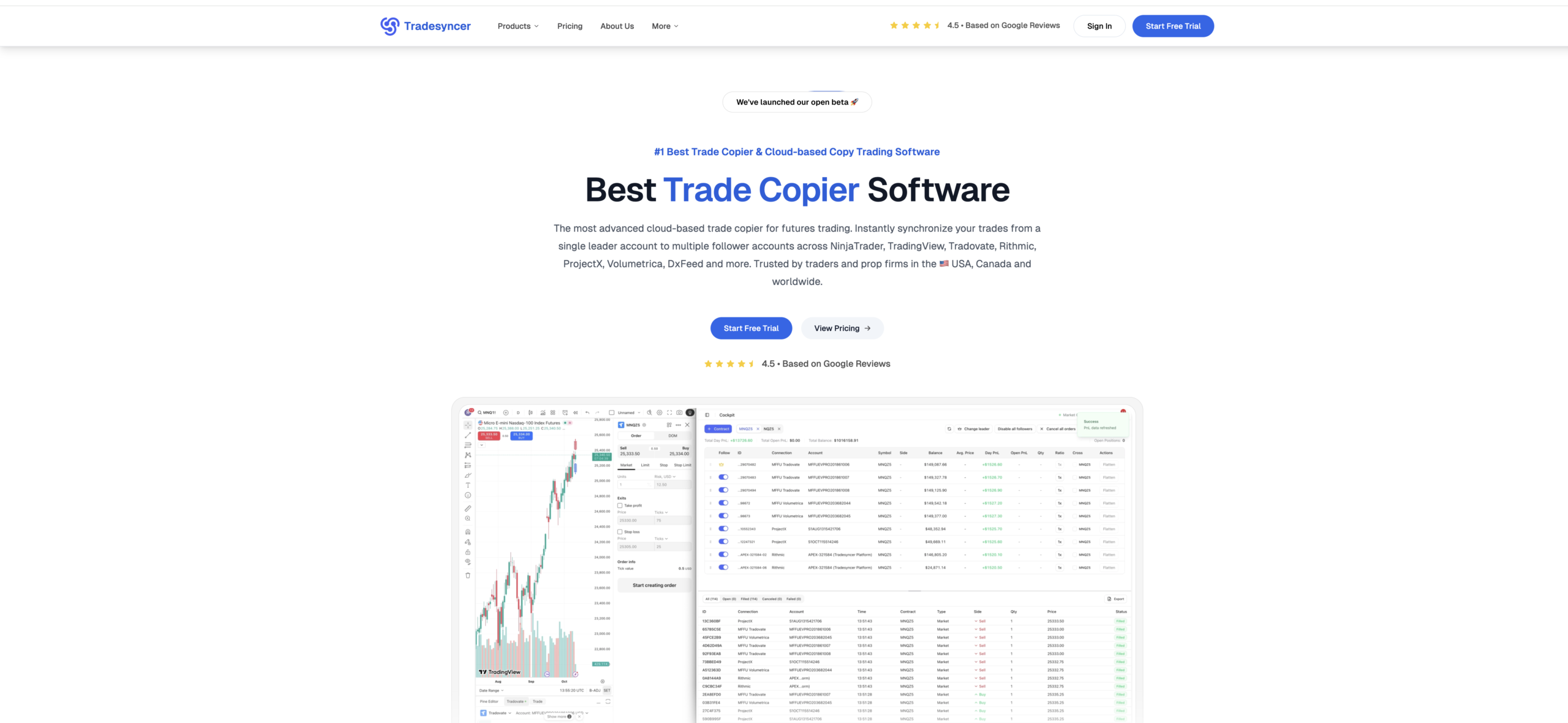
Tradesyncer is a cloud-based trade copier platform designed to synchronize trades from one leader account to multiple follower accounts across popular futures platforms and broker/data connections like NinjaTrader, Tradovate, TradingView, Rithmic, Volumetrica, dxFeed, and ProjectX.
But Tradesyncer isn’t only about copying orders. The product positioning is “all-in-one”:
- A trade copier (the core)
- Built-in risk management (notably lockout controls + upcoming daily limits)
- A built-in trading journal with performance analytics and trade import workflows
In this guide, I’ll walk through what Tradesyncer is, how it works, every major feature/service it offers, pricing, who it’s best for, and what to watch out for.
What is Tradesyncer?
Tradesyncer describes itself as a cloud-based trade copier for futures trading that lets you instantly synchronize trades from a single leader account to multiple follower accounts across major platforms and broker/data connections.
The key idea is simple:
- You place trades on your leader (master) account.
- Tradesyncer copies those trades to your followers (one or many).
- You can manage the system from a central dashboard (often called the “Cockpit” inside their help docs).
Because it’s cloud-based, Tradesyncer emphasizes that it runs continuously and can keep syncing even when your PC is off.
The Problem Tradesyncer Solves (Why Traders Use a Trade Copier)
Trade copiers are common wherever traders need consistency across multiple accounts. Typical real-world use cases include:
- Prop firm scaling: You have several funded accounts and want identical entries/exits without placing orders multiple times.
- Separating strategies: You might want a “scalping group” and a “swing group,” each with different follower accounts and risk profiles.
- Reducing mistakes: Manual multi-account trading invites fat-finger errors (wrong quantity, wrong account, wrong stop, missed exit).
- Mobile monitoring: You may trade on one platform but want centralized monitoring and analytics across everything.
Tradesyncer’s help center explicitly supports organizing setups using Groups—each group has one leader and one or more followers, and you can run multiple groups for different strategies or risk levels.
Supported Platforms, Brokers, and Datafeed Connections
The most important question before you consider any copier:
Will it connect to my accounts?
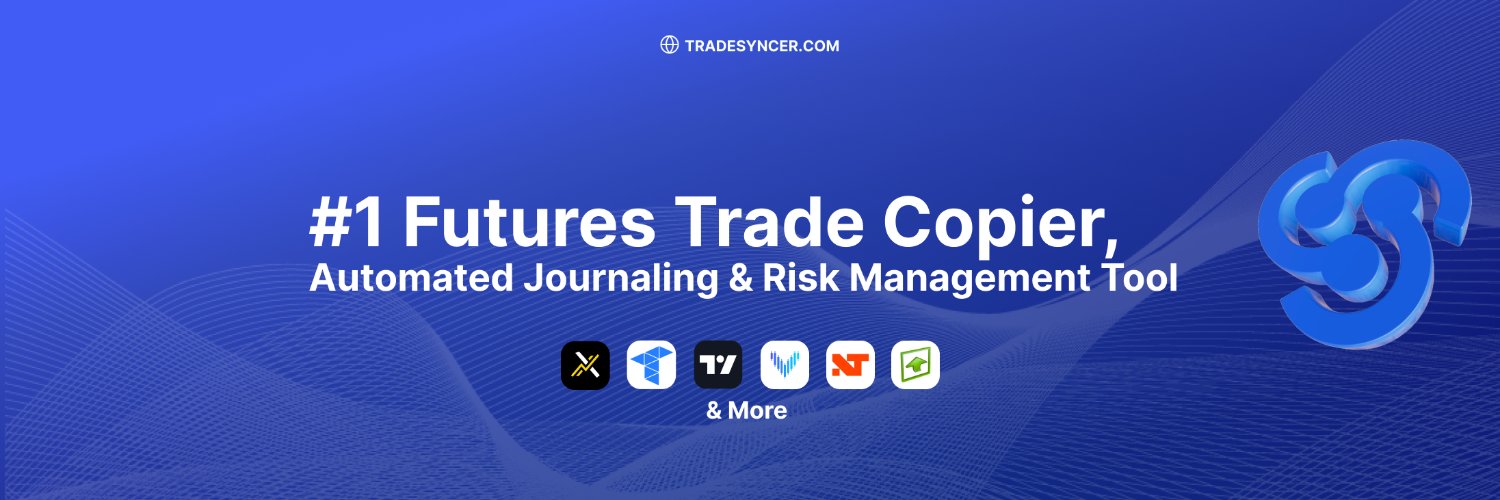
According to Tradesyncer’s own help center, Tradesyncer supports integration with:
- Rithmic
- NinjaTrader
- Tradovate
- TradingView
- Volumetrica
- dxFeed
Tradesyncer’s website also highlights synchronization across NinjaTrader, TradingView, Tradovate, Rithmic, ProjectX, Volumetrica, and DxFeed.
Connection management (how Tradesyncer links accounts)
Tradesyncer has a “Connections” area in its help center that covers linking specific integrations (examples include adding Rithmic, dxFeed, ProjectX, and Tradovate connections).
A few highlights worth noting:
- Tradovate uses OAuth, and Tradesyncer states it does not store your credentials during the redirect flow.
- Rithmic connection setup includes choosing a broker/system, and mentions selecting dedicated systems for certain firms (even sim accounts) depending on the prop firm.
- ProjectX connection steps include generating an API key and adding it inside Tradesyncer, and they note you should deactivate ProjectX’s internal trade copier when adding accounts to Tradesyncer.
Tradesyncer’s Core Services and Features (Everything It Offers)
Tradesyncer’s site positions it as “everything you need in a trade copier platform”—the big pillars are:
- Trade copying (leader → followers)
- Risk management
- Automated journaling + analytics
- Cloud-based execution + cross-device access
Let’s break down each area.
1) Cloud-Based Trade Copier (The Main Product)
What “cloud-based” changes
Most traditional trade copiers require:
- installing software locally,
- keeping a computer/VPS running,
- maintaining updates, and
- dealing with platform-specific limitations.
Tradesyncer emphasizes “no complex local installations” and pushes the idea that you connect accounts and copy trades from the cloud.
They also market high-performance—copying trades in real time with “lightning-fast speeds under 100ms” and running 24/7.
Trade copy groups (run multiple strategies)
Tradesyncer’s Groups feature is one of the most practical workflow tools if you’re managing many accounts.
From the help center:
- Each group contains one leader and one or more followers.
- Followers copy trades only from their group’s leader.
- You can create multiple groups for different strategies (scalping vs swing), risk profiles, and to separate personal vs funded accounts.
This matters because many traders don’t just “copy everything everywhere.” They want structured control.
Copy ratio function (size followers differently)
Tradesyncer allows per-account copy ratios, letting a follower copy trades at a different size than the leader.
Example from their help article:
- If a follower ratio is set to 2, it copies positions at double the leader’s size.
This is helpful if you have accounts of different sizes, or if you want “one small account” following the same strategy at a reduced size (e.g., ratio 0.5) while your main accounts follow at 1:1.
Follower Protection (keep followers in sync)
One common copier headache: followers get out of sync—partial closes, rejected orders, delays, etc.
Tradesyncer’s Follower Protection is designed specifically to reduce “leader flat, followers still in a trade” situations.
How it works (per their doc):
- When the leader reaches qty 0, Tradesyncer checks each follower to ensure they also reach qty 0.
- It supports leader closing actions (market, limit, stop) and triggers protection to flatten leftover follower exposure when mismatches occur.
For multi-account traders, this feature alone can be a big deal because one desynced follower can violate rules, cause unexpected drawdown, or simply ruin your analytics.
Bracket orders and execution modes
On the pricing page, Tradesyncer lists features like:
- Bracket orders
- Advanced copy trading execution modes
- Unlimited trade copying groups
(Those are headline features; the help center also includes content around bracket/OCO concepts and specific platform behavior, but the exact mechanics can vary depending on your connection type.)
Cross-platform access (any device)
Tradesyncer highlights “access on any device” and cross-platform access for monitoring.
That matters if you:
- execute on one platform,
- monitor from mobile, and
- want a centralized view rather than logging into multiple broker dashboards.
2) Built-In Risk Management (Protection Layer)
Tradesyncer’s website positions risk controls as built-in (no extra software needed).
The most concrete current risk feature: Lockouts
Their help center “Risk Management Features” article describes Lockout Options and what happens when lockouts trigger.
Lockout options include:
- Per Session lockouts (Asia, London, New York sessions)
- Quick presets (30 minutes, 1 hour, 3 hours)
- Custom lockout until a specific date/time
When an account is locked in Tradesyncer:
- open positions are immediately flattened and working orders canceled,
- no new positions/orders will be copied to the account until lock expires,
- cockpit settings (follow/unfollow, ratio, cross) are frozen and visually marked.
Important limitation (very relevant to be transparent about):
Tradesyncer notes locked accounts are only restricted within the Tradesyncer system, and you can still trade them directly through your broker/platform.
So the lockout is a Tradesyncer “guardrail,” not a broker-level lock.
Upcoming: Personal Daily Limits (loss & profit targets)
Tradesyncer’s help center also mentions upcoming “Personal Daily Limits,” including:
- Personal Daily Loss Limit (PDLL)
- Personal Daily Profit Target (PDPT)
…and actions when thresholds are hit (do nothing, liquidate, liquidate and lock).
On the public risk management page, Tradesyncer also markets automating lockouts based on time, daily loss limit, and daily profit target.
Why built-in risk tools matter (especially for funded accounts)
Prop firm rules often punish:
- exceeding max daily loss,
- trading outside allowed times,
- holding into restricted windows,
- and losing control during volatility.
A copier multiplies both wins and mistakes—so the best time to add controls is inside the system that replicates trades.
Tradesyncer’s framing is: set risk rules once, apply across all accounts automatically (within their platform).
3) Automated Trading Journal + Analytics
A trade copier can tell you “what happened.” A journal tells you “why it happened” and “what to change.”
Tradesyncer markets an automated built-in trading journal that captures trades in real time and provides performance metrics, win/loss breakdowns, and behavioral insight.
What the journal is designed to do
On their journal page, Tradesyncer emphasizes:
- real-time tracking (no spreadsheets),
- integration with platforms like NinjaTrader, Tradovate, and TradingView,
- performance insights across multiple accounts.
They describe a workflow of:
- Subscribe & set up
- Import trades automatically (or manually)
- Analyze & journal (sessions + weekly performance)
- Optimize strategies via comparisons and analytics
They also mention support for importing trades from connected brokers/manual import and cite real-time synchronization support for Tradovate, Rithmic, and ProjectX in that section.
Journaling psychology (more than numbers)
Tradesyncer explicitly promotes emotional/behavioral journaling—logging thoughts and feelings behind trades to identify behavioral patterns and reduce impulsive mistakes over time.
That’s a meaningful angle for affiliate content because many competing copiers are “execution only.”
4) Economic Calendar Access (Useful Bonus Feature)
Tradesyncer’s pricing page includes “Access to the economic calendar” as part of its plans.
For futures traders—especially day traders—economic releases can be the difference between smooth execution and chaos. If your process involves avoiding certain windows (CPI, FOMC, NFP), having calendar access inside the same ecosystem can be convenient.
5) Infrastructure, Security, and Compliance Positioning
Tradesyncer publicly states it uses robust security measures and highlights compliance/standards badges, such as:
- GDPR compliant
- CCPA compliant
- SSL encrypted
- NIS2 compliant
- ISO 27002 compliant
You should still do your own due diligence—especially if you’re connecting trading accounts—but it’s helpful that they’re explicitly positioning security and compliance as core trust elements.
Tradesyncer Pricing (Plans + What You Get)
Tradesyncer’s pricing page lists three subscription tiers, each with a 7-day trial.
Basic Plan — $49/month
Designed for solo or beginner futures traders. Includes:
- 2 connections
- 10 accounts per connection
- real-time trade synchronization
- access on any device
- unlimited trade copying groups
- bracket orders
- advanced copy trading execution modes
- risk management
- economic calendar access
- advanced reporting, journaling & analytics
Pro Plan — $99/month
For traders with multiple broker connections. Includes everything in Basic, plus:
- 4 connections
- 20 accounts per connection
- customizable alerts & notifications
- early access to new features and updates
Flex Plan — $149/month
For professionals needing multiple connections and expanded capacity:
- unlimited connections
- 120 accounts (with additional accounts available)
Annual discount
Tradesyncer notes “Save 20% annually” on the pricing page.
If you want to try Tradesyncer, use my link to start the 7-day trial: Try now.
How Tradesyncer Works (Step-by-Step Setup Overview)
Tradesyncer’s public pages summarize setup as fast and cloud-based (connect accounts, configure leader/followers, copy).
Here’s a clean, beginner-friendly walkthrough (based on their docs and common flow):
Step 1: Create your Tradesyncer account
Tradesyncer promotes “Start Free Trial” and emphasizes no local installation (cloud-based).
Step 2: Add your broker/platform connections
You’ll go to Connections and add integrations like Rithmic, Tradovate, dxFeed, or ProjectX, depending on your setup.
- Tradovate uses an OAuth redirect and states it doesn’t store your credentials.
- ProjectX may require generating an API key and connecting via that.
Step 3: Set up your trade copy Groups (strategy structure)
Tradesyncer’s Groups feature is how you organize leader/follower sets.
- One leader per group
- Followers copy only that leader
- Multiple groups = multiple strategies
Step 4: Configure follower sizing and sync protections
Two standout settings:
- Copy ratio (size of followers relative to the leader)
- Follower Protection (keep followers aligned; flatten leftovers when the leader is flat)
Step 5: Add risk controls (lockouts and more)
Tradesyncer’s risk management toolset includes lockouts (session, quick presets, and custom). When locked, Tradesyncer can flatten and stop copying to that account.
Step 6: Monitor + review performance in the journal
Tradesyncer positions its journal as automated and integrated, with analytics and strategy comparison workflows.
Tradovate API Limits: A Real-World Consideration (Important)
If you plan to copy one leader trade to many accounts on Tradovate, it’s worth understanding API rate limits—because trade copying can multiply requests.
Tradesyncer published a detailed help article explaining Tradovate API limits and common symptoms like orders not being placed, stuck positions, inability to cancel/modify, and “rate limit exceeded” logs.
They cite Tradovate’s cap as:
- 5,000 requests per hour
- 80 requests per minute
They also explain how one update across many accounts multiplies API calls (e.g., stop loss adjustments across 20 followers).
tradesyncer recommend enabling Market Execution Only Mode to reduce rate limiting and outline other mitigation steps, like minimizing modifications and avoiding frequent reconnects.
Who Tradesyncer Is Best For
Tradesyncer is likely a strong fit if you are:
Futures traders managing multiple accounts
The product is explicitly marketed as a futures trade copier with multi-platform connections and cloud execution.
Prop firm traders scaling funded accounts
Tradesyncer repeatedly references the prop firm and multi-account use in its messaging and help center.
Traders who want “copier + risk + journal” in one system
Instead of stitching together:
- one copier tool,
- a separate risk tool,
- and a separate journaling/analytics product,
Tradesyncer positions these as integrated modules.
Traders who don’t want to manage local installs/VPS complexity
Tradesyncer’s pitch is a cloud-based operation without local installation complexity.
Pros and Cons (Balanced Take)
Pros
- Cloud-based trade copying with “runs 24/7” positioning
- Broad compatibility across major futures ecosystems (Rithmic, NinjaTrader, Tradovate, TradingView, Volumetrica, dxFeed + more)
- Groups feature for clean multi-strategy setups
- Copy ratio controls per follower
- Follower Protection to reduce desync risk
- Built-in lockouts that can flatten and stop copying to selected accounts
- Built-in journal + analytics with automated import workflow framing
Cons / Things to Watch
- “Locked” accounts are restricted inside Tradesyncer, but you can still trade directly at the broker/platform level (so it’s not a broker-enforced lock).
- Platform/broker rate limits can affect any copier setup (Tradovate limits are explicitly discussed in Tradesyncer’s docs).
- The best setup depends heavily on your specific platform mix and trade style (high frequency + heavy modifications can stress APIs faster).
Tradesyncer Affiliate Program (What You Need to Know)
Since you’re planning to promote Tradesyncer, here are the key affiliate details from Tradesyncer’s help center and affiliate page:
- Tradesyncer advertises 10% recurring commission for referred subscribers.
- The affiliate program help article says you earn 10% recurring commission on subscription fees as long as referrals remain subscribed.
- Minimum payout is stated as $100, with payouts “processed instantly upon withdrawal” (per their help doc).
- Approved marketing methods include blogs, social posts, newsletters, YouTube, podcasts, etc., and they emphasize ethical marketing (no misleading claims).
- Their “How to become an affiliate” article says that after creating an account, you can access an affiliate dashboard, generate links, and track clicks/conversions/revenue.
Want to test Tradesyncer? Start the 7-day trial using my link: Try now.
Frequently Asked Questions (FAQ)
Is Tradesyncer a trade copier or a copy trading platform?
It’s a cloud-based trade copier platform designed to replicate trades from a leader account to multiple follower accounts across supported futures platforms and connections.
Which platforms and brokers does Tradesyncer support?
Tradesyncer’s help center lists support for Rithmic, NinjaTrader, Tradovate, TradingView, Volumetrica, and dxFeed, plus “many more.”
Can I run multiple strategies at the same time?
Yes—Tradesyncer’s Groups feature allows multiple copy-trading environments, each with its own leader and followers (useful for separating strategies and risk profiles).
Can I size followers differently from the leader?
Yes—Tradesyncer supports a copy ratio per follower account (e.g., ratio 2 copies double size).
How does Tradesyncer keep follower accounts synchronized?
Tradesyncer offers Follower Protection, which checks follower positions when the leader goes flat and closes leftover quantities when mismatches occur.
Does Tradesyncer include risk management tools?
Yes—Tradesyncer includes risk features like account lockouts (session-based, quick presets, custom). When locked, Tradesyncer can flatten positions and stop copying new trades to that account within its system.
Does Tradesyncer include a trading journal?
Yes—Tradesyncer markets a built-in automated trading journal with analytics, strategy comparisons, and trade import workflows.
Is there a free trial?
Tradesyncer’s pricing page promotes a 7-day trial for its plans.
Conclusion: Should You Use Tradesyncer?
If your trading involves multiple futures accounts—especially prop firm scaling—Tradesyncer is built specifically for your world: cloud-based copying, centralized management via groups, follower sync protection, and integrated risk/journaling modules.
The right way to decide is straightforward:
- Confirm your platforms are supported (Rithmic/NinjaTrader/Tradovate/TradingView/etc.).
- Start with a small, controlled setup (one group, limited followers).
- Test follower sizing (copy ratios) and sync protection behavior.
- Add guardrails (lockouts) and build the habit of journal review.
Start your 7-day trial here: Try now.



for my tv workflow i use pickmytrade instead of a copy trader it sends my webhooks directly to tradovate n rithmic w full prop firm support its exactly what i needed for signal driven automation