
Every day, billions of people access the internet without thinking about the complex system working behind the scenes. When you type a web address into your browser, a fascinating chain of events occurs in milliseconds. Understanding how the internet works gives you power over your digital presence.
The internet is a network of networks that connects computers across the world. This global system relies on four essential components working together seamlessly. Servers store and deliver information. Domains provide memorable addresses for websites. DNS translates human-readable names into computer-friendly numbers. Hosting services keep your web content accessible around the clock.
This guide breaks down each component into simple terms. You will learn what happens when you click a link. We will explore the journey of data packets as they travel across internet networks. By the end, you will understand the infrastructure that powers our connected world.
Quick Start Guide: New to internet infrastructure? Download our free Internet Basics Visual Diagram to follow along with this guide and see how all components connect.
Table of Contents:
What Are Servers and How Do They Work

Servers are powerful computers designed to store, process, and deliver information to other devices. Unlike your personal computer, servers run continuously and handle requests from multiple users simultaneously. When you visit a website, a server sends the requested data to your browser.
The term “server” describes both the physical hardware and the software that manages requests. These machines have robust processors, large memory capacity, and redundant power supplies. They ensure your favorite websites stay online even during high traffic periods.
Types of Web Servers
Different servers serve different purposes in the internet ecosystem. Understanding these types helps you make informed decisions about your web presence.
Web Servers
Web servers deliver website content to browsers using HTTP or HTTPS protocols. Popular examples include Apache, Nginx, and Microsoft IIS. These servers process requests and send HTML, CSS, and JavaScript files to visitors.
- Handle HTTP/HTTPS requests from browsers
- Serve static content like images and documents
- Process dynamic content through server-side scripts
- Manage multiple simultaneous connections efficiently
Database Servers
Database servers store and manage organized data collections. They work behind the scenes with web servers to deliver dynamic content. MySQL, PostgreSQL, and MongoDB are common database systems.
- Store user accounts and login credentials
- Manage product catalogs for online stores
- Organize content for blogs and news sites
- Enable fast data retrieval through queries
Application Servers
Application servers run business logic and complex computations. They sit between web servers and databases, processing user requests and generating dynamic responses. These servers handle tasks like payment processing and user authentication.
- Execute complex business logic operations
- Process transactions securely
- Generate personalized content for users
- Connect multiple services and databases
File Servers
File servers store and distribute files across networks. They enable file sharing, backup systems, and media streaming. These servers ensure data privacy while providing access control for different users.
- Store large media files and documents
- Enable collaborative file sharing
- Provide backup and recovery systems
- Stream video and audio content efficiently
How Servers Process Requests

Every interaction with a website follows a request-response pattern. Your browser sends a request to a server. The server processes this request and sends back the appropriate response. This exchange happens in fractions of a second.
When you type a web address, your browser first establishes a connection with the server. The server checks if you have permission to access the requested resource. It then retrieves the necessary files from storage or generates dynamic content. Finally, the server packages everything and transmits it back to your device.
Servers use protocols to ensure reliable communication. The most common protocol for web traffic is HTTP, which defines how messages are formatted and transmitted. The secure version, HTTPS, adds encryption to protect data during transmission. These protocols create a common language that all devices on the internet understand.
Server Response Components
A complete server response includes several parts that work together to deliver your requested content:
- Status code indicating success or error
- Headers containing metadata about the response
- Body with the actual content requested
- Cookies for session management

Domain Names and Internet Addresses
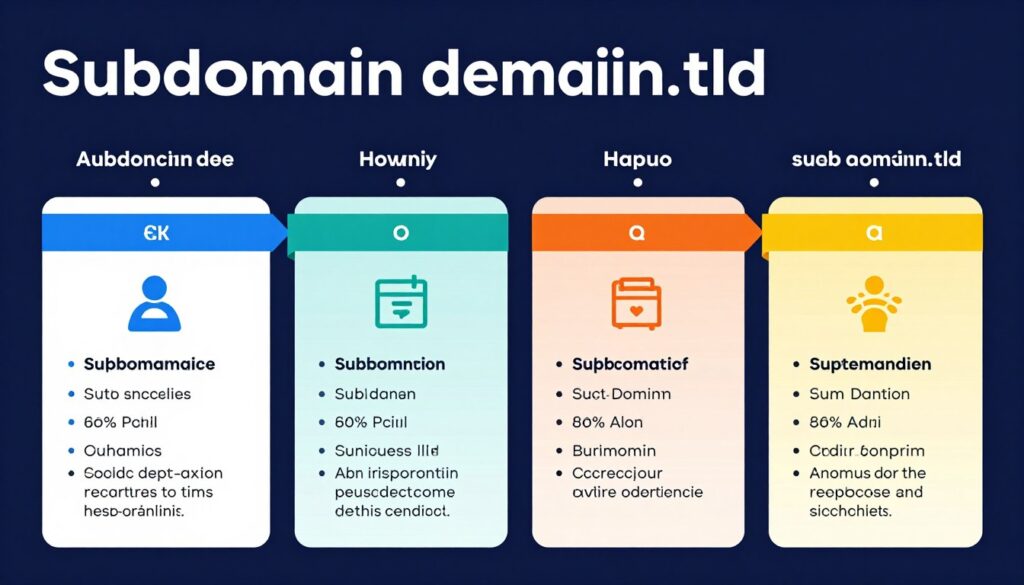
Domain names serve as memorable addresses for websites. Instead of typing complex number sequences, you can visit “example.com” to reach your destination. This system makes the internet accessible to everyone, regardless of technical expertise.
Every domain name connects to an Internet Protocol (IP) address. Computers use IP addresses to identify each other on networks. The domain name system creates a bridge between human-friendly names and machine-readable numbers.
Domain Name Structure
Domain names follow a hierarchical structure read from right to left. Each part serves a specific purpose in the global naming system. Understanding this structure helps you choose appropriate domains for your projects.
- .com for commercial websites
- .org for organizations
- .net for network services
- .edu for educational institutions
- .gov for government agencies
- Country codes like .uk, .de, .jp
Top-Level Domains (TLDs)
- Your chosen brand or business name
- Unique identifier within the TLD
- Can contain letters, numbers, hyphens
- Cannot start or end with hyphens
- Maximum length of 63 characters
- Case-insensitive registration
Second-Level Domains
- Optional prefix before main domain
- Create separate sections of website
- Common examples: blog, shop, support
- Can have multiple levels deep
- Managed through DNS settings
- No additional registration required
Subdomains
How Domain Registration Works
Registering a domain name gives you exclusive rights to use that address for a specified period. Domain registrars act as intermediaries between you and the organizations managing TLDs. The Internet Corporation for Assigned Names and Numbers (ICANN) oversees this system globally.
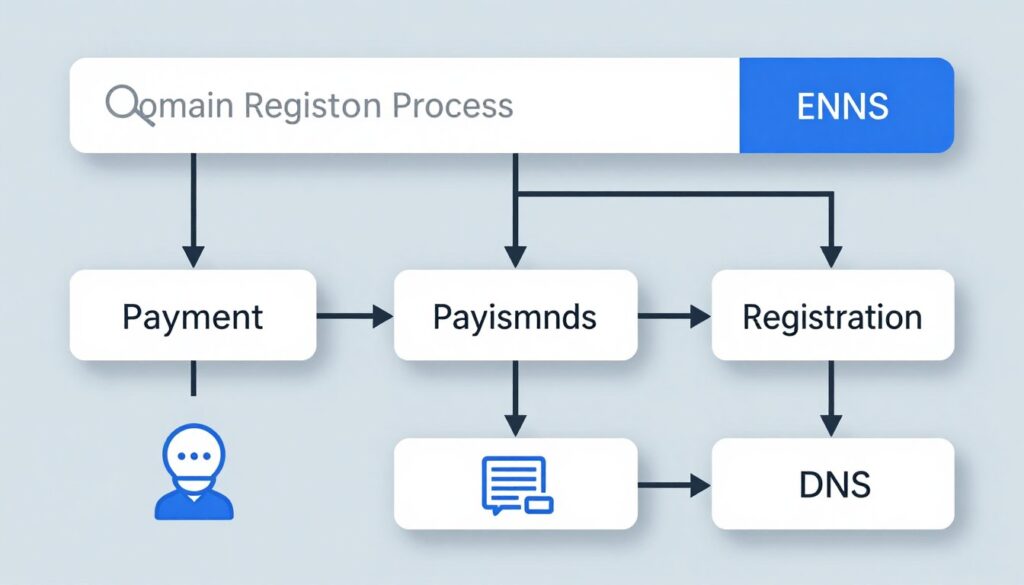
When you register a domain, you do not actually own it permanently. You lease the rights to use that domain name for one to ten years. Before the registration expires, you must renew it to maintain control. If you let a domain expire, it becomes available for others to register.
Domain registration requires accurate contact information. This information gets stored in the WHOIS database, which is publicly accessible. Many registrars offer privacy protection services that hide your personal details from public view.
Master DNS Configuration
Understanding domains is just the first step. Get our comprehensive DNS setup checklist and learn how to configure your domain for maximum performance and security.
Choosing the Right Domain Name
Your domain name affects your online identity and search visibility. A well-chosen domain name is memorable, relevant, and easy to spell. It should reflect your brand or the purpose of your website.
Best Practices
- Keep it short and memorable
- Avoid numbers and hyphens when possible
- Choose relevant keywords for your niche
- Consider future expansion plans
- Check trademark availability first
- Secure common misspellings if budget allows
Common Mistakes
- Making domains too long or complex
- Using obscure TLDs that confuse visitors
- Choosing names that sound like competitors
- Ignoring international pronunciation issues
- Forgetting to renew domain registrations
- Not securing multiple TLD variations
The Domain Name System (DNS) Explained

The Domain Name System functions as the internet’s phone book. DNS translates domain names into IP addresses that computers need to communicate. This translation happens automatically every time you access a website. Without DNS, you would need to memorize number sequences for every site you visit.
DNS operates as a distributed database spread across thousands of servers worldwide. This distribution ensures the system remains fast and resilient. If one DNS server fails, others continue functioning without interruption. The redundancy built into DNS architecture protects internet stability.
How DNS Lookups Work
DNS resolution follows a specific sequence of steps. Understanding this process reveals how information travels across the internet. Each step plays a crucial role in connecting you to the website you want to visit.
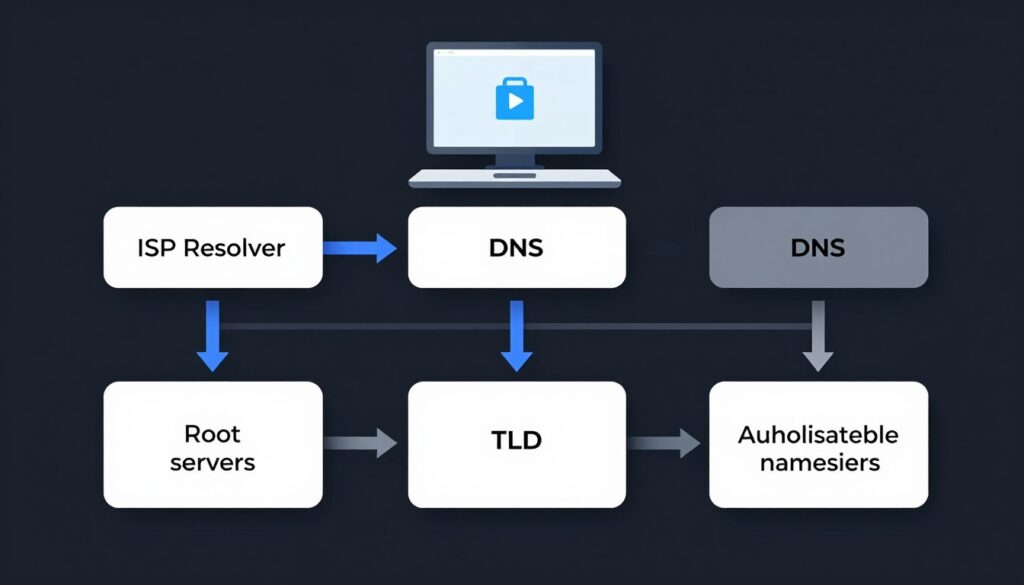
- Your browser checks its cache for the IP address. If found, the process ends here. This saves time on frequently visited sites.
- If not cached, your computer contacts a DNS resolver, typically provided by your internet service provider. The resolver acts as a middleman in the lookup process.
- The resolver queries root name servers if it does not have the answer cached. Root servers direct the resolver to the appropriate TLD servers.
- TLD servers point to authoritative name servers for the specific domain. These servers have the definitive answer.
- Authoritative name servers return the IP address to the resolver. The resolver caches this information for future requests.
- Your browser receives the IP address and establishes a connection with the web server. Content delivery begins immediately.
This entire process typically completes in less than 100 milliseconds. Caching at multiple levels speeds up subsequent requests significantly. Your browser, operating system, and DNS resolvers all maintain caches to improve performance.
Types of DNS Records
DNS servers store different types of records for various purposes. Each record type serves a specific function in directing internet traffic. Website owners configure these records to control how their domains behave.
| Record Type | Purpose | Example Value | Common Use |
| A Record | Maps domain to IPv4 address | 192.168.1.1 | Primary website hosting |
| AAAA Record | Maps domain to IPv6 address | 2001:0db8:85a3::8a2e:0370:7334 | Modern IP addressing |
| CNAME Record | Creates domain alias | www.example.com | Subdomain redirection |
| MX Record | Directs email to mail servers | mail.example.com | Email service routing |
| TXT Record | Stores text information | Verification codes | Domain verification, SPF |
| NS Record | Identifies authoritative name servers | ns1.example.com | DNS delegation |
DNS Security and Privacy
Traditional DNS queries travel unencrypted across networks. This creates privacy concerns because internet service providers can see which websites you visit. Modern DNS protocols address these security issues through encryption and validation.

DNS over HTTPS (DoH) encrypts DNS queries within HTTPS traffic. This makes DNS lookups invisible to network observers. Major browsers now support DoH by default. DNS over TLS (DoT) provides similar encryption using a different protocol. Both technologies protect your browsing privacy.
DNSSEC adds another layer of security by validating DNS responses. This system ensures the IP address you receive actually belongs to the domain you requested. DNSSEC prevents attackers from redirecting you to malicious websites through DNS poisoning attacks.
Pro Tip: Understanding DNS protocols gives you control over your internet experience. Explore our complete TCP/IP networking guide to learn how data packets travel across networks and why protocol knowledge matters for web developers.
Web Hosting Services and Infrastructure

Web hosting services provide the infrastructure where websites live. When you create a website, you need a place to store your files and make them accessible to visitors. Hosting companies offer server space, internet connectivity, and technical support to keep your site running smoothly.
Choosing the right hosting service affects your website’s speed, security, and reliability. Different hosting types suit different needs and budgets. Understanding your options helps you make informed decisions about your web presence.
Types of Web Hosting
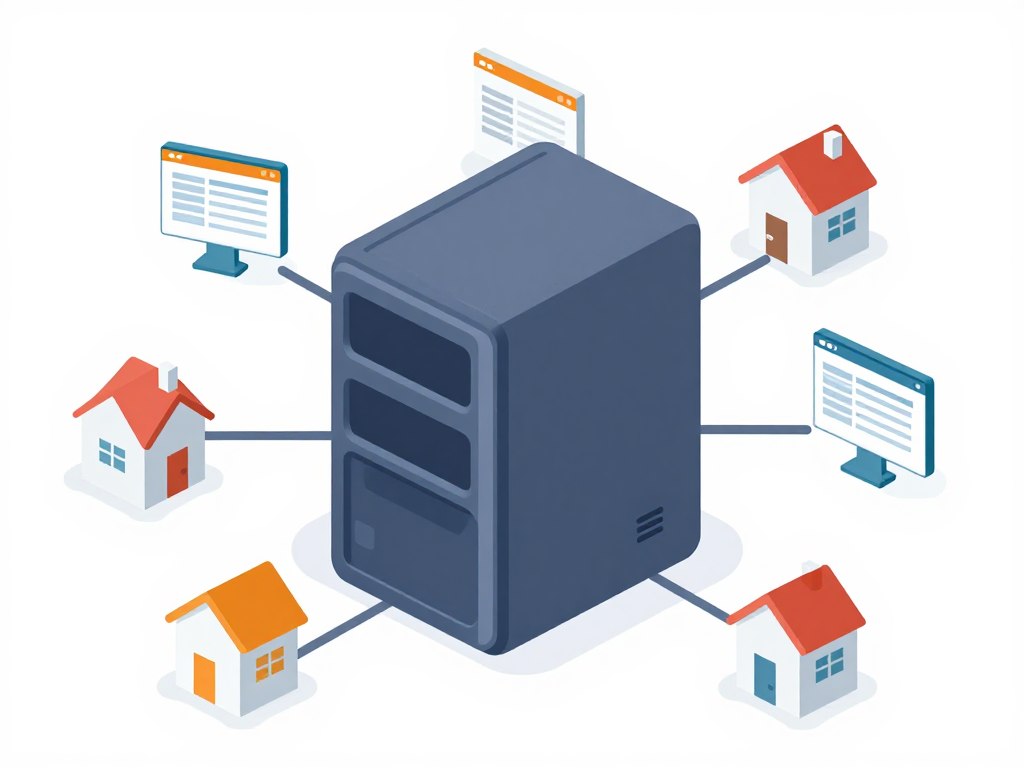
Hosting services come in several varieties, each with distinct advantages and limitations. Your choice depends on factors like traffic expectations, technical expertise, budget, and specific feature requirements.
Shared Hosting
Multiple websites share resources on one server. This affordable option works well for small websites with moderate traffic. Your site shares CPU, memory, and storage with other users.
- Most budget-friendly hosting option available
- Easy setup with managed control panels
- Limited resources and customization options
- Best for blogs and small business sites
Advantages
- Low monthly cost starting under $5
- No technical knowledge required
- Automatic software updates included
Limitations
- Performance affected by neighbor sites
- Limited control over server configuration
- May struggle with traffic spikes
VPS Hosting
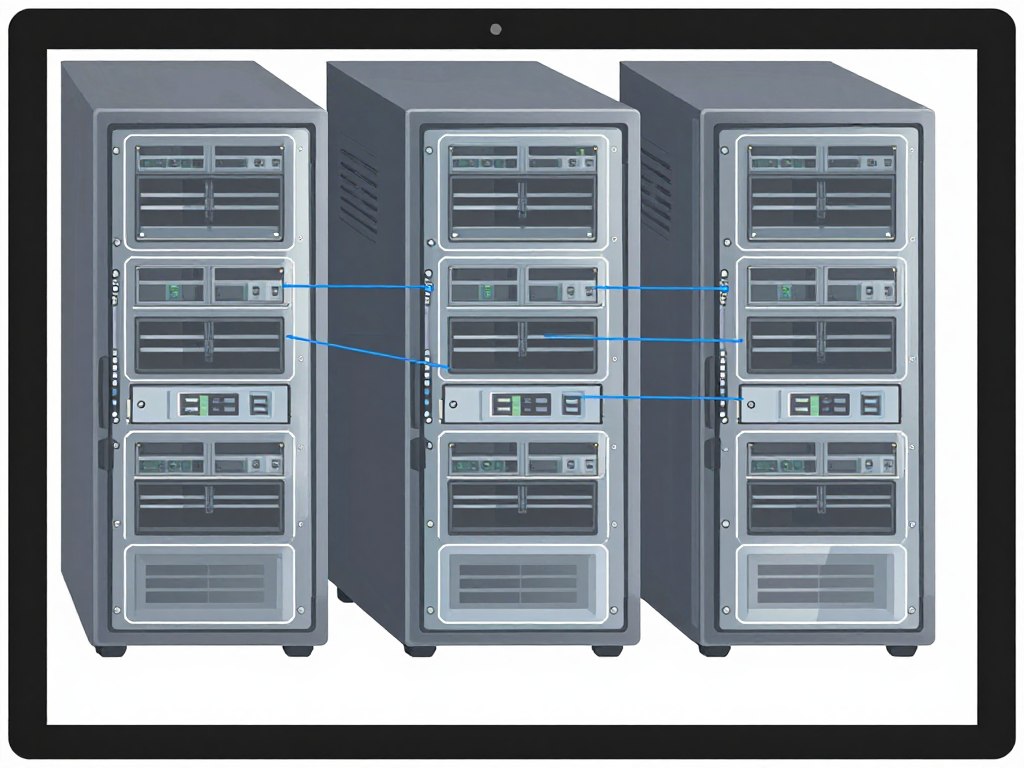
Virtual Private Server hosting divides one physical server into multiple virtual servers. Each VPS operates independently with dedicated resources. You get more control than shared hosting at a moderate price.
- Guaranteed resource allocation for your site
- Root access for custom configurations
- Scalable resources as your needs grow
- Balanced cost and performance ratio
Advantages
- Dedicated resources prevent performance issues
- Full server control and customization
- Better security isolation from other users
Limitations
- Requires more technical knowledge
- You manage security and updates
- Higher cost than shared hosting

Dedicated Hosting
An entire physical server dedicated exclusively to your website. This premium option provides maximum performance, control, and security. Large businesses and high-traffic sites benefit most from dedicated servers.
- Complete server resources at your disposal
- Maximum performance and reliability
- Full administrative access and control
- Handles high traffic volumes easily
Advantages
- Peak performance for demanding applications
- Complete control over hardware and software
- Enhanced security and data privacy
Limitations
- Significant monthly investment required
- Advanced technical skills needed
- You handle all server management tasks

Cloud Hosting
Your website runs across a network of connected servers. Resources scale automatically based on demand. Cloud hosting combines the benefits of dedicated resources with the flexibility of shared infrastructure.
- Automatic scaling during traffic spikes
- Pay only for resources you actually use
- High availability and redundancy built in
- Geographic distribution for faster loading
Advantages
- Handles unpredictable traffic patterns
- Minimal downtime with redundant infrastructure
- Flexible pricing based on usage
Limitations
- Costs can be difficult to predict
- Complex pricing structures
- Requires understanding of cloud architecture

Managed WordPress Hosting
Specialized hosting optimized specifically for WordPress sites. The hosting company handles technical maintenance, updates, and security. This option lets you focus on content creation rather than server management.
- Automatic WordPress updates and backups
- WordPress-specific performance optimization
- Expert WordPress support available
- Enhanced security against common threats
Advantages
- Optimized specifically for WordPress performance
- Professional management of updates
- WordPress experts handle technical issues
Limitations
- Higher cost than standard shared hosting
- Only works with WordPress sites
- May restrict certain plugins
Reseller Hosting
Purchase hosting resources in bulk and resell them to your own clients. This model works well for web designers, developers, and agencies managing multiple client websites. You set your own pricing and packages.
- Create custom hosting packages for clients
- White-label branding options available
- Generate recurring revenue stream
- Manage all client accounts from one panel
Advantages
- Build hosting business without infrastructure
- Control pricing and profit margins
- Brand hosting under your company name
Limitations
- You provide first-line customer support
- Requires managing multiple client accounts
- Success depends on acquiring clients
Key Hosting Features to Consider

Beyond the hosting type, specific features determine your hosting experience. These elements affect your website’s performance, security, and ease of management. Evaluating these factors helps you select the best hosting provider for your needs.
Performance Features
- Solid-state drives for faster data access
- Content delivery network integration
- Server location proximity to audience
- HTTP/2 and HTTP/3 protocol support
- Server-level caching mechanisms
- PHP version and performance optimization
Security Features
- Free SSL certificates for encryption
- Automatic malware scanning and removal
- DDoS protection and firewall services
- Regular automated backup systems
- Two-factor authentication for accounts
- Secure FTP and SSH access options
Management Features
- Intuitive control panel like cPanel
- One-click software installations
- Email account management tools
- File manager and FTP access
- Database management interfaces
- Domain management capabilities
Support Features
- 24/7 customer support availability
- Multiple contact methods available
- Knowledge base and documentation
- Average response time guarantees
- Technical expertise of support staff
- Community forums and resources
How Websites Are Stored and Served
Your website consists of files stored on a web server. These files include HTML documents, CSS stylesheets, JavaScript code, images, and other media. When someone visits your site, their browser requests these files from your server. The server locates the files and transmits them over the internet.

Web servers organize files in a specific directory structure. The root directory contains your main website files. Subdirectories organize different content types. This organization helps servers quickly locate requested files. Proper file organization also improves website maintenance and updates.
Modern hosting includes caching systems that store frequently accessed files in memory. This reduces the time needed to retrieve files from disk storage. Content delivery networks (CDNs) take this concept further by distributing your files across multiple geographic locations. Visitors receive content from the server closest to them, reducing latency and improving load times.
How Internet Components Work Together
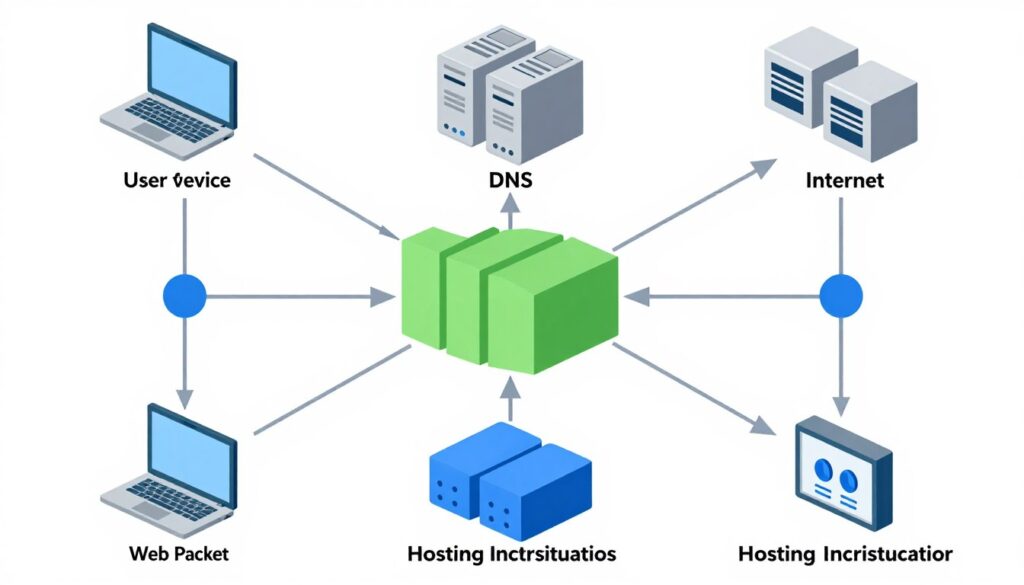
Understanding individual components provides a foundation. Seeing how these pieces interact reveals the complete picture of internet functionality. Every web request triggers a coordinated sequence involving multiple systems working in harmony.
The Complete Request Journey
Let us follow a typical web request from start to finish. This journey demonstrates how servers, domains, DNS, and hosting collaborate to deliver content. Each step happens automatically, creating a seamless user experience.
- You type a domain name into your web browser. Your computer checks its local cache to see if it already knows the IP address for this domain.
- If the address is not cached, your computer contacts your internet service provider’s DNS resolver. This resolver acts as your gateway to the DNS system.
- The DNS resolver queries the hierarchy of DNS servers to find the authoritative name server for the domain. This process follows the DNS lookup sequence explained earlier.
- The authoritative name server returns the IP address associated with the domain. Your DNS resolver caches this information for future requests.
- Your browser establishes a connection with the web server at the IP address. This connection uses the TCP protocol to ensure reliable data transmission.
- Your browser sends an HTTP or HTTPS request to the server. This request specifies which page or resource you want to access.
- The web server receives your request and processes it. If the request is for a static page, the server retrieves the files from storage. For dynamic content, the server may query databases or run application code.
- The server packages the response and sends it back to your browser. Data travels through routers and switches across the internet infrastructure.
- Your browser receives the response and begins rendering the webpage. It parses HTML, applies CSS styling, and executes JavaScript code.
- Your browser may make additional requests for images, scripts, and other resources. Each resource follows the same request-response cycle.
- The complete webpage appears on your screen. This entire process typically completes in under a second.
Data Transmission and Protocols
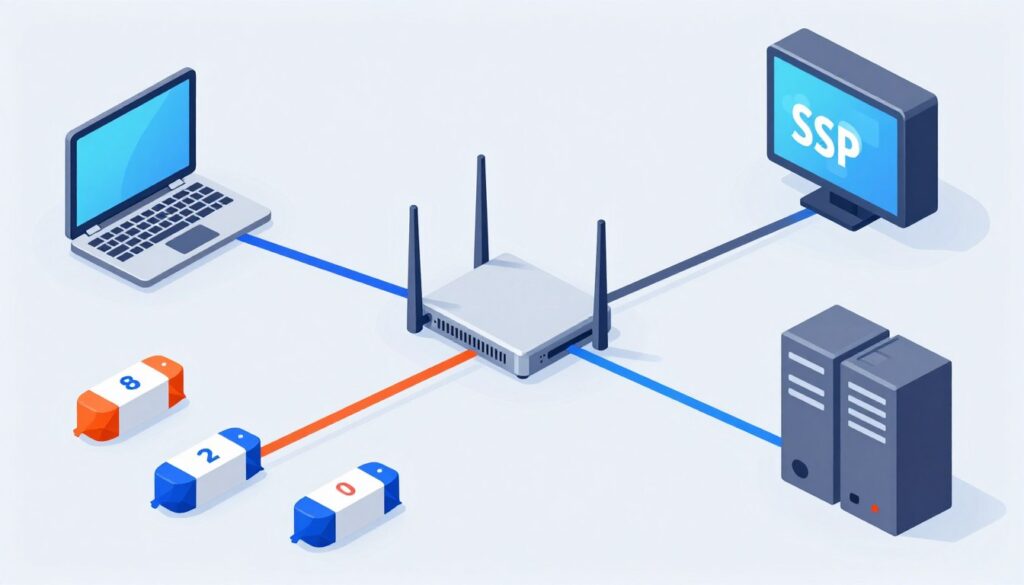
Information travels across the internet in small units called data packets. Each packet contains a portion of your data plus routing information. Packets can take different paths to reach their destination. Routers direct packets based on network conditions and efficiency.
Internet protocols define rules for how devices communicate. The Internet Protocol (IP) handles addressing and routing of packets. The Transmission Control Protocol (TCP) ensures reliable delivery by confirming each packet arrives correctly. Together, these protocols form TCP/IP, the foundation of internet communication.
Protocol Stack Layers
Network communication follows a layered model where each layer handles specific tasks:
- Application Layer handles user-facing services like HTTP and email
- Transport Layer manages end-to-end data delivery and error correction
- Network Layer routes packets across networks using IP addresses
- Data Link Layer controls physical transmission between directly connected devices

HTTPS adds encryption to HTTP communication. This protocol protects data privacy as information travels across networks. Your browser and the web server negotiate encryption keys. All subsequent data transmission gets encrypted, making it unreadable to anyone intercepting packets. Modern websites use HTTPS to ensure security and build visitor trust.
Network Infrastructure
The physical internet consists of cables, routers, switches, and other network devices spanning the globe. Undersea cables connect continents, carrying vast amounts of data across oceans. Internet exchange points allow different networks to interconnect and exchange traffic efficiently.
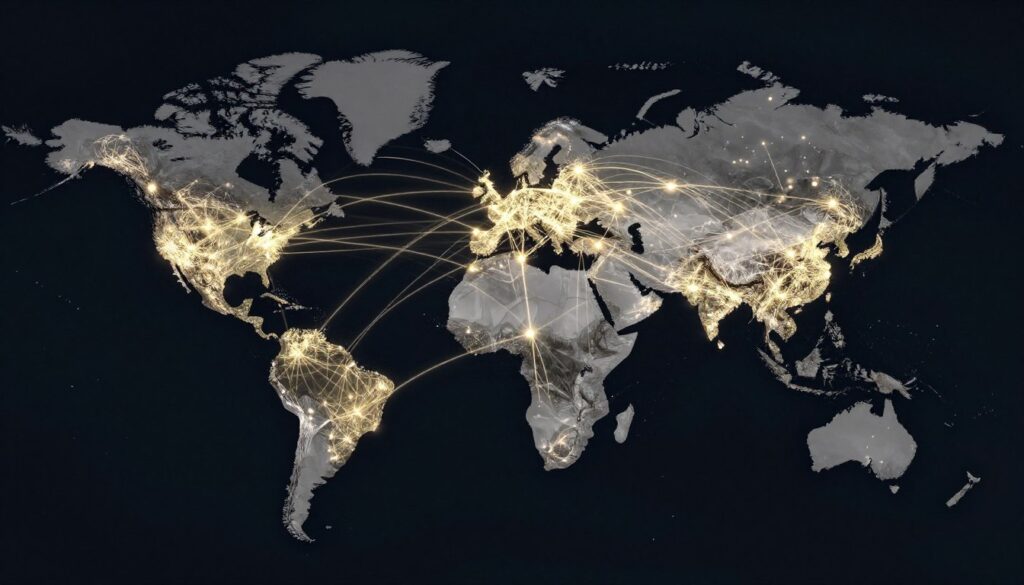
Internet service providers operate networks that connect your home or business to this global infrastructure. Your data passes through multiple networks controlled by different organizations. This distributed ownership model creates a resilient system with no single point of control or failure.
Routers and switches direct traffic along optimal paths. These devices make split-second decisions about where to send each packet. They consider factors like network congestion, link quality, and routing policies. This intelligent routing ensures data reaches its destination efficiently even when parts of the network experience problems.
Internet Security and Data Privacy

Security and privacy concerns affect every internet user. Understanding how your data travels and gets protected helps you make informed decisions about online activities. Multiple technologies work together to keep information safe as it moves across networks.
Encryption and Secure Communication
Encryption transforms readable data into scrambled code that only authorized parties can decode. When you visit a website using HTTPS, your browser encrypts all communication with the server. This prevents eavesdropping even on unsecured networks like public WiFi.
SSL/TLS certificates enable HTTPS encryption. These digital certificates verify a website’s identity and establish encrypted connections. Your browser checks the certificate before trusting a site. Valid certificates come from trusted certificate authorities that verify domain ownership.
Security Check: Look for the padlock icon in your browser’s address bar. This indicates a secure HTTPS connection. Clicking the padlock shows certificate details and confirms the website’s identity.
Privacy Considerations
Your internet service provider can see which IP addresses you connect to, even with HTTPS. DNS queries also reveal the websites you visit unless you use encrypted DNS protocols. Virtual Private Networks (VPNs) add another layer of privacy by encrypting all traffic between your device and the VPN server.
Websites use cookies and other tracking technologies to identify visitors. Some tracking benefits users by remembering preferences and login status. Other tracking serves advertising purposes. Modern browsers offer privacy controls to limit tracking. Understanding these tools empowers you to protect your online privacy.
Privacy Protection Methods
- Use DNS over HTTPS in your browser settings
- Enable browser tracking protection features
- Consider VPN services for sensitive activities
- Review and limit cookie permissions
- Use privacy-focused search engines
- Keep software and browsers updated
Security Best Practices
- Verify HTTPS on sites handling sensitive data
- Use unique passwords for each account
- Enable two-factor authentication where available
- Be cautious of public WiFi for private activities
- Keep devices and applications updated
- Review app permissions regularly
Modern Internet Technologies and Trends

Internet technology continues evolving rapidly. New protocols and architectures emerge to address growing demands for speed, capacity, and security. Understanding current trends helps you prepare for the future of web technology.
HTTP/3 and QUIC Protocol
HTTP/3 represents the latest evolution of web communication protocols. Built on the QUIC transport protocol, HTTP/3 improves performance over unreliable networks. It establishes connections faster and handles packet loss more efficiently than previous versions.
Traditional HTTP uses TCP for reliable data transmission. TCP requires multiple round trips to establish connections, adding latency. QUIC combines transport and security handshakes into a single step. This reduces connection time significantly, especially on mobile networks where latency is higher.
Edge Computing and CDNs
Edge computing brings data processing closer to users. Instead of sending every request to a central server, edge servers handle requests locally. This architecture reduces latency and improves performance for users worldwide.

Content Delivery Networks (CDNs) distribute website content across multiple servers globally. When someone visits your website, they receive content from the nearest CDN server. This geographic distribution improves loading speeds and handles traffic spikes more effectively. Modern websites rely heavily on CDNs for optimal performance.
IPv6 Adoption
The internet is transitioning from IPv4 to IPv6 addressing. IPv4 provides about 4.3 billion unique addresses, which proved insufficient as internet usage exploded. IPv6 offers virtually unlimited addresses, ensuring the internet can continue growing.
IPv6 adoption has been gradual but steady. Most modern devices and operating systems support IPv6. As more networks implement IPv6, the internet becomes more efficient and secure. The transition happens transparently for most users, with devices supporting both protocols simultaneously.
Taking Your Next Steps

Understanding how the internet works empowers you to make better decisions about your online presence. You now know how servers store and deliver content. You understand how domain names connect to IP addresses through DNS. You have learned about different hosting options and how to choose the right one for your needs.
This knowledge forms the foundation for building effective websites. Whether you are starting a blog, launching an online store, or creating a business presence, you can now make informed technical decisions. The internet works through coordinated systems that seem complex individually but function seamlessly together.
Each component plays a vital role in delivering web content. Servers provide the computing power and storage. Domains create memorable addresses. DNS translates names into numbers. Hosting services maintain infrastructure and ensure availability. Network protocols enable reliable communication across the world.
The internet continues evolving with new technologies improving speed, security, and capabilities. Staying informed about these developments helps you adapt and take advantage of new opportunities. Your understanding of internet fundamentals provides context for learning advanced concepts as technology progresses.
Ready to Launch Your Website?
Now that you understand how the internet works, take the next step in your web journey. Download our comprehensive hosting setup guide with step-by-step instructions, comparison checklists, and exclusive discounts on top hosting providers. Plus, get a free 30-minute consultation to discuss your specific needs.
The internet connects billions of devices and people across the globe. This remarkable achievement relies on standardized protocols, distributed infrastructure, and collaborative systems. Your new understanding of these systems positions you to participate effectively in our connected world today.