In today’s interconnected world, cybersecurity threats are evolving faster than ever. From sophisticated phishing schemes to AI-powered attacks, protecting your digital assets has never been more critical. This comprehensive guide provides actionable cybersecurity tips that both individuals and organizations can implement immediately to strengthen their digital defenses.
Table of Contents:
Understanding Today’s Cybersecurity Risks
Before diving into specific cybersecurity tips, it’s important to understand what we’re up against. Cybercriminals are constantly developing new methods to access sensitive data, compromise accounts, and exploit vulnerabilities in our digital systems.
According to recent studies, over 80% of successful data breaches involve human error or social engineering rather than technical exploits alone. This highlights why cybersecurity awareness is just as important as technical solutions.
Common Cyber Threats in 2024
Phishing Attacks
Phishing remains one of the most prevalent attack vectors. These deceptive messages trick recipients into revealing personal information or clicking malicious links. Modern phishing attempts are increasingly sophisticated, often mimicking legitimate communications from trusted organizations.
Real-world example: An employee receives an urgent email appearing to be from their CEO requesting an immediate wire transfer or password reset. The message creates urgency to bypass normal security protocols.
Ransomware
Ransomware attacks encrypt your files and demand payment for their release. These attacks have become more targeted, with cybercriminals researching victims to determine how much they might pay to recover their data.
Real-world example: A business discovers their critical files are encrypted with a ransom note demanding payment in cryptocurrency. Without proper backups, they face the difficult choice of paying or losing their data.
Identity Theft
Cybercriminals collect personal information to impersonate victims, open credit accounts, or commit fraud. The consequences can affect victims for years, damaging credit scores and financial stability.
Real-world example: An individual discovers multiple credit card applications in their name after their personal information was exposed in a data breach, requiring months to restore their credit and secure their identity.
AI-Powered Attacks
Emerging in 2024, artificial intelligence is being weaponized to create more convincing phishing emails, deepfake voice calls, and automated hacking attempts that can adapt to security measures in real-time.
Real-world example: An employee receives a voice call that sounds exactly like their manager requesting access to sensitive systems, when in reality it’s an AI-generated voice clone.
Assess Your Cybersecurity Vulnerability
Not sure if your current security measures are adequate? Take our free 2-minute assessment to identify potential weaknesses in your digital defenses.
Top 10 Cybersecurity Tips for 2024
Implementing these cybersecurity best practices will significantly reduce your risk of falling victim to cyber attacks. Each tip includes practical steps for both personal and business implementation.
1. Implement Strong Password Management

Weak passwords remain one of the most common entry points for attackers. Strong password hygiene is your first line of defense against unauthorized access.
For Individuals:
- Use unique passwords for each account (12+ characters with a mix of letters, numbers, and symbols)
- Implement a reputable password manager to generate and store complex passwords
- Change passwords immediately after any suspected breach
- Avoid using personal information in passwords (birthdays, names, etc.)
For Businesses:
- Establish and enforce a strong password policy across the organization
- Require password changes after employee departures or suspected breaches
- Consider implementing single sign-on (SSO) solutions for enterprise applications
- Provide company-wide access to password management solutions
2. Enable Multi-Factor Authentication (MFA)
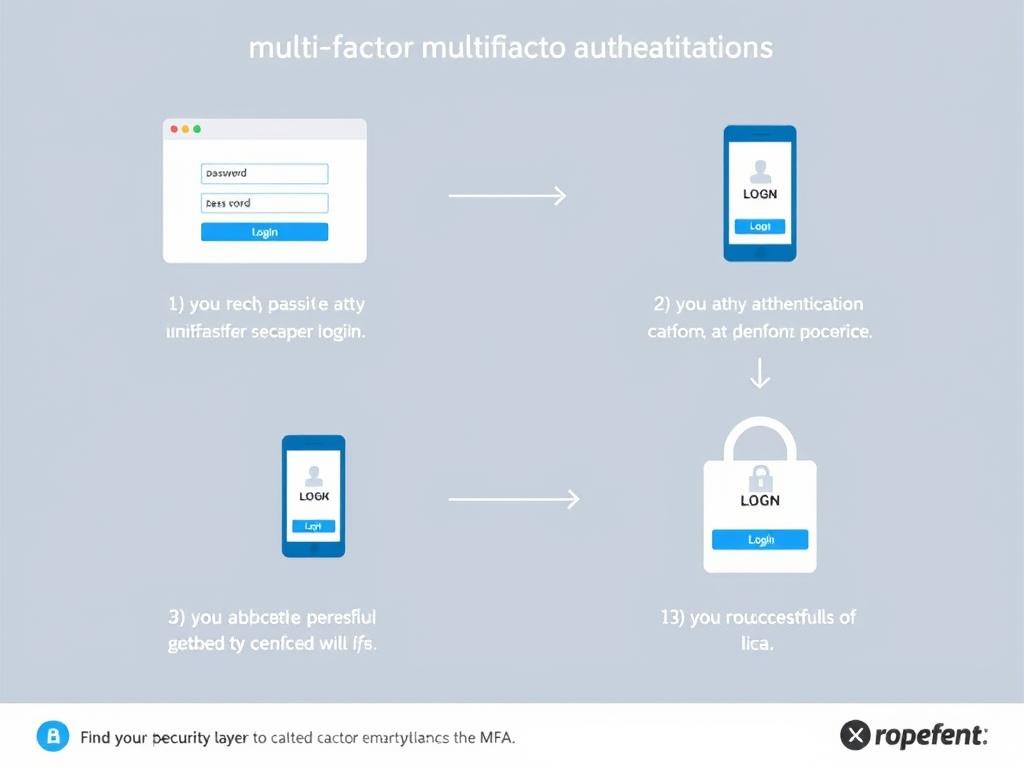
Multi-factor authentication adds a crucial second layer of security beyond passwords. Even if credentials are compromised, attackers still can’t access accounts without the secondary verification method.
For Individuals:
- Enable MFA on all accounts that offer it, especially email, banking, and social media
- Use authenticator apps rather than SMS when possible (SMS can be intercepted)
- Keep backup authentication methods updated (recovery email, phone number)
For Businesses:
- Require MFA for all employee accounts, especially those with administrative access
- Consider hardware security keys for highest-risk accounts and users
- Implement single sign-on (SSO) with MFA for centralized authentication management
According to Microsoft, MFA can block over 99.9% of account compromise attacks, making it one of the most effective security measures available.
3. Keep Software and Systems Updated

Software updates aren’t just about new features—they often contain critical security patches for vulnerabilities that hackers actively exploit.
For Individuals:
- Enable automatic updates for operating systems and applications
- Regularly check for firmware updates on routers and IoT devices
- Replace devices that no longer receive security updates
For Businesses:
- Implement a patch management system to track and deploy updates
- Test critical updates in a controlled environment before company-wide deployment
- Maintain an inventory of all hardware and software to ensure nothing is missed
- Establish a regular update schedule to minimize business disruption
4. Recognize and Avoid Phishing Attempts

Phishing attacks have become increasingly sophisticated, making them difficult to identify at first glance. Learning to spot the warning signs is essential for everyone.
Warning Signs of Phishing:
- Urgent requests for sensitive information or immediate action
- Slight misspellings in email addresses or domain names (e.g., amazon-support.com vs. amazon.com)
- Poor grammar or unusual phrasing
- Unexpected attachments or requests to enable macros
- Links that don’t match the purported destination (hover before clicking)
Best Practices:
- Verify requests for sensitive information through official channels
- Never click suspicious links—type URLs directly into your browser
- Be especially cautious with emails concerning financial matters
- Report suspected phishing attempts to IT security teams
New AI-powered phishing attempts can now mimic writing styles and create highly personalized messages. Be extra vigilant with any message requesting action, even if it appears to come from someone you know.
Get Your Free Cybersecurity Checklist
Implement these tips more effectively with our comprehensive checklist. Download it now to track your progress and ensure you haven’t missed any critical security measures.
5. Secure Your Data with Regular Backups
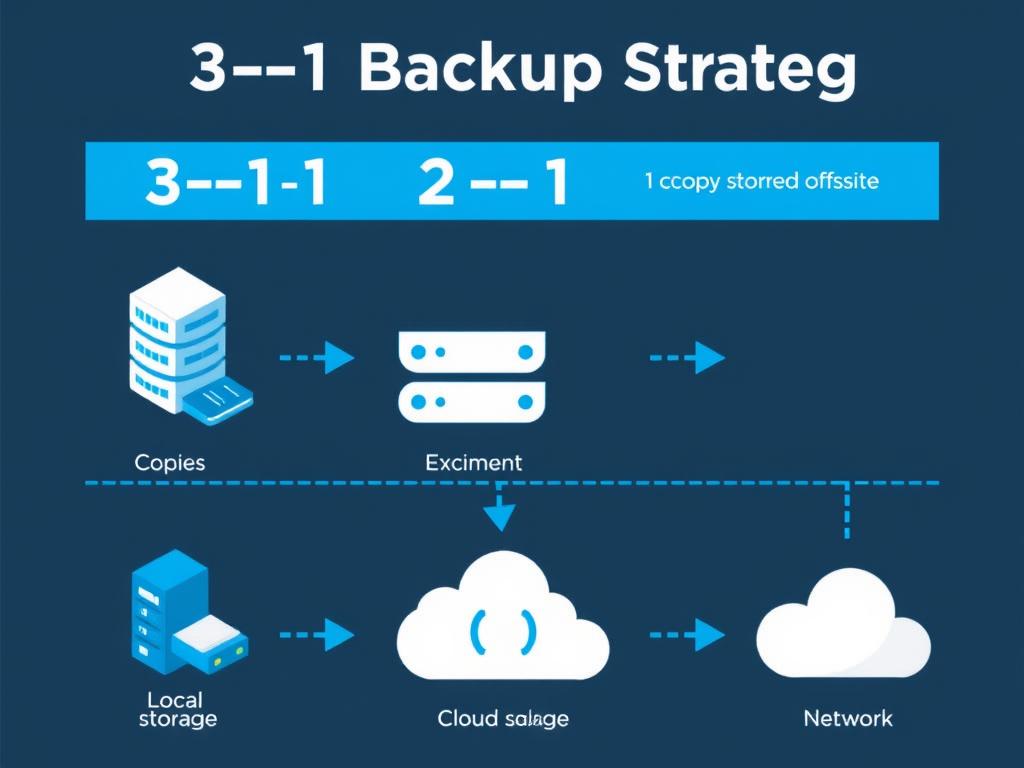
Regular backups are your safety net against ransomware, hardware failure, and accidental deletion. The right backup strategy can mean the difference between a minor inconvenience and a catastrophic data loss.
The 3-2-1 Backup Rule:
- Maintain at least 3 copies of important data
- Store backups on 2 different types of media
- Keep 1 backup offsite (cloud storage or physical location)
For Individuals:
- Use cloud storage services with automatic syncing
- Consider external hard drives for local backups
- Enable automatic backups on all devices
For Businesses:
- Implement automated backup solutions with versioning
- Regularly test data restoration processes
- Ensure backups are encrypted and access-controlled
- Maintain separate backups for critical systems
6. Use Comprehensive Security Software
Modern security software goes beyond traditional antivirus to provide multi-layered protection against various threats. Investing in quality security solutions is essential for comprehensive protection.
Key Security Software Components:
- Antivirus/anti-malware protection
- Firewall capabilities
- Phishing protection
- Ransomware detection and prevention
- Safe browsing tools
For Individuals:
- Install reputable security software on all devices
- Keep definitions and engines updated
- Run regular system scans
For Businesses:
- Deploy endpoint protection across all company devices
- Consider advanced threat protection solutions
- Implement centralized security management
- Conduct regular security audits
7. Secure Your Network
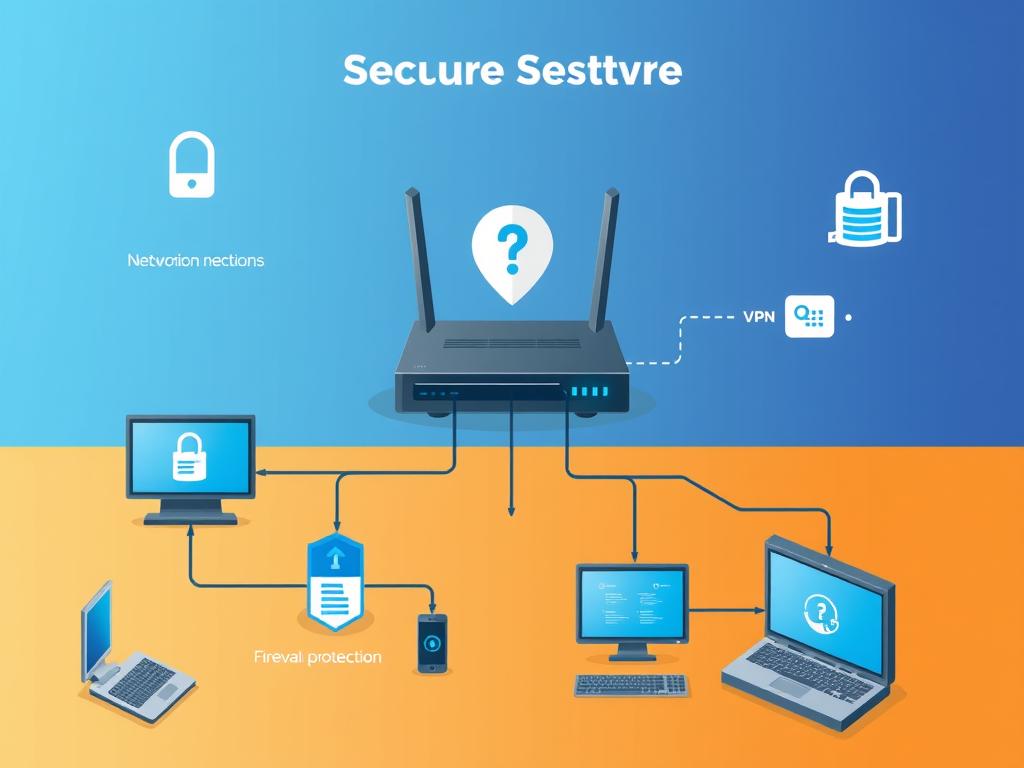
Your network is the gateway to all your connected devices. Securing it properly creates a strong foundation for your overall cybersecurity posture.
For Home Networks:
- Change default router credentials and update firmware regularly
- Use WPA3 encryption when available
- Create a guest network for visitors and IoT devices
- Consider a VPN for additional privacy, especially on public Wi-Fi
For Business Networks:
- Implement network segmentation to contain potential breaches
- Deploy next-generation firewalls with intrusion detection
- Use VLANs to separate sensitive systems
- Conduct regular network vulnerability scans
- Monitor network traffic for unusual patterns
Public Wi-Fi networks are particularly vulnerable to attacks. Always use a VPN when connecting to public networks, and avoid accessing sensitive accounts or information when using them.
8. Practice Safe Online Behavior
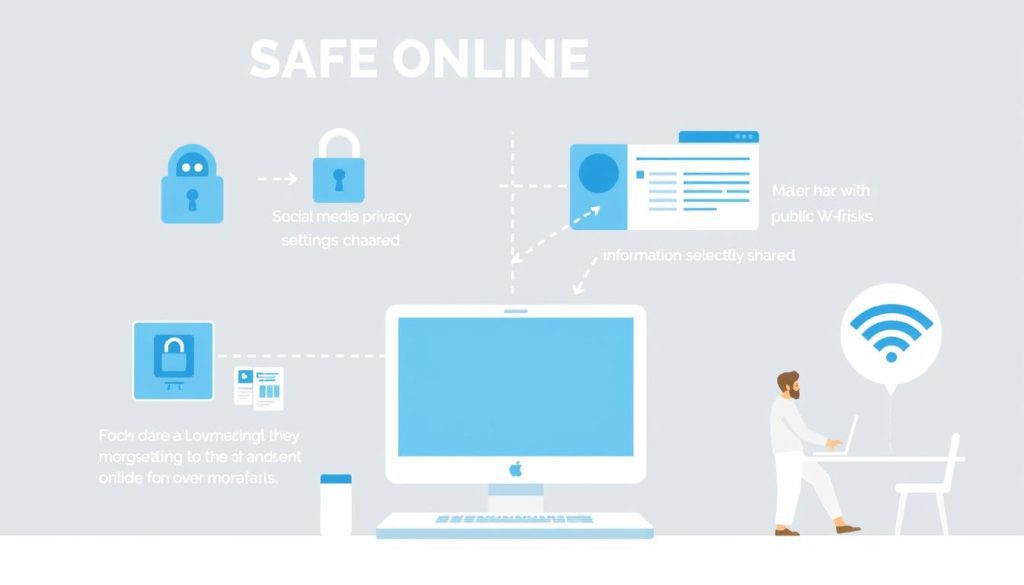
Your online behavior plays a crucial role in your cybersecurity. Developing good digital habits can prevent many common security incidents before they occur.
Safe Browsing Habits:
- Verify website security (look for HTTPS and the padlock icon)
- Be cautious about downloads from unfamiliar sources
- Use browser extensions that block malicious sites and trackers
- Clear browsing data regularly
Social Media Safety:
- Review and restrict privacy settings on all platforms
- Limit personal information shared publicly
- Be selective about friend/connection requests
- Avoid oversharing details that could be used for security questions
Data Sharing Awareness:
- Read privacy policies before sharing information
- Use temporary or alternate email addresses for subscriptions
- Regularly review app permissions on mobile devices
9. Implement Access Controls
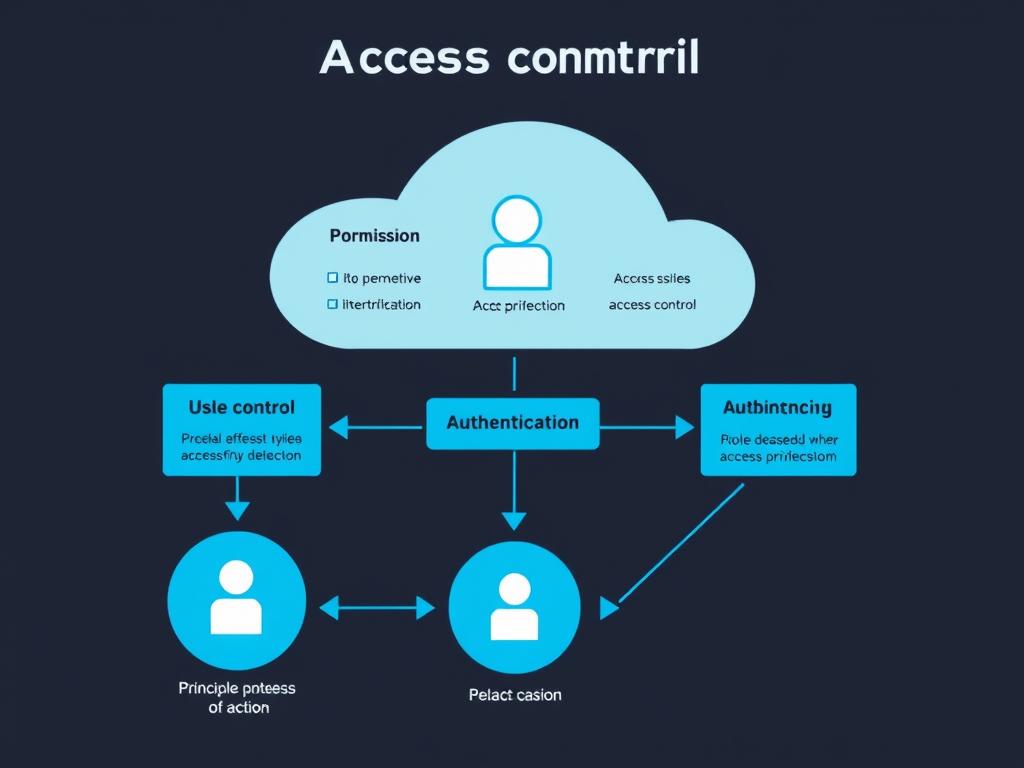
Proper access controls ensure that users only have access to the resources they need to perform their roles. This limits the potential damage from compromised accounts.
Key Access Control Principles:
- Principle of least privilege (users have only the access they need)
- Role-based access control (permissions based on job functions)
- Regular access reviews and updates
- Prompt revocation of access when no longer needed
For Individuals:
- Use standard user accounts for daily activities, not administrator accounts
- Set up separate user accounts on shared devices
- Review app permissions regularly
For Businesses:
- Document and enforce access control policies
- Implement formal access request and approval processes
- Conduct regular access audits
- Use privileged access management for sensitive systems
10. Prepare for Security Incidents
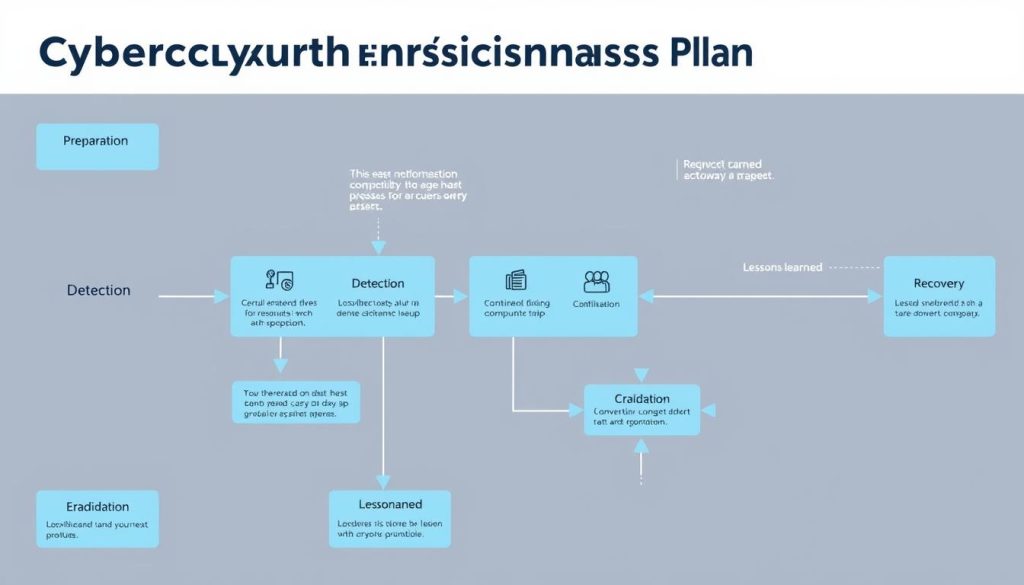
Despite best efforts, security incidents can still occur. Being prepared to respond quickly and effectively can significantly reduce the impact.
For Individuals:
- Know how to recognize signs of compromise (unusual account activity, unexpected software behavior)
- Keep contact information for financial institutions and service providers readily available
- Understand how to report identity theft and fraud
- Maintain secure backups for quick recovery
For Businesses:
- Develop and regularly test an incident response plan
- Establish a computer security incident response team (CSIRT)
- Document procedures for containing and eradicating threats
- Prepare communication templates for stakeholder notifications
- Conduct post-incident reviews to improve security measures
The average time to identify and contain a data breach is 280 days. Having an incident response plan can significantly reduce this timeframe and minimize damages.
Emerging Cybersecurity Threats in 2024

The cybersecurity landscape continues to evolve with new threats emerging regularly. Being aware of these trends helps you stay ahead of potential risks.
AI-Powered Attacks
Artificial intelligence is now being used to create more convincing phishing emails, bypass security systems, and automate attacks. These AI tools can learn from defensive measures and adapt their approaches accordingly.
Deepfake Technology
Advanced audio and video manipulation can create convincing fake content. This technology is being used for sophisticated social engineering attacks, including fake video calls from “executives” requesting urgent fund transfers.
Supply Chain Attacks
Rather than targeting organizations directly, attackers compromise trusted software providers or vendors. When the compromised software is distributed to customers, the malware spreads to multiple targets simultaneously.
IoT Vulnerabilities
As more devices connect to networks, the attack surface expands. Many IoT devices lack robust security features, creating new entry points for attackers to exploit and potentially access more sensitive systems.
“The cybersecurity landscape isn’t just evolving—it’s undergoing a revolution with AI-powered tools on both sides of the security equation. Organizations must adapt their strategies accordingly.”
Cybersecurity Implementation Checklist
Use this checklist to systematically implement the cybersecurity tips covered in this guide. Start with the highest-priority items and gradually work through the entire list.
Immediate Actions (Within 24 Hours)
- Enable multi-factor authentication on critical accounts (email, banking, cloud storage)
- Update operating systems and applications to the latest versions
- Change passwords for important accounts to strong, unique combinations
- Verify backup systems are functioning properly
- Install or update security software
Short-Term Actions (Within 1 Week)
- Implement a password manager and begin updating all passwords
- Review and adjust privacy settings on social media accounts
- Secure your home or office network (update router firmware, change default passwords)
- Conduct a device inventory and remove unnecessary applications
- Review app permissions on mobile devices
- Set up automatic software updates where possible
Long-Term Actions (Within 1 Month)
- Develop and document an incident response plan
- Implement the 3-2-1 backup strategy
- Review and update access controls for all systems
- Conduct a security awareness session for family members or employees
- Set up regular security maintenance routines (weekly scans, monthly reviews)
- Consider additional security measures like VPNs or hardware security keys
Securing Your Digital Future
Cybersecurity isn’t a one-time project but an ongoing process that requires vigilance and adaptation. By implementing the tips outlined in this guide, you’ll significantly reduce your risk of falling victim to cyber attacks and data breaches.
Remember that perfect security doesn’t exist, but a layered approach with multiple protective measures creates a strong defense against most threats. Start with the basics—strong passwords, multi-factor authentication, and regular updates—then build additional protections as you go.
The most important step is to begin. Even small improvements to your security posture can make a significant difference in protecting your digital life and business assets.
Take Action Today
Download our comprehensive cybersecurity checklist and start implementing these essential security measures immediately.