Your smartphone contains your most personal information – banking details, private conversations, photos, and access to countless online accounts. Yet many of us fail to properly secure these devices against increasingly sophisticated threats. With cybercriminals developing new methods to access mobile phones every day, understanding mobile phone security has never been more critical.
This comprehensive guide will walk you through the most common security threats, provide actionable steps to protect your device, and recommend trusted tools to keep your digital life secure. Whether you’re concerned about malware, phishing attempts, or data theft, you’ll find practical solutions to implement immediately.
Table of Contents:
Common Mobile Phone Security Threats in 2025
Understanding the threats targeting your mobile device is the first step toward effective protection. Here are the most common security risks you should be aware of:
Phishing Attacks

Phishing remains one of the most effective methods for hackers to gain unauthorized access to your accounts. These attacks typically arrive via email, text messages, or messaging apps, disguised as legitimate communications from trusted sources like your bank, email provider, or social media platforms.
Modern phishing attempts have become increasingly sophisticated, often featuring perfect replicas of official websites and apps. They typically create a false sense of urgency, prompting you to enter your credentials or personal information before you have time to verify their authenticity.
Malware and Spyware

Mobile malware is specifically designed to exploit vulnerabilities in your phone’s operating system or apps. Once installed, these malicious programs can monitor your activity, steal sensitive data, or even take control of your device remotely.
Common types of mobile malware include:
- Ransomware that locks your device until you pay a fee
- Spyware that monitors your activities and steals personal information
- Trojans disguised as legitimate apps that perform harmful actions
- Adware that displays unwanted advertisements and collects data
Unsecured Wi-Fi Networks

Public Wi-Fi networks at cafes, airports, and hotels are convenient but often lack proper security measures. When you connect to these networks, hackers can potentially:
- Intercept data transmitted between your device and the internet
- Set up “man-in-the-middle” attacks to capture sensitive information
- Create fake hotspots that mimic legitimate networks
- Monitor your browsing activity and login credentials
Zero-Click Exploits
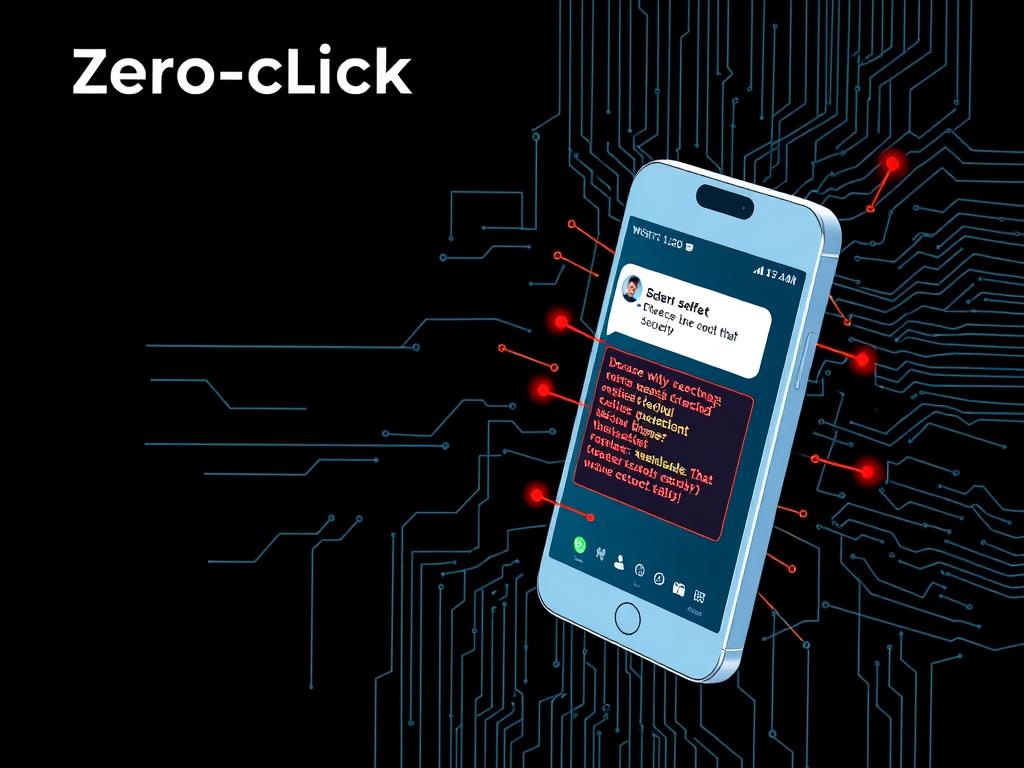
Perhaps the most concerning development in mobile security threats is the rise of zero-click exploits. Unlike traditional attacks that require user interaction (like clicking a link), these sophisticated exploits can compromise your device without any action on your part – simply receiving a message or call can be enough to grant attackers access.
Essential Mobile Phone Security Measures
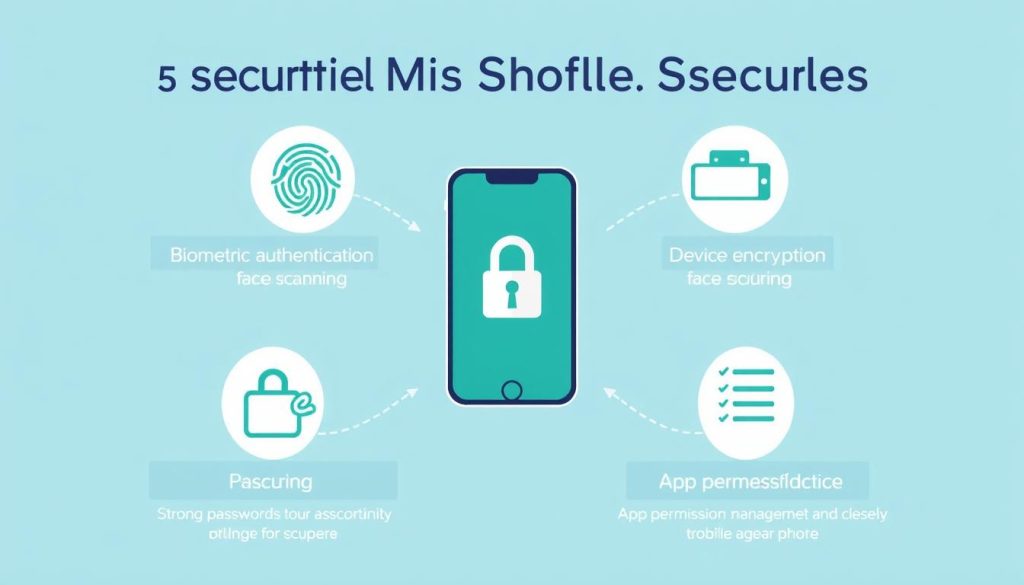
Now that you understand the threats, let’s explore practical steps to secure your mobile device against these vulnerabilities:
Strong Authentication Methods
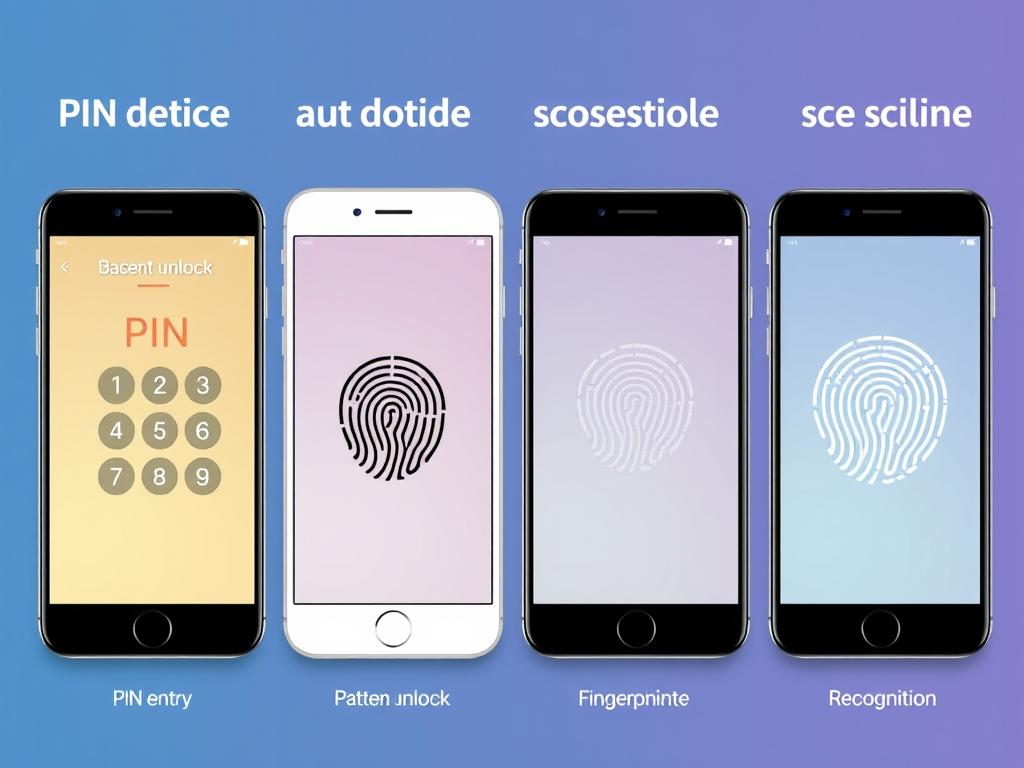
Your first line of defense is controlling who can access your device. Modern smartphones offer multiple authentication options:
- Biometric authentication: Fingerprint sensors and facial recognition provide convenient yet secure access
- Strong PINs and passwords: Use at least 6 digits for PINs; longer is better
- Pattern locks: While convenient, these are more vulnerable to “shoulder surfing”
- Two-factor authentication (2FA): Add an extra layer of security for critical apps
Security experts recommend using biometric authentication for convenience combined with a strong password as a backup. Avoid using easily guessable information like birthdays or simple sequences.
Keep Your Device Updated

Software updates aren’t just about new features – they often contain critical security patches that address vulnerabilities. Cybercriminals actively exploit known security flaws in outdated operating systems.
To stay protected:
- Enable automatic updates for your operating system
- Regularly update all installed apps
- Consider replacing devices that no longer receive security updates
- Install updates promptly when they become available
Is Your Phone Protected?
Scan your device now with our free security checker to identify vulnerabilities and get personalized recommendations.
Manage App Permissions
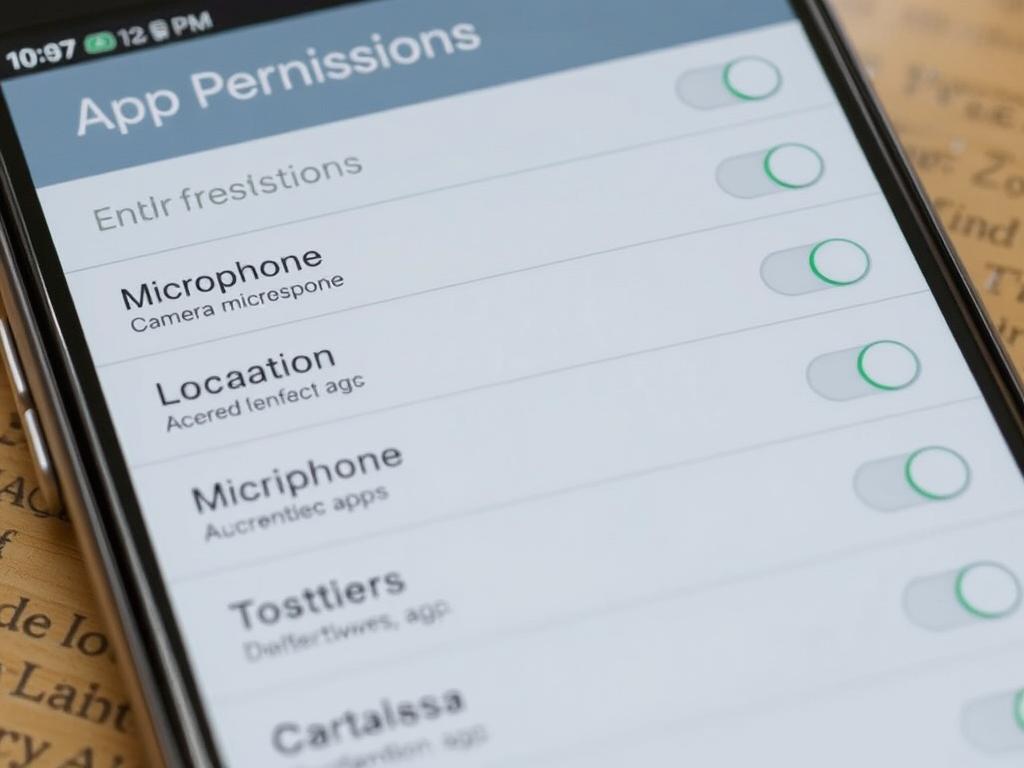
Many apps request access to features and data they don’t actually need. Reviewing and restricting app permissions is crucial for maintaining your privacy and security:
- Review permissions when installing new apps
- Regularly audit permissions for existing apps
- Revoke unnecessary permissions (e.g., does a flashlight app really need access to your contacts?)
- Consider privacy-focused alternatives to apps that request excessive permissions
Both Android and iOS allow you to manage permissions on a granular level. For particularly sensitive features like location tracking, you can often select “only while using the app” rather than allowing constant access.
Use Secure Networks
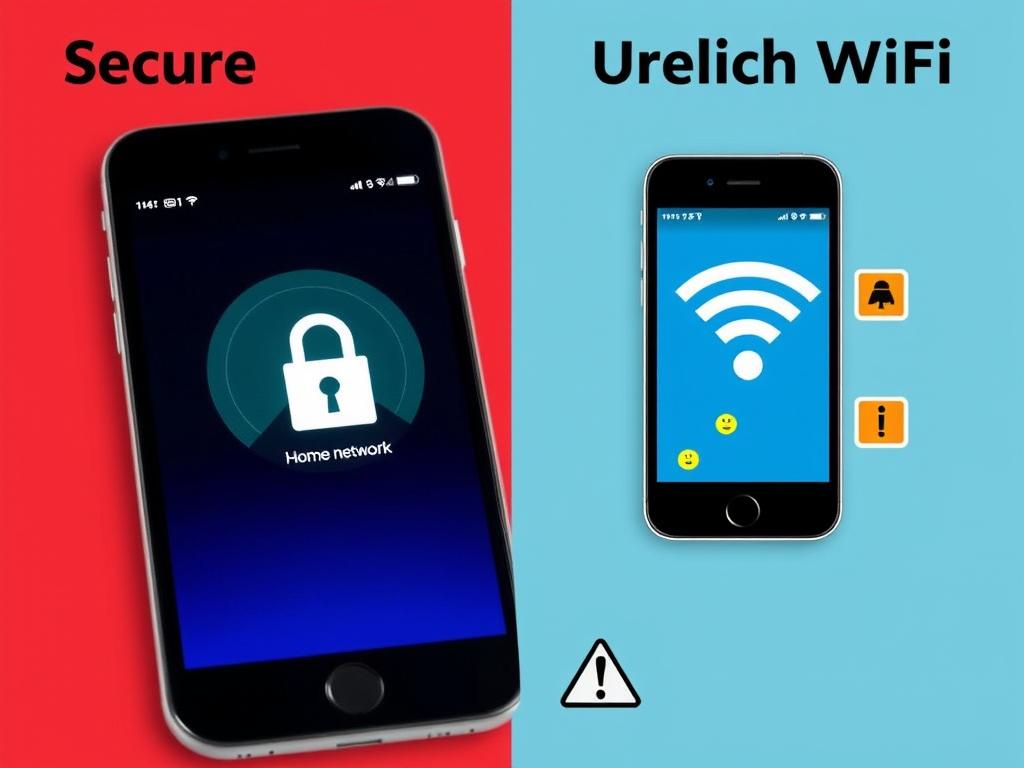
Your network connection can be a major security vulnerability. To minimize risks:
- Use cellular data instead of public Wi-Fi for sensitive transactions
- Enable a VPN when connecting to public networks
- Verify network names before connecting (beware of similarly-named fake networks)
- Disable auto-connect features for Wi-Fi and Bluetooth
- Use HTTPS websites (look for the lock icon in your browser)
Recommended Mobile Phone Security Tools

The right security tools can significantly enhance your mobile phone security posture. Here are some essential categories and recommended options:
Antivirus and Security Suites

While modern mobile operating systems have built-in protections, dedicated security apps provide additional layers of defense:
Bitdefender Mobile Security
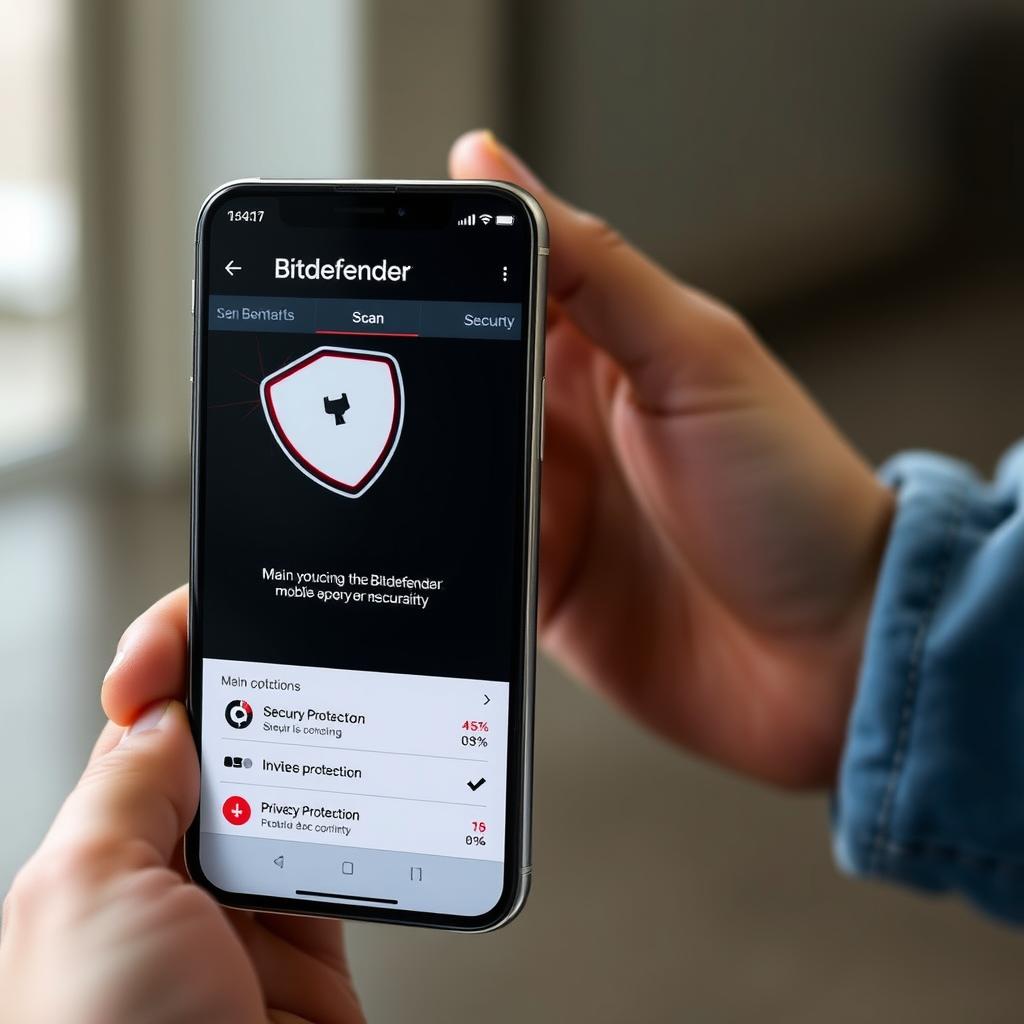
Offers comprehensive protection with minimal performance impact. Includes VPN functionality, anti-theft features, and account privacy monitoring.
Norton Mobile Security
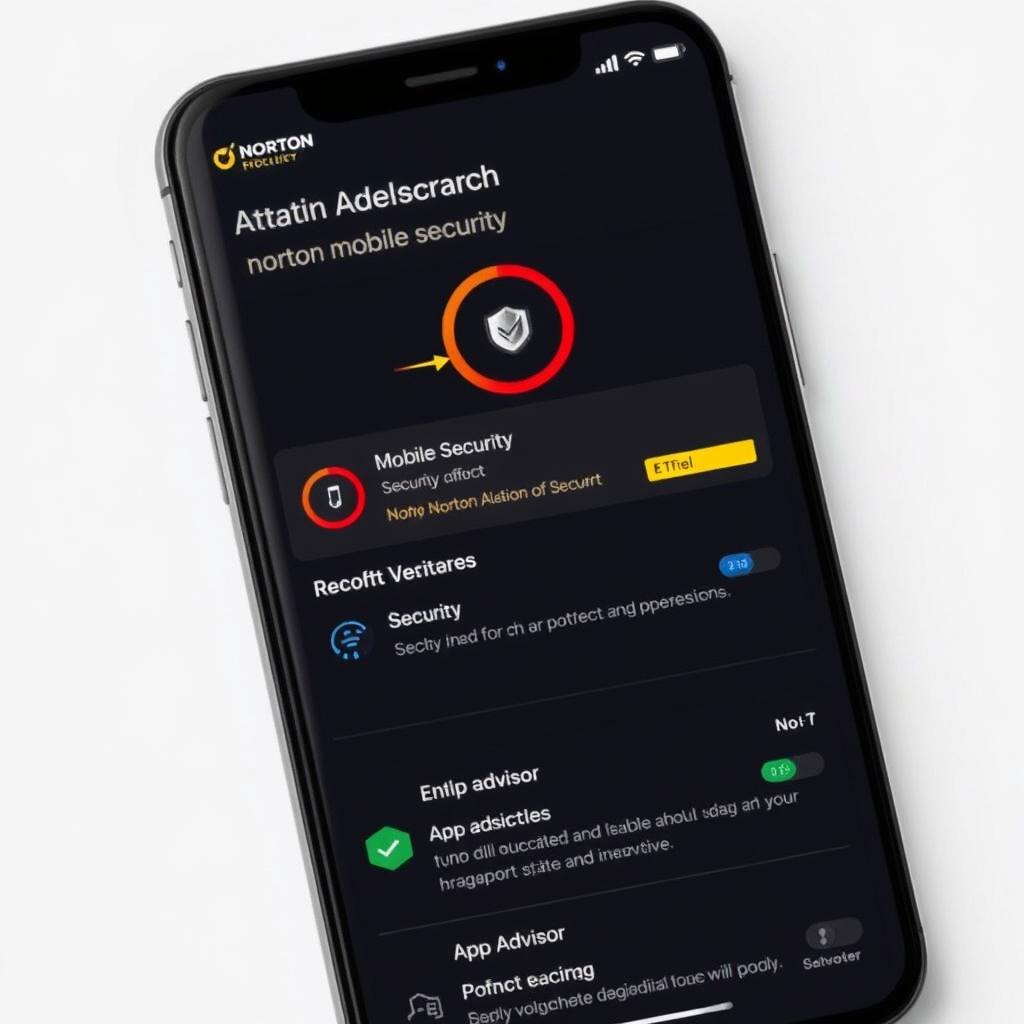
Provides robust malware protection, Wi-Fi security scanning, and web protection features. Also includes anti-theft capabilities and app advisor.
McAfee Mobile Security
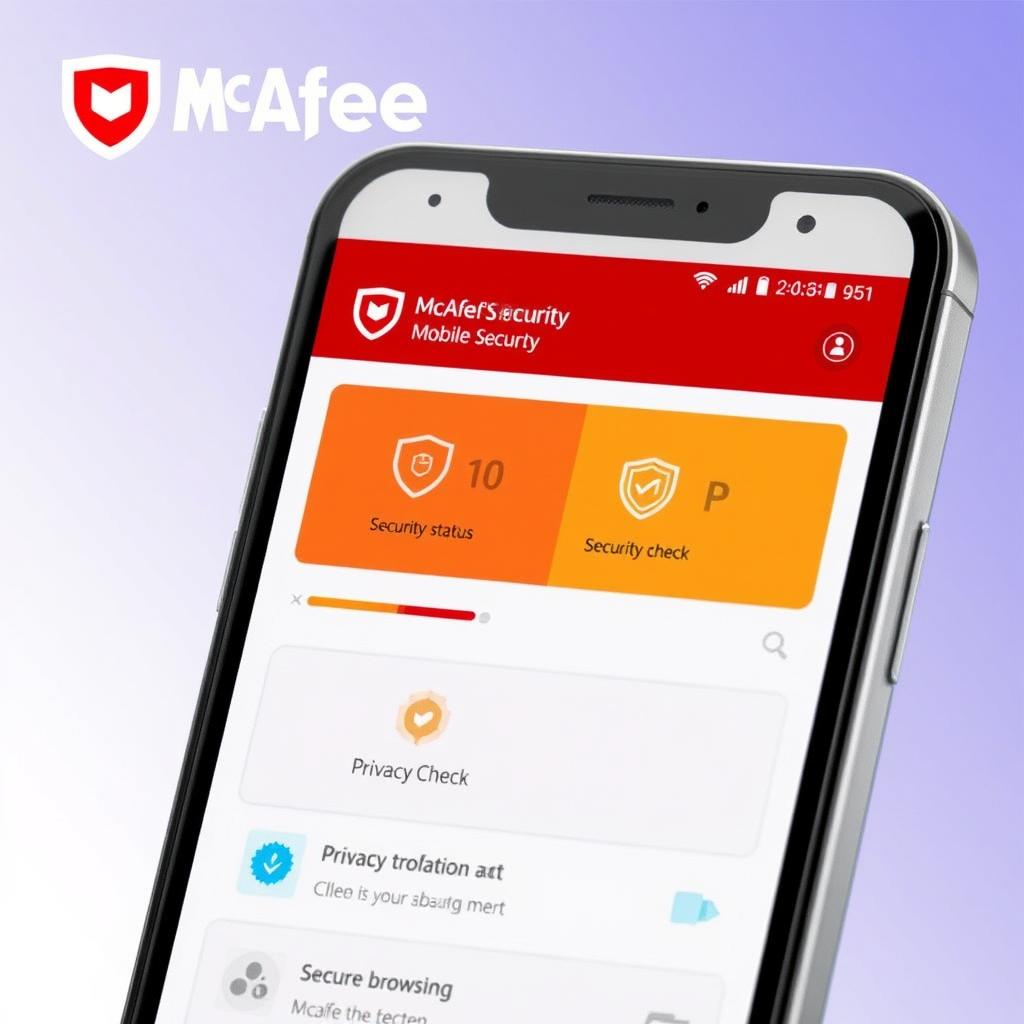
Features strong malware detection, privacy scanning for apps, and secure browsing. Includes anti-theft tools and performance optimization.
Password Managers

Using unique, complex passwords for each account is essential but difficult to remember. Password managers solve this problem:
Bitwarden

Open-source password manager with strong encryption. Offers free cross-platform syncing and optional premium features.
1Password

User-friendly interface with excellent security features. Includes breach monitoring and secure document storage.
LastPass
Popular option with intuitive mobile apps. Features password sharing, security challenges, and dark web monitoring.
VPN Services

Virtual Private Networks (VPNs) encrypt your internet connection, protecting your data on public networks and preventing tracking:
NordVPN

Offers strong encryption, a strict no-logs policy, and specialized servers for different needs. Includes malware blocking.
ExpressVPN

Known for fast speeds and reliable connections. Features easy-to-use apps and excellent customer support.
Surfshark

Budget-friendly option with unlimited simultaneous connections. Includes ad blocking and data breach alerts.
Real-World Mobile Security Breach Examples
Case Study 1: The Pegasus Spyware Attack

In 2021, the Pegasus spyware created by NSO Group was found to have infected thousands of smartphones worldwide through zero-click exploits. This sophisticated malware could:
- Access messages, calls, and emails
- Activate cameras and microphones remotely
- Track location data
- Extract photos and passwords
Key Lesson: Even fully updated devices can be vulnerable to sophisticated attacks. Using security tools that monitor for unusual behavior and limiting sensitive information stored on your device can reduce potential damage.
Case Study 2: The WhatsApp Voice Call Vulnerability
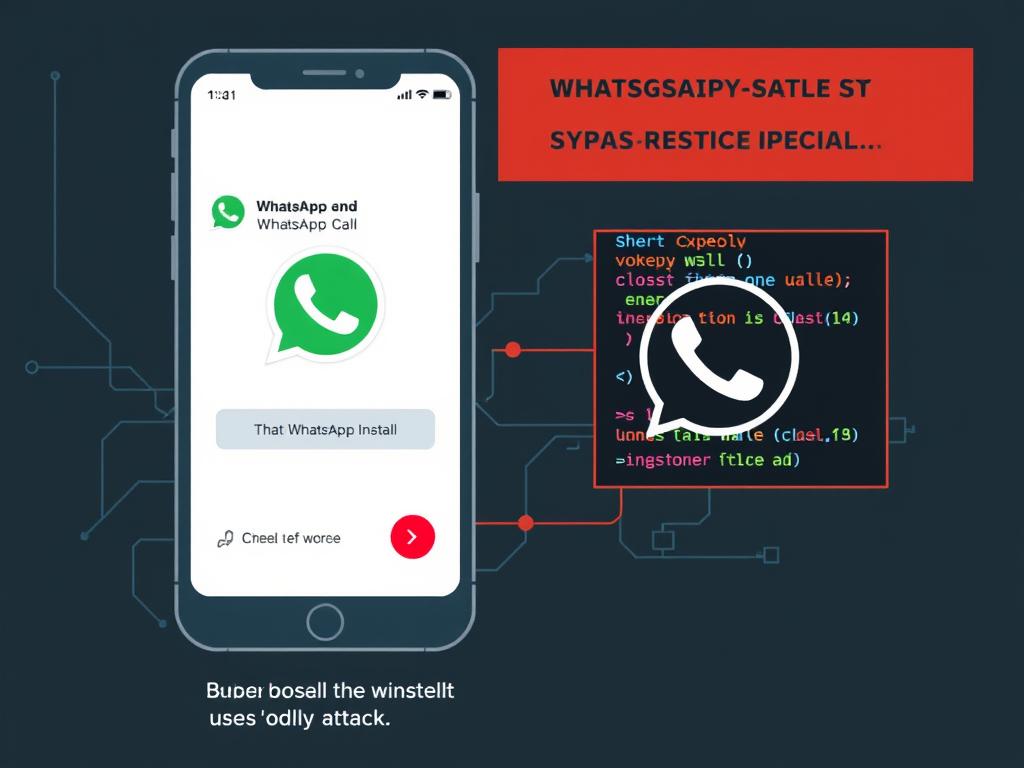
In 2019, a vulnerability in WhatsApp allowed attackers to install spyware on phones simply by calling the target – even if they didn’t answer. The attack:
- Exploited a buffer overflow vulnerability in WhatsApp’s voice call feature
- Installed surveillance software without any user interaction
- Left no trace of the call in call logs
- Affected both Android and iOS devices
Key Lesson: Promptly updating apps is crucial. WhatsApp quickly patched this vulnerability, but users who delayed updates remained at risk.
Case Study 3: The SIM Swapping Attacks
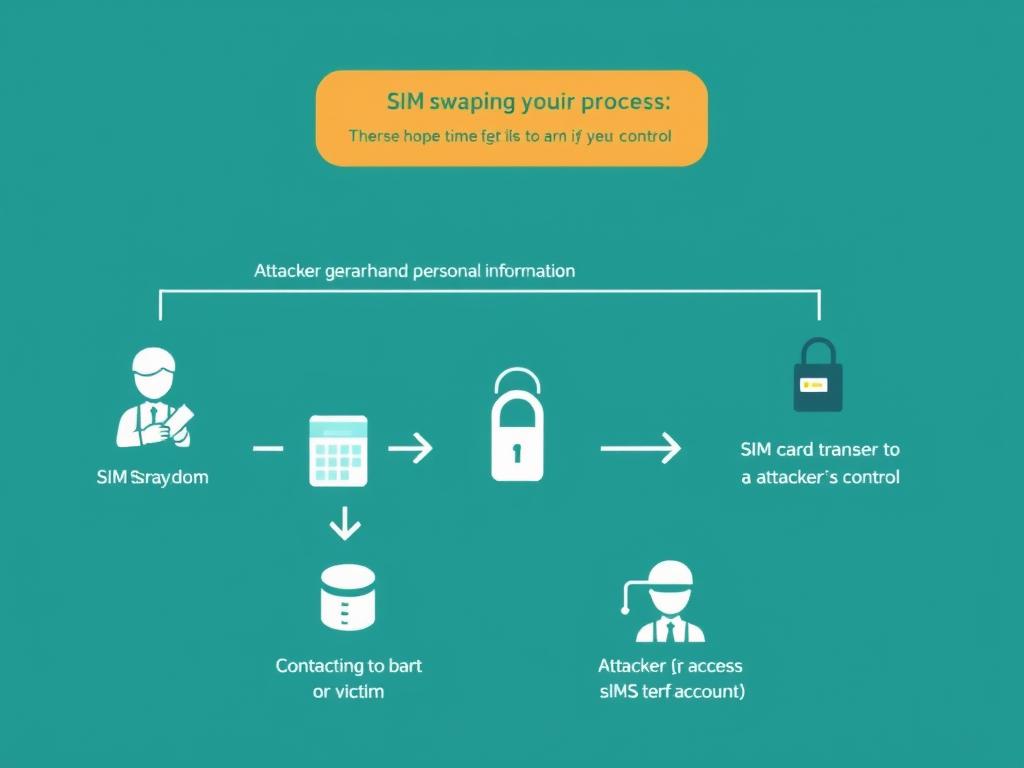
SIM swapping has become increasingly common, with hackers convincing mobile carriers to transfer a victim’s phone number to a new SIM card. In a high-profile 2019 case, a cryptocurrency investor lost over $23.8 million through such an attack.
- Attackers used social engineering to convince carrier employees to transfer the number
- With control of the phone number, they bypassed SMS-based two-factor authentication
- They gained access to email, cryptocurrency accounts, and financial services
- The entire attack took less than 24 hours to execute
Key Lesson: Avoid SMS-based two-factor authentication when possible. Use authentication apps or hardware keys instead, and add PIN protection to your mobile account.
Protect Your Digital Life Today
Don’t wait until you become a victim. Our comprehensive mobile security suite protects against all the threats mentioned above.
Frequently Asked Questions About Mobile Phone Security
How do I know if my phone has been hacked?
Common signs include unexpected battery drain, unusual data usage, strange app behavior, overheating, pop-ups, or unexpected charges. Your phone might also run slower than normal or restart randomly. If you notice multiple symptoms, run a security scan immediately.
Is it safe to use public Wi-Fi with my phone?
Public Wi-Fi networks are inherently risky. If you must use them, always connect through a VPN to encrypt your traffic. Avoid accessing sensitive accounts or conducting financial transactions on public networks. When possible, use your cellular data connection instead.
Do I really need antivirus software on my smartphone?
While modern mobile operating systems have built-in protections, dedicated security apps provide valuable additional features like anti-theft, privacy scanning, and malicious website blocking. They’re especially recommended if you download apps from outside official stores or click links from unknown sources.
How often should I update my phone’s operating system?
You should install security updates as soon as they become available, ideally within a few days of release. Enable automatic updates if possible. For major OS version updates, it’s reasonable to wait 1-2 weeks to ensure there are no significant bugs, but don’t delay security patches.
What should I do if I lose my phone?
Act quickly by using Find My Device (Android) or Find My iPhone (iOS) to locate, lock, or erase your device remotely. Change passwords for important accounts, especially email and banking. Contact your carrier to suspend service and report the loss to local authorities if you suspect theft.
Take Action Now: Secure Your Mobile Phone Today

Mobile phone security isn’t optional in today’s digital landscape – it’s essential. The threats we’ve discussed are real and growing more sophisticated every day. Fortunately, protecting yourself doesn’t require technical expertise, just consistent application of the principles and tools we’ve covered.
Start by implementing these five critical steps today:
- Update your operating system and all apps to the latest versions
- Enable biometric authentication and set up a strong backup password
- Review app permissions and revoke unnecessary access
- Install a reputable security app from your official app store
- Set up a password manager and begin creating unique passwords for all accounts
Remember that mobile phone security is an ongoing process, not a one-time task. Stay informed about emerging threats and regularly review your security practices. Your digital life is worth protecting – take action now before you become a statistic.
Stay One Step Ahead of Threats
Download our free Mobile Security Checklist to ensure you’ve covered all aspects of protecting your device and data.