
Your React application delivers an amazing user experience. The interface responds instantly. Users love the smooth interactions. But there’s a problem that keeps you awake at night.
Your beautiful React website is invisible to search engines. Potential customers can’t find you on Google. Competitors with inferior products rank higher. You’re losing business every single day.
This comprehensive guide solves your React website indexing challenges. You’ll discover proven techniques that guarantee top search engine rankings. We’ll walk through practical solutions that work for real applications in production.
Table of Contents:
Understanding Why React Websites Face Unique Indexing Challenges
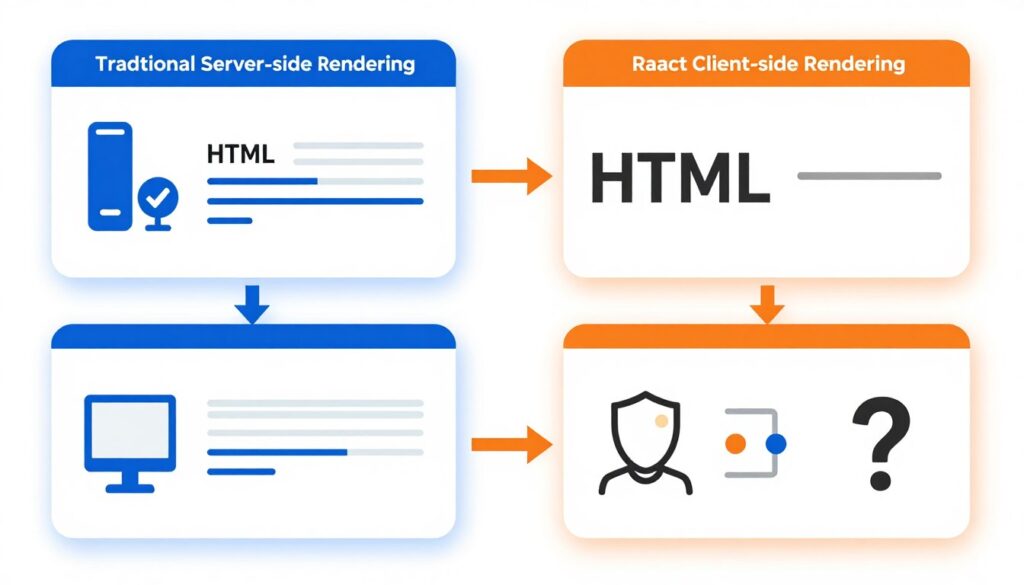
React applications work differently than traditional websites. Traditional sites send complete HTML pages to browsers. Search engines can read that content immediately. React takes a different approach that creates indexing problems.
React apps use client-side rendering. The web server sends a mostly empty HTML file to visitors. JavaScript code then builds the page content inside the browser. This process happens after the initial page load.
Search engine crawlers face a timing problem. They request your page and receive that nearly empty HTML file. The JavaScript hasn’t executed yet. The content hasn’t appeared. The crawler sees an empty page with no valuable content to index.
Traditional Website Loading
Traditional websites deliver complete HTML to search engines immediately. Every page contains fully rendered content. Crawlers can index everything without executing JavaScript. This approach ensures reliable search visibility.
- Server generates complete HTML pages
- Content visible in page source code
- No JavaScript required for content display
- Fast indexing by search engines
- Reliable SEO performance
React Application Loading
React applications send minimal HTML initially. JavaScript code builds the interface after page load. Content appears only after script execution. This process creates challenges for search engine crawlers and indexing.
- Server sends minimal HTML shell
- JavaScript builds page content dynamically
- Content invisible in initial source
- Delayed or incomplete indexing
- Potential ranking penalties
Google can execute JavaScript in many cases. But this process consumes more resources. Google places JavaScript-heavy sites in a rendering queue. Your content might not get indexed for days or weeks. Some pages might never get properly indexed at all.
Other search engines have even bigger problems. Bing and smaller engines have limited JavaScript rendering capabilities. They might not index your React content correctly. You’re potentially invisible to a significant portion of search traffic.
The architecture creates additional challenges beyond initial indexing. React applications often use a single HTML file for multiple routes. The same page shell serves different content based on user navigation. Search engines struggle to distinguish between these different views.
Meta tags present another obstacle. React apps typically don’t update meta titles and descriptions for different routes. Every page appears identical to search engines. This hurts your click-through rates and search visibility across your entire site.
The good news is that these challenges have solutions. Modern React frameworks provide tools specifically designed to solve indexing problems. You can build SEO-friendly React applications that rank competitively. The following sections reveal exactly how to accomplish this goal.
Common Problems Search Engines Encounter When Indexing React Sites
Search engines face specific technical obstacles when crawling React applications. Understanding these problems helps you implement effective solutions. Each challenge requires targeted fixes to ensure proper indexing and ranking.
JavaScript Rendering Issues That Block Content Discovery
Google’s crawler must execute JavaScript to see React content. This rendering process happens in a separate queue from regular crawling. Your pages get crawled immediately but might wait days for rendering. Critical content remains invisible during this delay.
The rendering queue prioritizes high-authority sites. New or low-authority React sites face longer rendering delays. Some pages might never get rendered at all. You’re competing for limited rendering resources against millions of other JavaScript-heavy websites.

Rendering failures happen frequently. JavaScript errors prevent content from appearing. A single broken script can make your entire page invisible. Search engines see error messages instead of your valuable content. These failures directly damage your search rankings.
External dependencies create additional risks. Third-party scripts might load slowly or fail completely. Analytics code can block rendering. Each external resource adds potential failure points. Your indexing success depends on code you don’t control.
Crawl Budget Problems That Limit Page Discovery
Search engines allocate limited crawling resources to each website. This crawl budget determines how many pages get indexed. React applications consume more crawl budget because JavaScript rendering requires extra resources. You get fewer indexed pages compared to traditional sites.
Single-page applications exacerbate this problem. The initial JavaScript bundle can exceed several megabytes. Crawlers must download and execute this entire file. Large bundles waste precious crawl budget on code instead of content.
Critical Warning: Sites exceeding 1MB JavaScript bundle sizes face severe indexing delays. Google may skip rendering entirely for extremely large applications. Optimize your bundle size before implementing other SEO best practices.
Unnecessary page updates waste crawl budget further. React apps sometimes trigger re-renders without content changes. Search engines crawl these pages repeatedly without finding new information. This inefficiency reduces crawling of genuinely new content.
Delayed Content Indexing and Ranking Penalties
Time matters significantly for search rankings. Fresh content gets indexed faster and ranks higher initially. React applications face systematic delays that hurt time-sensitive content. News sites, blogs, and product launches suffer the most.
The rendering delay creates a competitive disadvantage. Traditional websites get indexed within hours. Your React application might wait weeks for the same content. Competitors with faster indexing capture search traffic first. You miss critical early ranking opportunities.
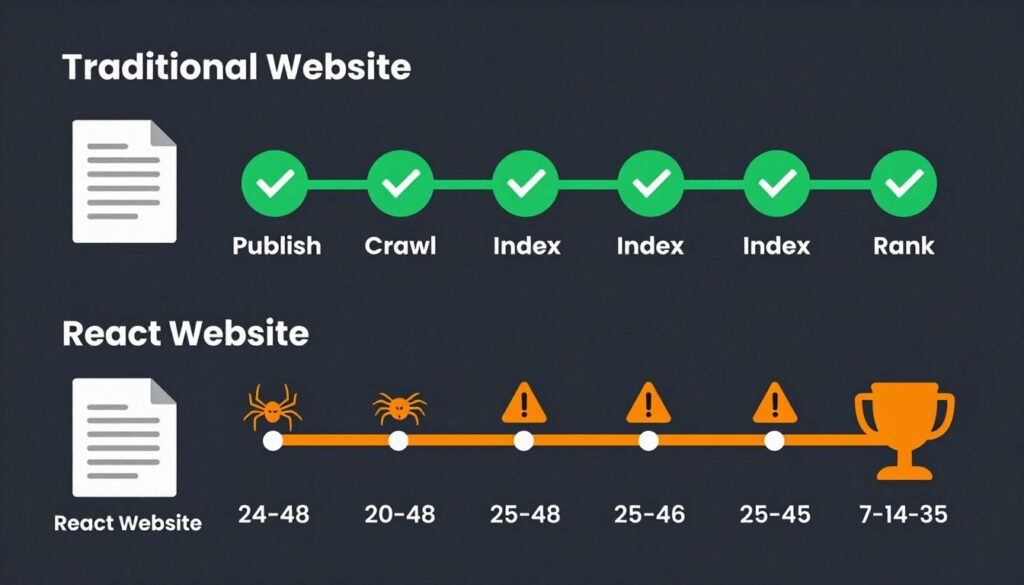
Partial indexing creates ranking problems. Search engines might index your homepage but miss important category pages. Product pages could remain invisible while competitors dominate your keywords. Incomplete indexing directly translates to lost revenue and opportunities.
Content quality signals get diluted. Search engines might see only navigation elements without main content. Your carefully crafted articles appear as thin content. Pages get devalued or removed from indexes entirely. The indexing problems create cascading ranking issues.
Testing Recommendation: Use Google Search Console’s URL Inspection tool to check how Google renders your React pages. This tool shows exactly what content search engines see after JavaScript execution. Regular monitoring catches indexing problems before they impact rankings.
Not Sure If Your React Site Is Properly Indexed?
Get a free technical assessment of your React application’s search engine visibility. Our specialists will analyze your site’s indexing status and provide actionable recommendations.
Technical Solutions: Server-Side Rendering, Static Site Generation, and Next.js Implementation
Modern React frameworks provide powerful solutions to indexing challenges. These approaches render content on the server before sending HTML to browsers. Search engines receive complete pages they can index immediately. Your content becomes visible without JavaScript execution requirements.
Server-Side Rendering (SSR) for Dynamic Content Applications
Server-side rendering generates HTML for each request. When a user visits your page, the server runs your React code. It produces complete HTML with all content visible. The browser receives a fully rendered page that search engines can index immediately.
SSR solves the empty HTML problem completely. Search engine crawlers see your full content in the initial response. No JavaScript execution is required for indexing. Your pages get crawled and indexed just like traditional websites. Ranking potential increases dramatically.
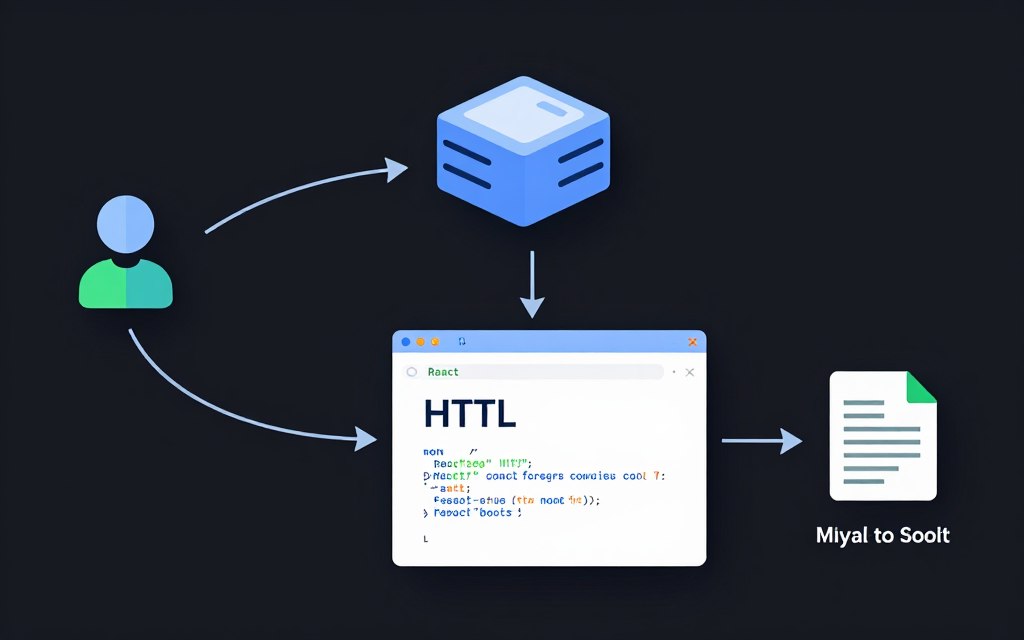
The implementation requires Node.js on your server. Your React application runs in a Node environment for each request. The server executes your components and generates HTML strings. This process adds server processing time but eliminates client-side rendering delays.
SSR works best for dynamic content that changes frequently. User dashboards benefit significantly from this approach. Personalized content gets rendered specifically for each visitor. The server can include user-specific data in the initial HTML response.
When to Use SSR
- Frequently updated content
- Personalized user experiences
- Real-time data display
- Authentication-dependent content
- Dynamic e-commerce catalogs
Server-side rendering introduces server complexity. Your hosting infrastructure must run Node.js efficiently. Each page request consumes server resources. High traffic sites need robust server capacity. Caching strategies become essential for performance.
The React application hydration process happens after initial render. JavaScript downloads and activates interactive features. This two-step process ensures both SEO best practices and user experience. Search engines get static content while users get dynamic interactions.
Static Site Generation (SSG) for Content-Focused Websites
Static site generation pre-renders pages at build time. Your React application generates HTML files during the build process. These static files get deployed to your web server or CDN. Every visitor and search engine receives identical pre-rendered HTML.
SSG delivers maximum performance for search engines and users. No server processing happens at request time. Pages load instantly from static file servers. Search engines index content immediately without any rendering delays. This approach provides the best possible indexing outcomes.
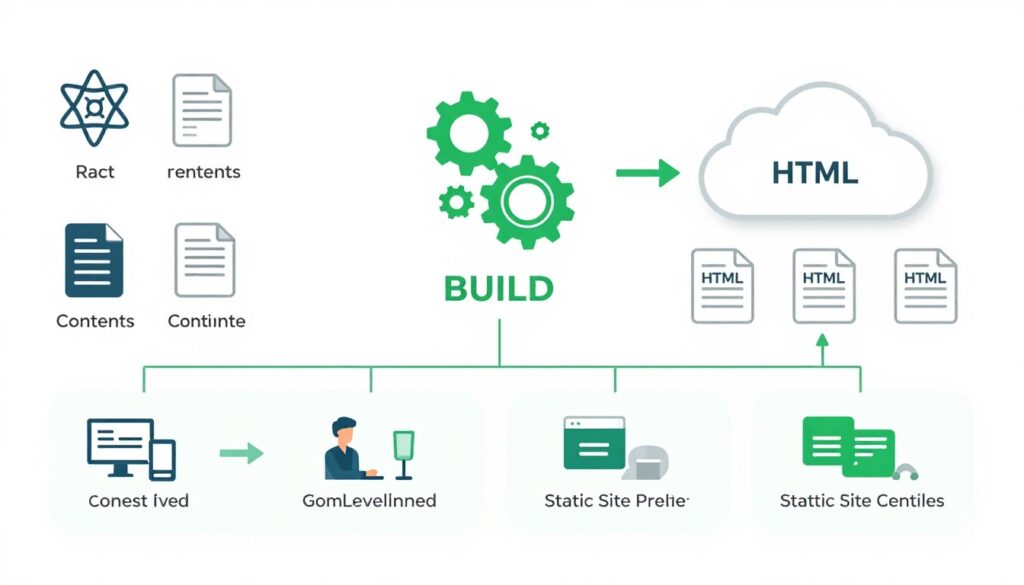
Content sites benefit most from static generation. Blogs, documentation, and marketing pages work perfectly with this approach. The content changes infrequently enough that rebuilding is practical. Each build creates fresh HTML with your latest content.
The build process generates pages for all routes. You define which URLs exist in your React application. The static generator visits each route and saves the rendered HTML. Large sites can take minutes to build but the results deliver maximum SEO value.
Performance Advantage: Static site generation combined with CDN delivery provides the fastest possible page loads. Google’s Core Web Vitals scores improve dramatically. Better performance directly contributes to higher search rankings and user satisfaction.
Content updates require rebuilding the site. You can’t use static generation for real-time content. E-commerce product availability and pricing need different solutions. Consider hybrid approaches that combine static pages with dynamic API calls.
Next.js Framework Implementation for Optimal Flexibility
Next.js provides both server-side rendering and static generation in one framework. You choose the rendering method per page. Some pages use SSG for performance. Others use SSR for dynamic content. This flexibility solves virtually all React SEO issues.
The framework handles routing automatically. Each file in your pages directory becomes a route. Next.js generates appropriate HTML for search engines. Meta tags update correctly for each page. You get SEO best practices built into the framework.
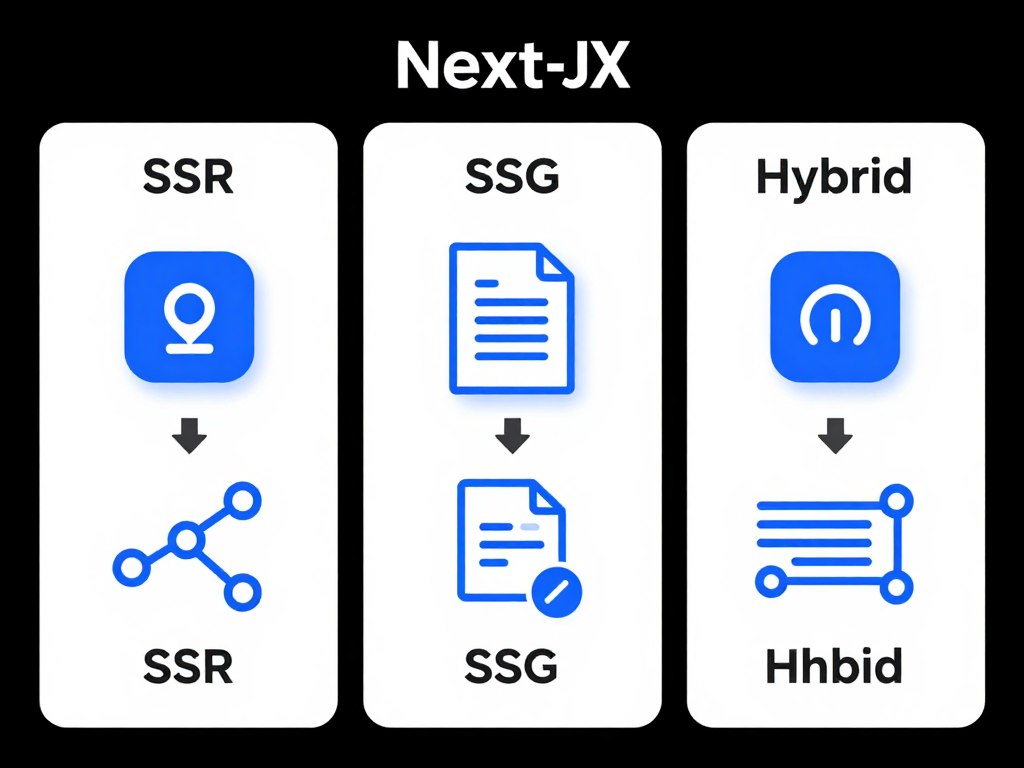
Next.js simplifies the technical implementation significantly. Built-in functions handle data fetching for both rendering methods. The getStaticProps function generates static pages. The getServerSideProps function enables server-side rendering. Clean APIs make implementation straightforward.
Image optimization comes included with Next.js. The framework automatically optimizes images for different devices. Lazy loading happens by default. These optimizations improve page speed scores. Better performance helps search engine rankings directly.
| Rendering Method | Best For | Build Time | Server Load | SEO Performance |
| Client-Side (Traditional React) | Internal tools, dashboards | Fast | Low | Poor |
| Server-Side Rendering | Dynamic content, personalization | Fast | High | Excellent |
| Static Site Generation | Blogs, documentation, marketing | Slow | Minimal | Excellent |
| Next.js Hybrid | Complex applications | Variable | Variable | Excellent |
Incremental static regeneration provides the best of both worlds. Pages get generated statically for speed. Background rebuilds update content on schedule. Users see fast static pages. Content stays fresh without full rebuilds. This feature works perfectly for e-commerce and content sites.
DIY Implementation Guide
Download our comprehensive React SEO implementation checklist. This guide walks through server-side rendering setup, Next.js configuration, and testing procedures step by step.
Expert Implementation Service
Let our React specialists optimize your application for search engines. We’ll implement SSR or SSG, configure meta tags, and ensure complete indexing of your content.
Best Practices for Meta Tags, Structured Data, and Sitemap Optimization
Technical implementation provides the foundation for React SEO. But proper metadata and structured content maximize your search visibility. These best practices ensure search engines understand and display your content correctly.
Implementing Dynamic Meta Tags for Each Route
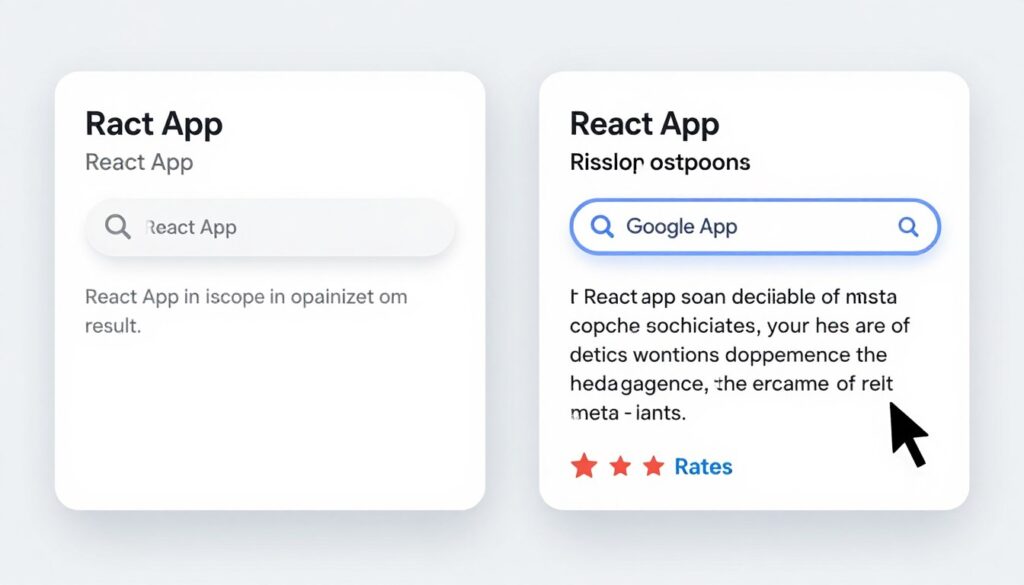
Every page needs unique meta tags. Title tags tell search engines what your page discusses. Meta descriptions appear in search results and influence click-through rates. React applications must update these tags dynamically for each route.
The react-helmet library simplifies meta tag management. This package allows you to set title tags and meta descriptions within your React components. The library updates document head elements when routes change. Search engines see appropriate metadata for each page.
Title tags should include target keywords naturally. Place important keywords near the beginning. Keep titles under 60 characters to avoid truncation in search results. Each page needs a unique title that describes its specific content.
Meta descriptions provide click-through opportunities. Write compelling descriptions that encourage clicks from search results. Include your target keyword naturally. Descriptions should be 150-160 characters for optimal display. Think of these as advertising copy for search results.
- Unique title for every page
- Keywords placed naturally in title
- Compelling meta description with CTA
- Accurate content representation
- Appropriate length limits respected
- Mobile-friendly formatting
Effective Meta Tags
- Duplicate titles across pages
- Keyword stuffing in titles
- Missing meta descriptions
- Generic descriptions like “Welcome”
- Truncated text in search results
- Irrelevant keyword targeting
Common Meta Tag Mistakes
Open Graph tags improve social sharing. These meta tags control how your content appears on Facebook and LinkedIn. Twitter Card tags optimize Twitter sharing. Include these tags alongside standard SEO meta tags for comprehensive coverage.
Structured Data Implementation for Rich Search Results
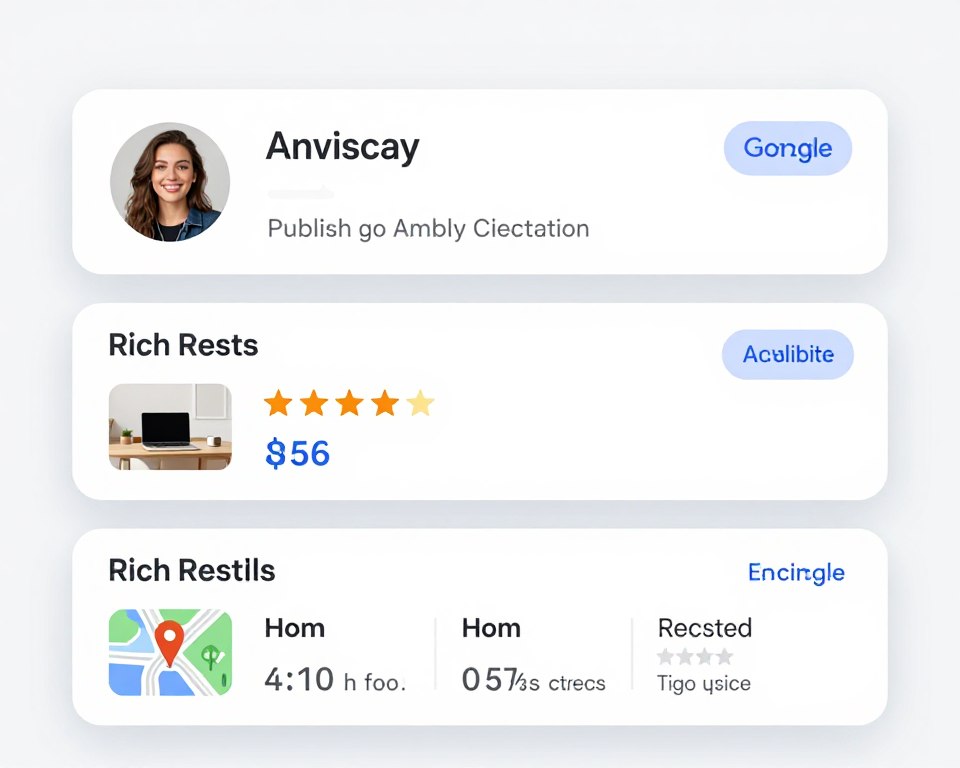
Structured data helps search engines understand your content. JSON-LD format provides machine-readable information about your pages. This data enables rich results like review stars, product prices, and event details in search results.
Schema.org vocabulary defines structured data types. Article schema works for blog posts and news content. Product schema helps e-commerce pages. LocalBusiness schema optimizes location-based businesses. Choose schemas that match your content type.
Implementation requires adding JSON-LD scripts to your pages. React components can include these scripts in their render output. Next.js makes this particularly straightforward with its built-in script component. The structured data gets included in server-rendered HTML.
Product pages benefit significantly from structured data. Include price, availability, brand, and review information. Rich product results attract more clicks than standard listings. The visual enhancement creates competitive advantage in search results.
Validation Requirement: Always validate structured data using Google’s Rich Results Test tool. This free tool shows exactly how Google interprets your schema markup. Fix validation errors before deployment to ensure rich results appear correctly.
XML Sitemap Creation and Optimization Strategies
XML sitemaps guide search engines to all your important pages. React applications need sitemaps just like traditional websites. The sitemap lists every URL you want indexed. Search engines use this file to discover and prioritize content.
Generate sitemaps during your build process. Static site generation makes this straightforward. Your build script creates the sitemap automatically from your routes. Upload the sitemap to your site root directory where search engines expect it.
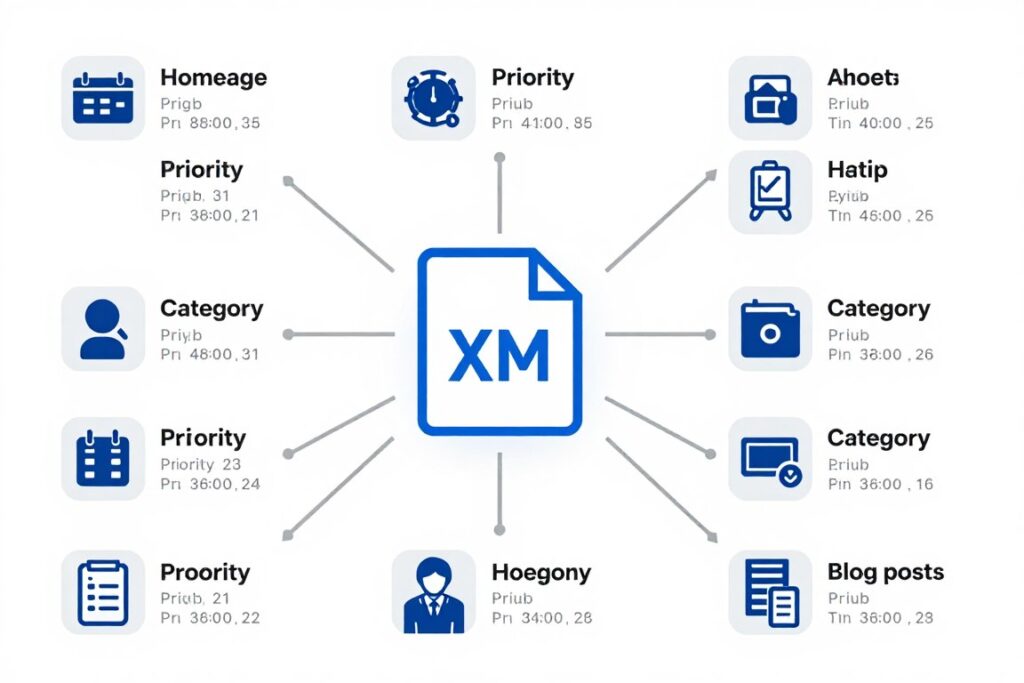
Prioritize pages in your sitemap. Homepage typically gets priority 1.0. Important category pages receive 0.8. Individual product or blog pages get 0.6. These priorities guide search engine crawling. Higher priority pages get crawled more frequently.
Update frequency tells search engines how often content changes. Daily updates for blog homepages. Weekly for category pages. Monthly for individual posts. Accurate update frequencies help search engines optimize crawling efficiency.
| Page Type | Priority | Update Frequency | SEO Importance |
| Homepage | 1.0 | Daily | Critical |
| Main Category Pages | 0.8 | Weekly | High |
| Product/Article Pages | 0.6 | Monthly | Medium |
| Subcategory Pages | 0.5 | Monthly | Medium |
| Archive/Tag Pages | 0.3 | Yearly | Low |
Submit your sitemap through Google Search Console. This ensures Google knows your sitemap location. The console shows indexing statistics and errors. You can track exactly how many pages Google has indexed from your sitemap.
Large sites benefit from multiple sitemaps. Create separate sitemaps for different content types. One sitemap for blog posts. Another for product pages. A sitemap index file references all individual sitemaps. This organization helps search engines process large sites efficiently.
Tools and Methods for Testing and Verifying Proper React Content Indexing
Testing ensures your implementation works correctly. Multiple tools verify that search engines can access and index your content. Regular testing catches problems before they impact rankings.
Google Search Console for Comprehensive Indexing Monitoring
Google Search Console provides essential indexing insights. The URL Inspection tool shows exactly how Google renders your pages. You see the rendered HTML after JavaScript execution. This reveals whether your content appears correctly to search engines.
The Coverage report tracks indexing status across your entire site. You see which pages are indexed successfully. Error pages require immediate attention. Excluded pages might indicate problems with your implementation or search engine optimization.
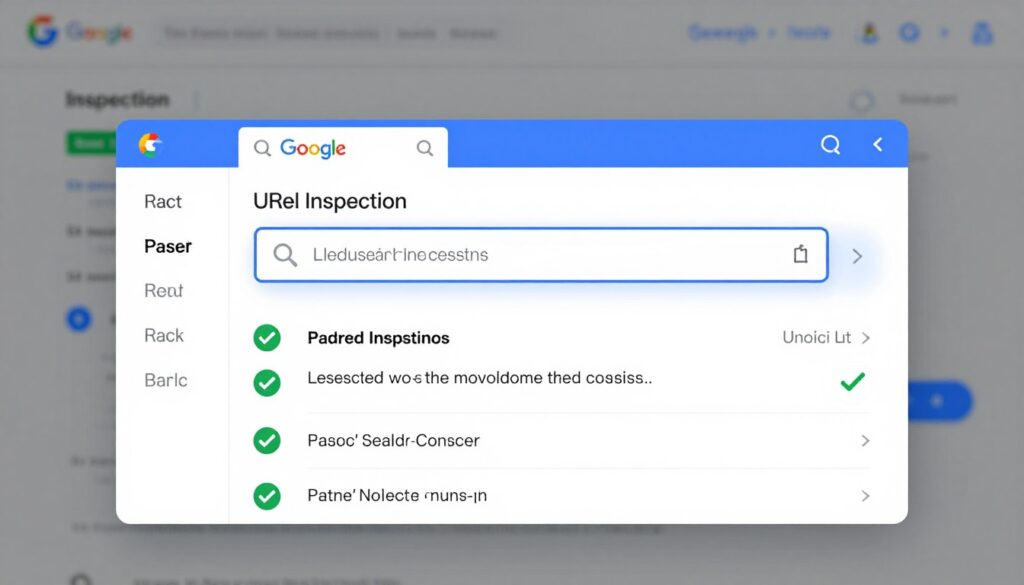
Index coverage alerts notify you of new issues. Google emails notifications when indexing problems occur. Quick response prevents ranking losses. Set up alerts for error increases and coverage decreases. Proactive monitoring protects your search visibility.
The Performance report shows search traffic data. Track impressions and clicks for your pages. Identify which content ranks well. Find pages that need optimization. This data guides your ongoing SEO best practices and content strategy.
Rendering Tests to Verify JavaScript Execution
Manual testing verifies JavaScript rendering reliability. View page source in your browser to see initial HTML. Then inspect rendered DOM to see JavaScript-generated content. Compare these views to identify what search engines might miss.
Google’s Mobile-Friendly Test tool checks mobile rendering. This free tool shows how Google renders your React application on mobile devices. Mobile indexing matters significantly since Google uses mobile-first indexing. Your mobile experience determines desktop rankings too.
Testing Checklist
- View page source (initial HTML)
- Inspect rendered DOM (after JavaScript)
- Test with JavaScript disabled
- Run Mobile-Friendly Test
- Check URL Inspection tool
- Verify structured data validity
- Test sitemap accessibility
- Confirm meta tag updates
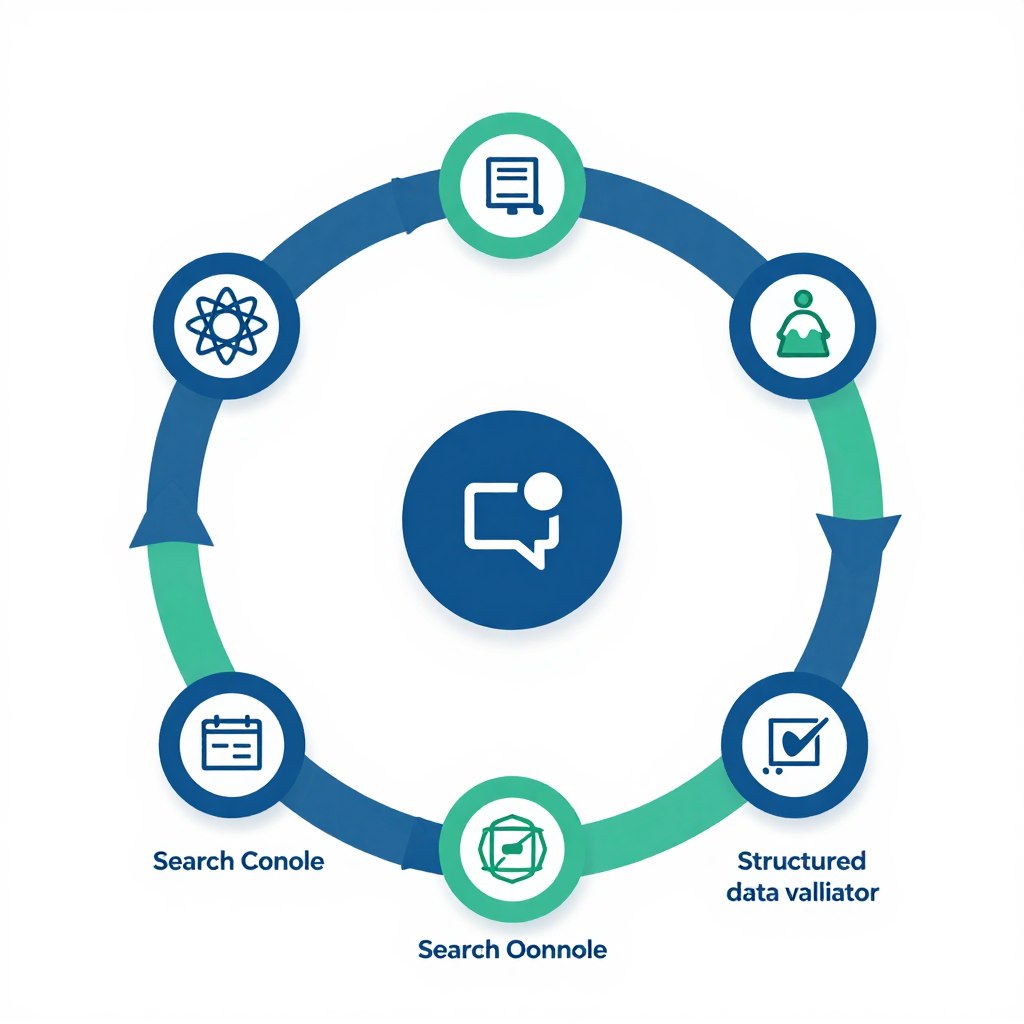
Third-party tools provide additional verification. Screaming Frog SEO Spider crawls your site like search engines do. It identifies JavaScript rendering problems and missing content. The tool generates detailed reports highlighting SEO issues that need attention.
Browser developer tools help debug rendering problems. The Network tab shows resource loading. Console errors reveal JavaScript problems. Performance profiling identifies slow rendering. These tools help diagnose and fix technical issues affecting search engine crawlers.
Fetch and Render Verification for Search Engine Compatibility
The “Fetch as Google” feature tests live rendering. Though the standalone tool is deprecated, URL Inspection provides similar functionality. Google fetches and renders your page exactly as their crawler does. You see the same content Google indexes.
Request indexing through URL Inspection after content updates. This prompts Google to recrawl specific pages. New content gets indexed faster. Critical updates reach search results quickly. Use this feature strategically for time-sensitive content.
Testing Frequency Recommendation: Test critical pages weekly. Monitor Search Console daily for error notifications. Run comprehensive site audits monthly. Implement continuous monitoring for large React applications with frequent updates.
Bing Webmaster Tools provides similar verification for Bing search. Don’t neglect Bing despite Google’s dominance. Bing represents meaningful search traffic. The verification process resembles Google Search Console. Test your React application across multiple search engines for comprehensive coverage.
Automated testing integrates into deployment pipelines. Write tests that verify meta tags update correctly. Check that structured data appears in rendered HTML. Ensure sitemaps generate successfully. Automated tests catch regressions before they reach production and impact your search rankings.
Performance Optimization Techniques That Impact User Experience and Search Engine Crawling
Performance directly affects search rankings. Google considers page speed a ranking factor. Fast sites provide better user experience. Search engine crawlers process fast sites more efficiently. Performance optimization delivers both SEO and usability benefits.
JavaScript Bundle Size Reduction Strategies
Large JavaScript bundles hurt performance and indexing. Minimize bundle sizes to improve load times. Code splitting divides your application into smaller chunks. Users download only necessary code for each page. Search engines face smaller downloads during rendering.
Webpack and other bundlers provide automatic code splitting. Dynamic imports trigger splitting at specific points. Route-based splitting works perfectly for React applications. Each route gets its own bundle. Initial page load requires less code download.
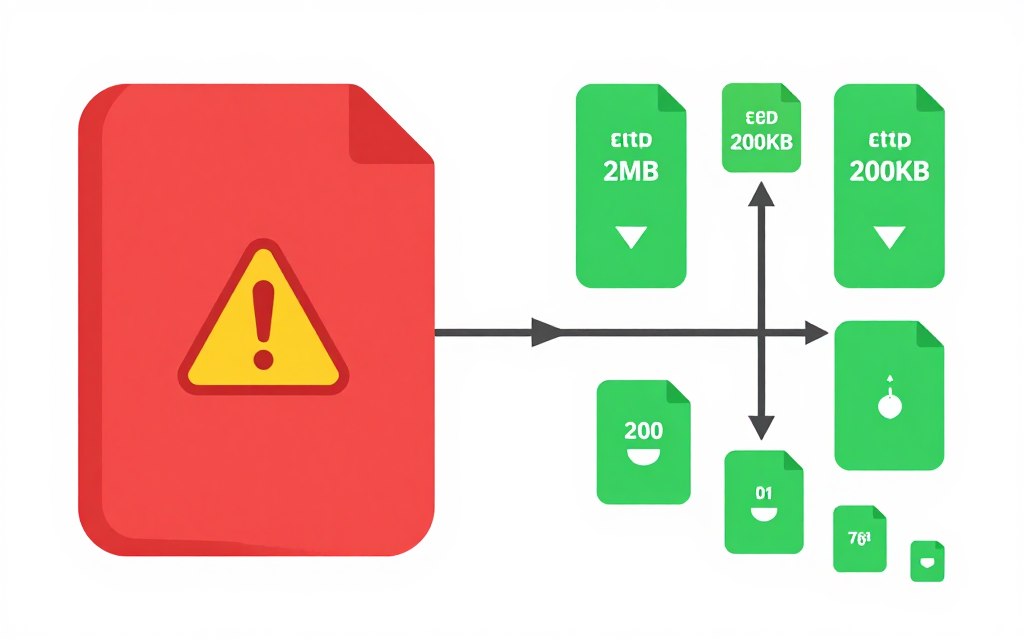
Tree shaking removes unused code from bundles. Modern bundlers analyze dependencies and eliminate dead code. This automatic optimization reduces bundle sizes significantly. Configure your build tools correctly to enable tree shaking. Production builds should always use this optimization.
Lazy loading delays non-critical components. Load components only when users need them. Below-the-fold content can load after initial render. This technique reduces initial bundle size. Users see content faster. Search engines encounter smaller initial payloads.
Bundle Size Target: Aim for initial JavaScript bundles under 200KB compressed. This size loads quickly on mobile connections. Larger bundles create perceivable delays that hurt user experience and search rankings. Monitor bundle sizes with every code change.
Image Optimization for Faster Page Loads
Images typically represent the largest page assets. Optimize images aggressively for performance gains. Modern image formats like WebP provide better compression. Next.js Image component handles optimization automatically. Manual optimization works for other React frameworks.
Responsive images serve appropriate sizes for different devices. Mobile users don’t need desktop-resolution images. The picture element and srcset attribute enable responsive images. Browsers download only the size they need. This reduces data transfer significantly.
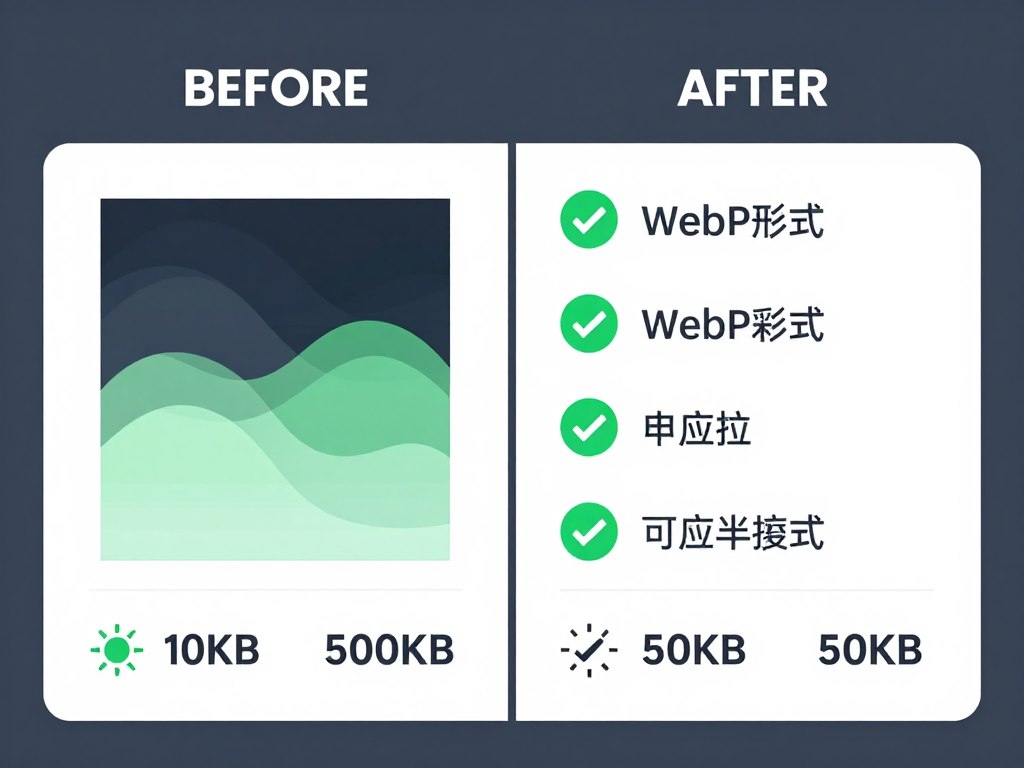
Lazy loading images improves initial page speed. Images below the fold load as users scroll. The loading attribute provides native browser lazy loading. Search engines still access all images through your HTML. Users experience faster initial loads without sacrificing content completeness.
Content Delivery Networks accelerate image delivery. CDNs serve images from servers close to users. Geographic distribution reduces latency. Image CDNs provide automatic optimization and resizing. Consider services like Cloudinary or Imgix for automatic image optimization at scale.
Critical CSS and Resource Prioritization
Critical CSS enables immediate content rendering. Extract CSS needed for above-the-fold content. Inline this CSS in your HTML head. Defer non-critical CSS loading. Users see styled content faster. Search engines encounter faster-rendering pages.
Resource hints guide browser loading priorities. Preconnect establishes early connections to external resources. Prefetch loads resources for future navigation. Preload ensures critical resources download immediately. These hints optimize the browser’s resource loading strategy.
Critical Performance Metrics
- Largest Contentful Paint (LCP): under 2.5 seconds
- First Input Delay (FID): under 100 milliseconds
- Cumulative Layout Shift (CLS): under 0.1
- Time to Interactive (TTI): under 3.8 seconds
- First Contentful Paint (FCP): under 1.8 seconds
Testing Tools
- Google PageSpeed Insights for performance scoring
- Lighthouse in Chrome DevTools
- WebPageTest for detailed analysis
- Chrome User Experience Report data
- Search Console Core Web Vitals report
Font loading strategies prevent layout shifts. Use font-display: swap for custom fonts. This shows fallback fonts immediately then swaps when custom fonts load. Content remains readable throughout loading. Layout shifts decrease significantly improving user experience.
Third-party scripts require careful management. Analytics and marketing tags can block rendering. Load these scripts asynchronously when possible. Defer non-critical scripts until after page load. Each third-party resource adds risk and delay. Minimize external dependencies for optimal performance.
Progressive Enhancement Strategies and Hydration Considerations
Progressive enhancement ensures your React application works for all users. Basic functionality works without JavaScript. Enhanced features activate when JavaScript loads. This approach maximizes accessibility and search engine compatibility simultaneously.
Building Core Functionality Without JavaScript Dependencies
Core content should appear without JavaScript execution. Server-side rendering provides this foundation. Users and search engines receive functional HTML. JavaScript then enhances the experience without being required for basic access.
Navigation remains functional without JavaScript. Traditional links work before React routing activates. Forms submit through standard mechanisms. Content displays using semantic HTML. JavaScript adds smooth transitions and instant interactions on top of this foundation.
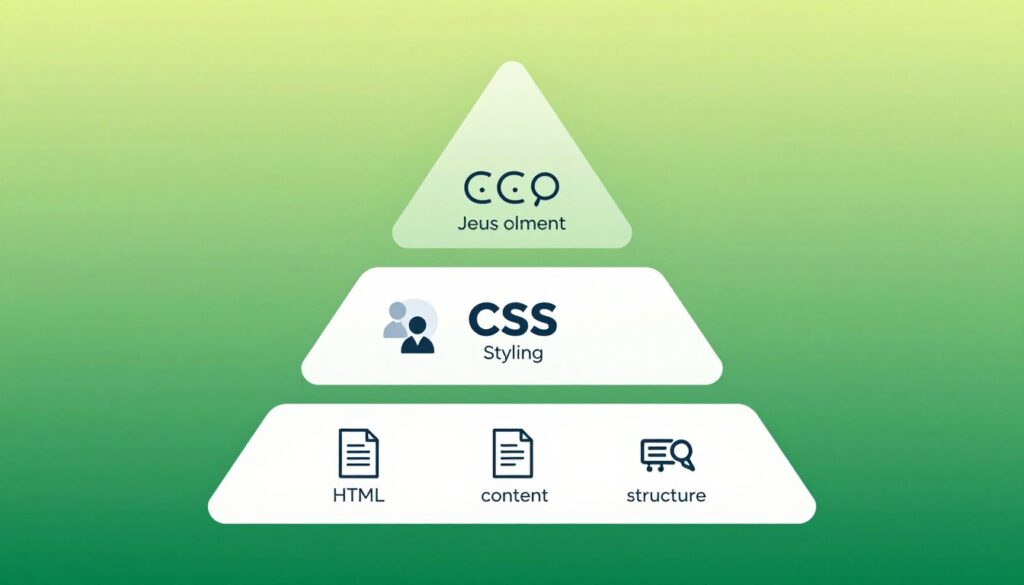
Semantic HTML improves both accessibility and SEO. Use proper heading hierarchy. Structure content with sections and articles. Employ lists for grouped information. Search engines understand semantic markup better. Screen readers navigate properly. HTML structure benefits all users regardless of JavaScript availability.
Critical content appears in initial HTML. Don’t hide important text behind JavaScript interactions. Search engines might not trigger the interactions needed to reveal content. Place key information in immediately visible HTML. Use JavaScript to enhance presentation rather than gate content access.
React Hydration Process and Performance Impact
Hydration attaches React interactivity to server-rendered HTML. The browser receives static HTML and displays it immediately. JavaScript then downloads and React takes control. Event listeners attach and components become interactive. This process should happen smoothly without visible changes.
Hydration mismatches create problems. React expects rendered HTML to match component output. Differences cause React to re-render everything. Users see content flashing or changing. Search engines might see inconsistent content. Ensure server and client render identically.
Common Hydration Mistake: Using browser-only APIs during server rendering causes mismatches. Check for window or document objects before using them. Implement conditional rendering for browser-specific features. This prevents hydration errors that hurt both user experience and SEO.
Selective hydration improves performance. Not every component needs immediate interactivity. Defer hydration for below-the-fold components. React 18 introduces automatic selective hydration. This feature prioritizes user interactions. Less critical components hydrate later without blocking user interaction.
Hydration timing affects user experience scores. Long hydration delays create unresponsive pages. Users click buttons that don’t work yet. Optimize JavaScript bundle size to enable faster hydration. Monitor Time to Interactive metrics. Quick hydration ensures good user experience alongside search engine visibility.
Accessibility Enhancements That Benefit SEO
Accessibility and SEO share common goals. Both require clear structure and semantic meaning. Improvements in one area benefit the other. Screen readers and search engines both parse HTML similarly. Making your site accessible makes it more searchable.
ARIA labels provide additional context. Use aria-label for icon buttons. Implement aria-describedby for form fields. These attributes help screen readers. Search engines also use ARIA attributes to understand content purpose and context.
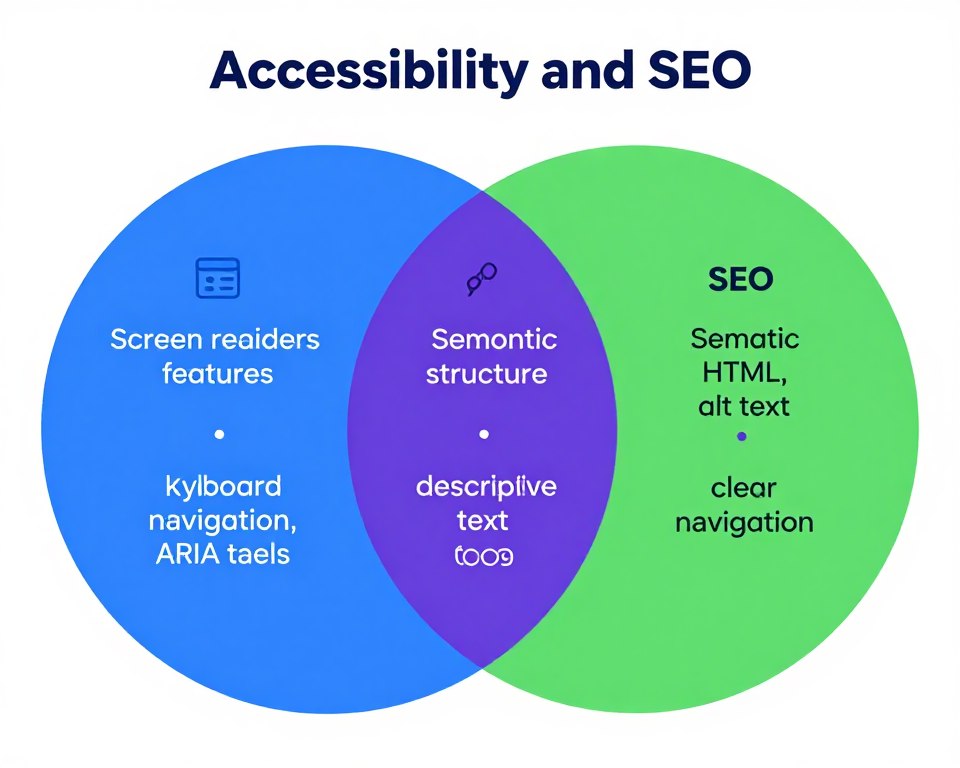
Keyboard navigation ensures universal access. All interactive elements should work with keyboard alone. Tab order should follow logical content flow. This benefits keyboard users and improves site structure for search engines. Logical navigation helps both human users and automated crawlers.
Color contrast affects readability. Sufficient contrast helps users with visual impairments. Good contrast also improves readability for all users in various lighting conditions. Search engines consider user experience signals. Better readability contributes to longer engagement and better rankings.
Common Mistakes to Avoid When Building React Sites for SEO
Many React developers unknowingly sabotage their SEO efforts. Understanding common mistakes helps you avoid them. These errors cause immediate ranking problems. Prevention is easier than fixing established issues.
Relying Solely on Client-Side Rendering
The biggest mistake is building React apps without server rendering. Client-side only applications face severe indexing challenges. Google might eventually index your content. But delays and incomplete indexing damage rankings. Competitors with proper implementation capture your traffic.
Internal tools and dashboards can use client-side rendering safely. These applications don’t need search visibility. But public-facing websites require server rendering. E-commerce sites, blogs, and marketing pages must implement SSR or SSG. There’s no acceptable excuse for client-side only rendering on public sites.
When Client-Side Rendering Works
- Internal company dashboards
- Authenticated user portals
- Web applications behind login
- Admin panels and tools
- Apps explicitly blocked from search
When You Need Server Rendering
- Public marketing websites
- E-commerce product pages
- Blog and content sites
- Documentation and help centers
- Any page targeting search traffic
Ignoring Meta Tag Management
Forgetting to implement dynamic meta tags costs rankings. Default meta tags appear on every page. Search engines see duplicate content. Your pages compete against each other. Click-through rates suffer from generic descriptions.
Each route needs unique metadata. Implement meta tag management early in development. Libraries like react-helmet or Next.js built-in head management make this straightforward. Don’t treat meta tags as an afterthought. Plan metadata strategy during initial development.
Blocking Search Engine Access With Robots.txt
Accidentally blocking search engines is surprisingly common. Development settings carry over to production. A simple robots.txt misconfiguration makes your entire site invisible. Check this file carefully before every deployment.
Similar problems occur with noindex meta tags. Developers add these during testing. The tags accidentally reach production. Your pages tell search engines not to index them. Weeks pass before you notice the traffic drop. Implement deployment checklists that verify robots.txt and meta robots tags.
Neglecting Sitemap Submission and Updates
Building a sitemap isn’t enough. You must submit it through Search Console. Search engines need explicit notification about your sitemap location. Submission accelerates discovery of your content. Don’t assume search engines will find your sitemap automatically.
Static sitemaps become outdated quickly. Implement automatic sitemap generation. Update sitemaps with every deployment. New content appears in sitemaps immediately. Search engines discover your latest pages faster. Automated processes prevent outdated sitemap problems.
Overlooking Mobile Optimization
Mobile-first indexing means Google uses mobile versions for ranking. Desktop-only optimization is insufficient. Your mobile experience determines rankings for all devices. Test thoroughly on mobile. Ensure content parity between mobile and desktop versions.
Responsive design isn’t automatic SEO success. Hidden content on mobile might not get indexed. Tap targets must meet size requirements. Page speed on mobile connections matters significantly. Mobile-specific issues require mobile-specific testing and fixes.
Mobile Testing Checklist: Test on real devices, not just browser tools. Check page speed on 3G connections. Verify all content displays on small screens. Confirm tap targets are adequately sized. Test forms and interactive elements with touch input. Mobile experience determines your search success.
Ready to Guarantee Top Rankings for Your React Website?
Start with a comprehensive indexing health check. Our React SEO specialists will analyze your application, identify issues, and provide a detailed optimization roadmap. Get actionable recommendations you can implement immediately.
Monitoring and Maintaining Indexing Health Over Time
SEO requires ongoing attention. Initial optimization provides the foundation. Continuous monitoring maintains your rankings. Search engines change algorithms. Competitors improve their sites. Regular maintenance keeps you ahead.
Establishing Monitoring Systems and Alert Protocols
Google Search Console provides essential monitoring capabilities. Configure email alerts for coverage issues. Notification of indexing errors enables quick responses. Check the console weekly minimum. Daily checks work better for large sites or frequent updates.
Third-party monitoring tools provide additional insights. Services like Ahrefs or SEMrush track ranking positions. You see exactly where you rank for target keywords. Position tracking reveals trends before traffic impacts. Early detection enables proactive optimization.
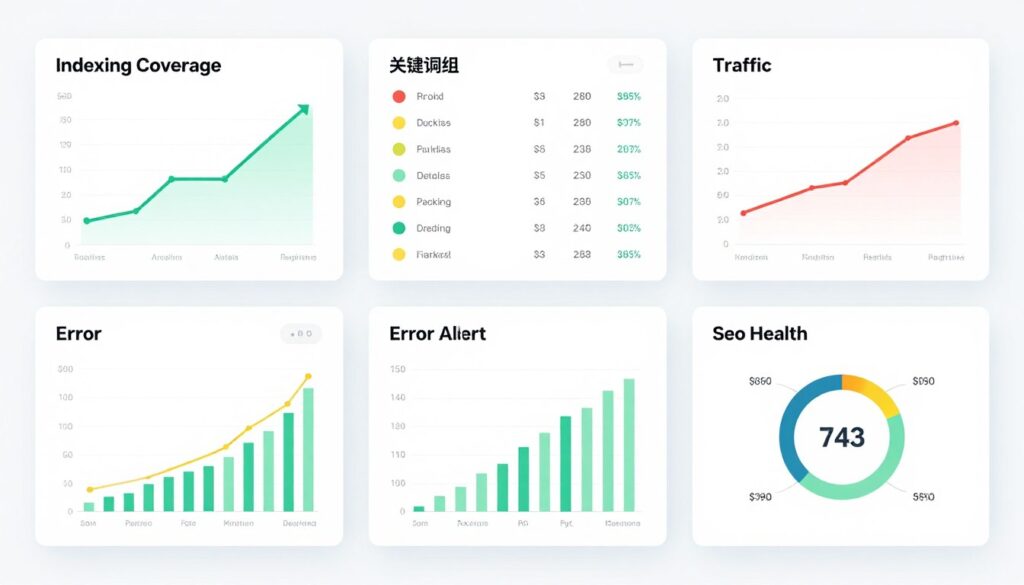
Automated crawling catches technical issues. Schedule regular site audits with tools like Screaming Frog. Automated scans identify broken links, missing meta tags, and structural problems. Monthly comprehensive audits reveal issues before they impact rankings significantly.
Performance monitoring tracks user experience metrics. Google Analytics reveals page speed problems. Search Console’s Core Web Vitals report shows performance at scale. Real user monitoring provides accurate performance data. These metrics directly influence rankings under Google’s page experience update.
Regular Content and Technical SEO Audits
Quarterly comprehensive audits assess overall site health. Review all meta tags for uniqueness and optimization. Verify structured data remains valid. Check sitemap accuracy and coverage. Test critical pages across different devices and browsers. Comprehensive audits catch accumulating small problems.
Content freshness affects rankings for many topics. Regularly update existing content with new information. Refresh statistics and examples. Add recent developments. Search engines favor recently updated content. Plan systematic content reviews. Update high-value pages every 6-12 months minimum.
Monthly Maintenance Tasks
- Review Search Console coverage report
- Check for indexing errors and warnings
- Monitor top-performing pages
- Identify ranking declines needing attention
- Review site speed metrics
- Check for broken links and redirects
- Verify sitemap accuracy
- Test critical user journeys
Competitor analysis reveals optimization opportunities. Track competitor rankings for your target keywords. Analyze their content strategies. Identify backlink opportunities. Learn from their successes and failures. Competitive intelligence guides your own optimization priorities.
Log file analysis provides crawler behavior insights. Review server logs to see how search engines crawl your site. Identify crawling inefficiencies. Find pages that consume crawl budget unnecessarily. Optimize crawling patterns through robots.txt and internal linking adjustments.
Adapting to Search Engine Algorithm Updates
Google updates algorithms constantly. Major updates affect rankings significantly. Stay informed about confirmed algorithm changes. Industry publications report updates and impacts. Search Engine Journal and Search Engine Land provide reliable information.
Algorithm updates require strategic responses. Don’t panic over minor ranking fluctuations. Wait for update rollout completion before major changes. Analyze patterns across multiple pages. Determine whether specific factors triggered changes. Systematic analysis leads to effective responses.
Algorithm Update Strategy: Focus on fundamental quality rather than chasing algorithm changes. Sites providing genuine value recover quickly from updates. Strong technical foundation and quality content withstand algorithm changes. Build sustainable SEO practices rather than exploiting temporary ranking factors.
Beta features in search require attention. Google regularly tests new result formats and ranking factors. Implementing early provides competitive advantage. Search Console announces new features. Adopt beneficial features promptly. Early implementation sometimes provides temporary ranking boosts.
Documentation and Knowledge Transfer
Document your React SEO implementation thoroughly. Future developers need to understand the system. Documentation prevents accidental breakage during updates. Include explanations of rendering strategies, meta tag systems, and sitemap generation processes.
Create deployment checklists that include SEO verification. Every deployment should confirm critical SEO elements. Check robots.txt configuration. Verify sitemap updates. Test meta tag generation. Prevent regression through systematic verification at every release.
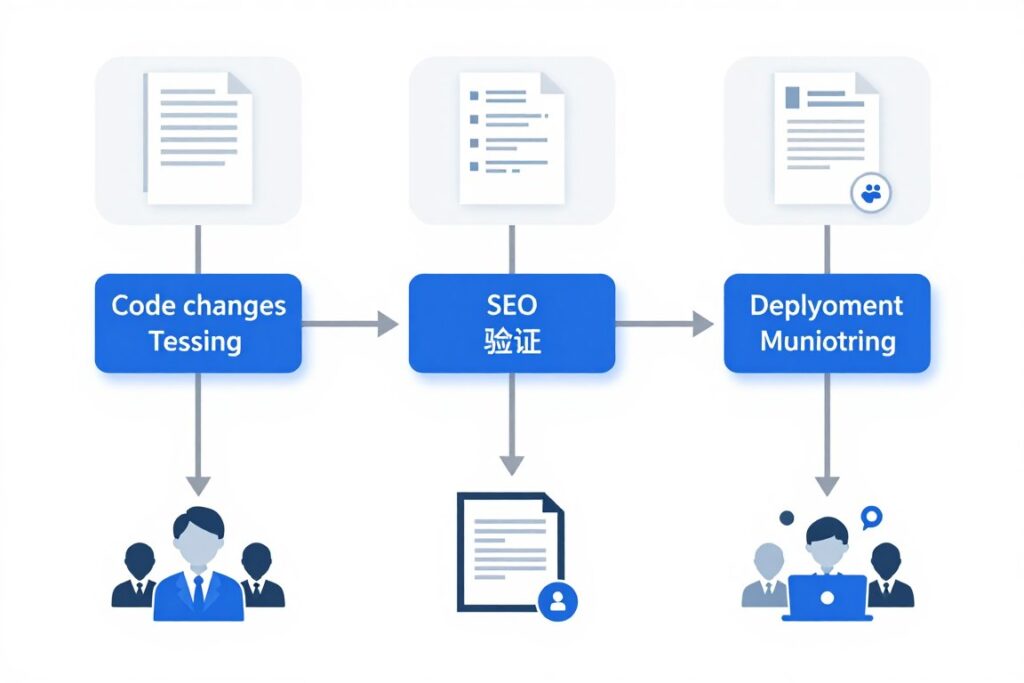
Train team members on SEO best practices. Developers should understand how their code affects indexing. Content creators need meta tag optimization training. Marketing teams benefit from Search Console proficiency. Cross-functional SEO knowledge prevents problems and enables proactive optimization.
Establish clear ownership for SEO responsibilities. Assign specific team members to monitoring tasks. Define escalation procedures for critical issues. Regular meetings review SEO performance and priorities. Organizational structure supports ongoing optimization efforts and maintains search visibility.
Taking Action on React Website Indexing
React applications can achieve excellent search engine rankings. The framework requires specific optimization approaches. Server-side rendering or static site generation solves the core indexing challenge. Proper meta tags, structured data, and sitemaps complete the technical foundation.
Performance optimization benefits both users and search engines. Fast-loading pages rank higher. Good user experience signals improve rankings over time. Mobile optimization is non-negotiable in the mobile-first indexing era.
Testing verifies your implementation works correctly. Google Search Console provides essential monitoring tools. Regular audits maintain indexing health. Continuous improvement keeps you competitive in search results.
Start your optimization journey today. Audit your current React application. Identify the most critical issues affecting your indexing. Implement server-side rendering or static generation first. Add proper metadata and structured data. Test thoroughly across different devices and search engines.
Search visibility drives business results. Organic traffic converts better than paid advertising. Higher rankings mean more qualified leads. Your investment in React SEO optimization pays dividends for years. Don’t let technical challenges hide your excellent content from potential customers.

The competitive advantage goes to React applications that solve indexing challenges correctly. Your competitors might struggle with the same problems. Proper implementation differentiates your site. Search engines reward technical excellence with visibility. Users benefit from fast, accessible experiences. Everyone wins when React sites follow SEO best practices.
Transform Your React Application’s Search Visibility Today
Don’t let indexing challenges cost you another day of search traffic. Our React optimization specialists have helped dozens of applications achieve and maintain top search rankings. We’ll analyze your specific situation and create a custom optimization plan.
What You’ll Receive: Comprehensive indexing analysis, specific technical recommendations, implementation priority roadmap, and ongoing optimization guidance. Our team specializes in React SEO challenges and delivers measurable ranking improvements.