Is your WordPress site struggling with slow load times? You’re not alone. Studies show that 53% of visitors abandon websites that take longer than 3 seconds to load. In today’s digital landscape, site performance isn’t just a technical consideration—it’s a critical business factor affecting your search rankings, user experience, and conversion rates.
This comprehensive guide brings together the latest WordPress performance optimization techniques for 2026, with actionable strategies for both beginners and advanced users. Whether you’re running a small blog or managing an enterprise-level WordPress installation, you’ll find practical solutions to dramatically improve your site’s speed and responsiveness.
Table of Contents:
Get Your Free WordPress Speed Optimization Checklist
Download our comprehensive checklist with 25+ actionable steps to boost your WordPress site performance immediately.
Why WordPress Performance Matters in 2026
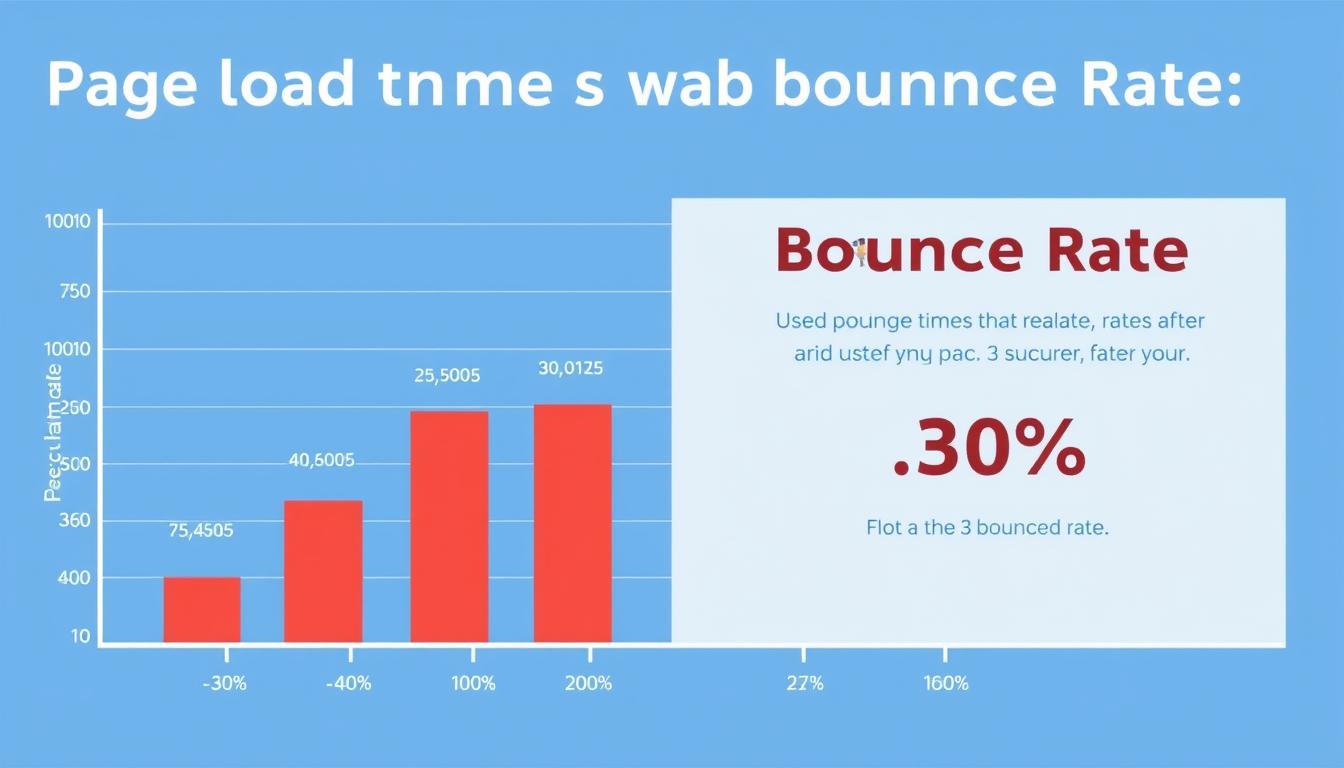
The relationship between page load time and visitor abandonment rates
WordPress performance optimization has never been more crucial than in 2026. With Google’s Core Web Vitals now firmly established as ranking factors, site speed directly impacts your visibility in search results. But the implications go far beyond SEO:
User Experience Impact
- 53% of mobile users abandon sites that take over 3 seconds to load
- Each 1-second delay reduces conversions by up to 7%
- Slow sites create negative brand perceptions that persist
- Performance issues affect accessibility for users with limited connectivity
Business Outcomes
- Faster sites achieve 16.5% higher conversion rates
- Improved performance reduces bounce rates by up to 40%
- Speed optimization reduces hosting costs through efficient resource usage
- Better user experience leads to higher customer retention rates
With the average internet user becoming increasingly impatient, even small performance gains can translate to significant business advantages. The good news? WordPress offers numerous opportunities for optimization that can transform your site from sluggish to lightning-fast.
Assessing Your WordPress Performance
Before implementing any optimization techniques, you need to establish a baseline of your current performance. This allows you to identify specific bottlenecks and measure the impact of your improvements.
Essential Performance Metrics for 2026

Core Web Vitals as displayed in Google PageSpeed Insights
Loading Performance
- Time to First Byte (TTFB): Under 200ms is ideal
- Largest Contentful Paint (LCP): Under 2.5 seconds
- First Contentful Paint (FCP): Under 1.8 seconds
Interactivity
- First Input Delay (FID): Under 100ms
- Interaction to Next Paint (INP): Under 200ms
- Total Blocking Time (TBT): Under 200ms
Visual Stability
- Cumulative Layout Shift (CLS): Under 0.1
- Speed Index: Under 3.4 seconds
- Time to Interactive (TTI): Under 3.8 seconds
Recommended Testing Tools
| Tool | Best For | Key Features | Limitations |
| Google PageSpeed Insights | Overall performance assessment | Core Web Vitals, mobile/desktop testing, real-user data | Limited historical data |
| GTmetrix | Detailed performance analysis | Waterfall charts, video recordings, multiple test locations | Some features require paid account |
| WebPageTest | Advanced diagnostics | Multiple test locations, connection throttling, filmstrip view | Complex interface for beginners |
| Query Monitor (Plugin) | Database and PHP performance | Database queries, hook analysis, API requests | WordPress-specific, technical knowledge required |
Pro Tip: Run multiple tests at different times of day to account for traffic variations. Always test from geographic locations that match your target audience.
Core WordPress Performance Optimization Best Practices
Let’s start with the fundamental optimization techniques that form the foundation of a fast WordPress site. These strategies address the most common performance bottlenecks and can be implemented by users of all technical levels.
Choosing Performance-Optimized Hosting
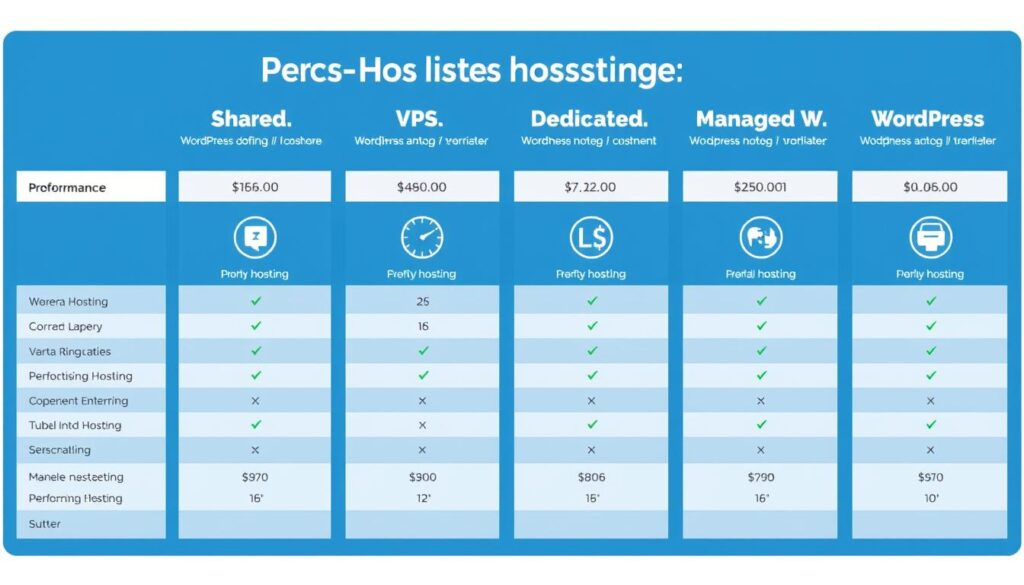
Comparison of WordPress hosting options by performance characteristics
Your hosting environment forms the foundation of your site’s performance. In 2026, these are the key hosting considerations for optimal WordPress performance:
Recommended Hosting Features
- PHP 8.3+ support (42% faster than older versions)
- Server-side caching (Redis, Memcached)
- SSD storage for faster database operations
- HTTP/3 and QUIC support for faster connections
- Built-in CDN integration
- Automatic scaling capabilities
Hosting Red Flags
- Shared hosting with resource limitations
- Outdated PHP versions (below 8.0)
- HDD instead of SSD storage
- Distant server locations from your audience
- Lack of server-level caching
- Poor uptime guarantees (below 99.9%)
“The right hosting environment can make a 200-300% difference in WordPress performance, even before any optimization techniques are applied.”
Theme Optimization Strategies
Your WordPress theme affects everything from load times to server resource usage. In 2026, these theme optimization strategies deliver the best performance results:
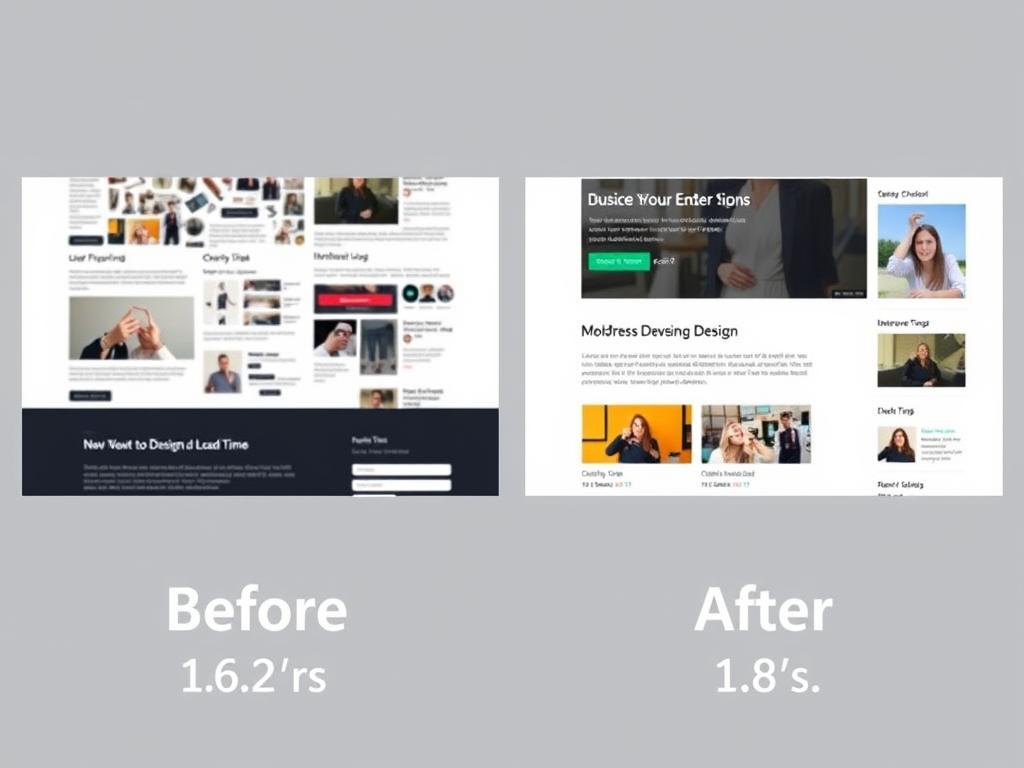
Performance impact of switching to an optimized WordPress theme
- Choose lightweight themes built with performance in mind (GeneratePress, Astra, Kadence)
- Avoid multipurpose themes with features you don’t need
- Use block themes that leverage WordPress’s native editor capabilities
- Consider headless WordPress implementations for maximum frontend performance
- Minimize custom fonts to reduce render-blocking resources
- Audit theme features and disable unused functionality
2026 Trend: Block-based FSE (Full Site Editing) themes now outperform traditional themes by an average of 27% due to their streamlined code structure and reduced dependency on external libraries.
Plugin Management for Performance
Plugins extend WordPress functionality but can significantly impact performance. Follow these best practices for plugin optimization:
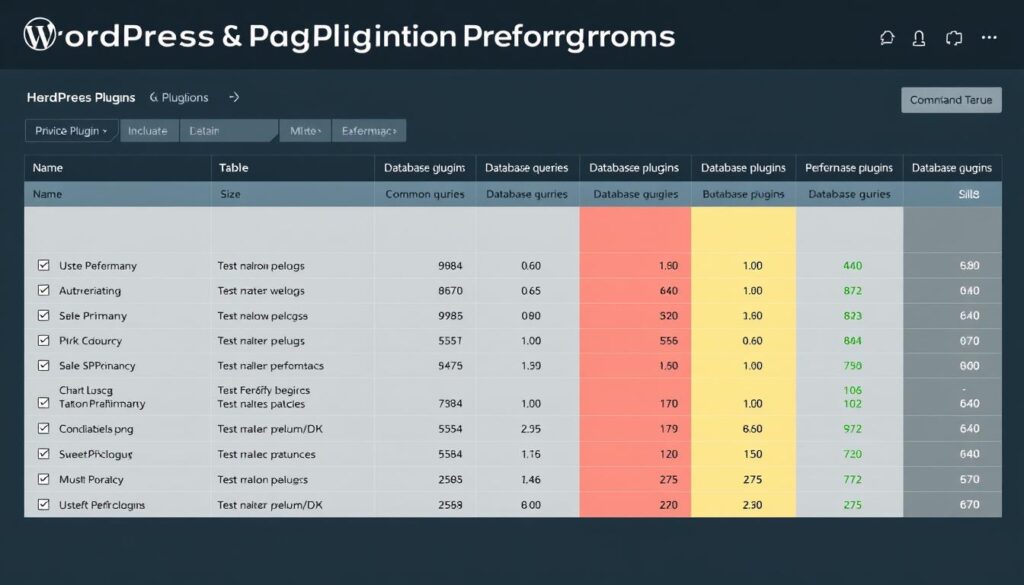
Analyzing the performance impact of WordPress plugins
Plugin Audit Process
- Identify all active plugins on your site
- Test site performance with each plugin deactivated
- Measure the performance impact of each plugin
- Replace resource-heavy plugins with lighter alternatives
- Remove plugins with overlapping functionality
Performance-Focused Alternatives
- Replace visual page builders with block editor
- Use server-side analytics instead of JavaScript trackers
- Choose lightweight form plugins (Fluent Forms, WPForms Lite)
- Opt for optimized SEO plugins (SEOPress, Rank Math)
- Consider specialized plugins over all-in-one solutions
Get Your Free WordPress Speed Optimization Checklist
Download our comprehensive checklist with 25+ actionable steps to boost your WordPress site performance immediately.
Image and Media Optimization
Media files typically account for 50-80% of a webpage’s total size. Optimizing images and other media can dramatically reduce load times and improve Core Web Vitals scores.

Comparison of image formats and their impact on file size
Next-Generation Image Formats
In 2026, these modern image formats provide the best balance of quality and performance:
| Format | Size Reduction | Browser Support | Best For |
| WebP | 25-35% vs JPEG | 98.5% | General purpose, photos, illustrations |
| AVIF | 40-50% vs JPEG | 92.8% | Photos, complex imagery |
| SVG | Varies | 99.1% | Icons, logos, illustrations |
| Responsive Images | 30-70% | 99.5% | All image types across devices |
Image Optimization Techniques
- Implement lazy loading to defer offscreen images
- Use responsive images with srcset and size attributes
- Set explicit width and height attributes to prevent layout shifts
- Compress images before uploading to WordPress
- Consider image CDNs for automatic optimization and delivery
- Remove unnecessary metadata from image files
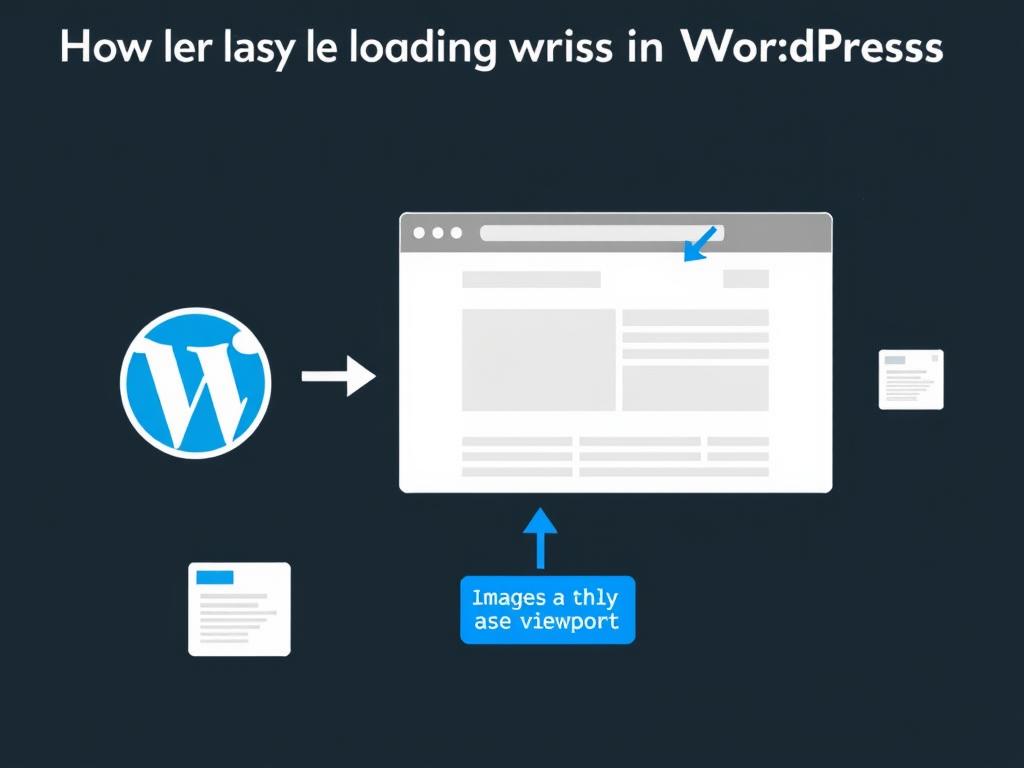
How lazy loading improves page load performance
Recommended Image Optimization Tools
WordPress Plugins
- Optimole
- EWWW Image Optimizer
- ShortPixel
- Smush
External Services
- TinyPNG
- Squoosh
- Kraken.io
- ImageOptim
CDN Solutions
- Cloudflare Images
- BunnyCDN
- ImageKit
- KeyCDN
Warning: Over-compressing images can lead to quality degradation. Always test optimization settings to find the right balance between file size and visual quality.
Advanced Caching Strategies for WordPress
Caching is one of the most effective ways to improve WordPress performance. In 2026, a multi-layered caching approach delivers the best results.

Multi-level caching architecture for optimal WordPress performance
Caching Layers Explained
Browser Caching
Stores static assets (CSS, JS, images) in visitors’ browsers to reduce repeat downloads. Configure with proper cache-control headers.
Impact: 20-30% faster repeat visits
Page Caching
Saves fully rendered HTML pages to serve instantly on subsequent requests, reducing server processing time.
Impact: 2-5x faster page loads
Object Caching
Stores database query results in memory for faster access, reducing database load and improving TTFB.
Impact: 30-50% faster database operations
Implementing Object Caching with Redis
Object caching has become essential for WordPress sites in 2026, with Redis emerging as the preferred solution:
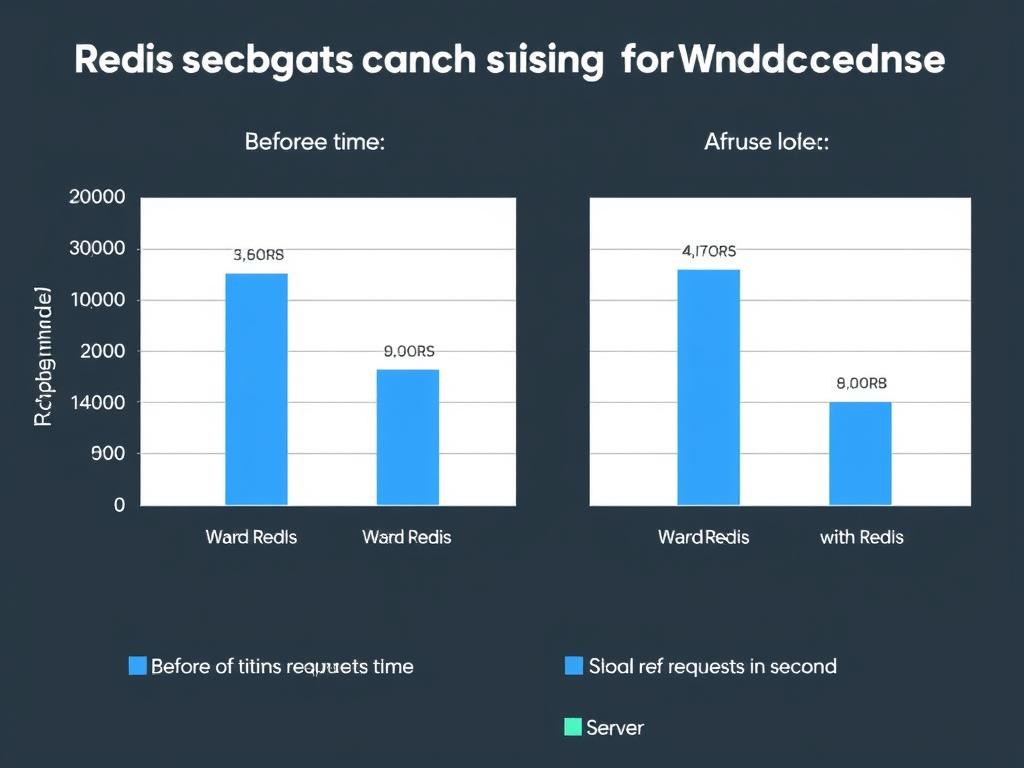
Performance impact of Redis object caching on a WordPress site
Redis Benefits
- In-memory data structure store for faster access
- Persistent storage options for reliability
- Supports complex data structures
- Scalable for high-traffic sites
- Reduces database load significantly
Implementation Options
- Managed hosting with built-in Redis support
- Redis Object Cache plugin for WordPress
- Custom implementation via wp-config.php
- Docker containers for local development
- Cloud-based Redis services
Content Delivery Networks (CDNs)
CDNs distribute your static content across global server networks, reducing latency and improving load times for visitors worldwide.

Global CDN distribution reduces latency for worldwide visitors
| CDN Provider | Best Feature | WordPress Integration | Pricing Model |
| Cloudflare | Security + Performance | Official plugin | Freemium |
| BunnyCDN | Cost-effective | Third-party plugins | Pay-as-you-go |
| KeyCDN | Simple setup | Third-party plugins | Pay-as-you-go |
| Fastly | Edge computing | Custom integration | Enterprise |
Get Your Free WordPress Speed Optimization Checklist
Download our comprehensive checklist with 25+ actionable steps to boost your WordPress site performance immediately.
Database Optimization Techniques
The WordPress database often becomes bloated over time, leading to slower query performance and increased server load. These database optimization techniques can significantly improve performance.

Impact of database optimization on query performance
Database Cleanup Essentials
- Remove post revisions (limit to 3-5 per post in wp-config.php)
- Clean up transients that have expired or accumulated
- Delete spam and trashed comments permanently
- Remove unused tags and categories to reduce taxonomy bloat
- Optimize autoloaded data in the wp_options table
- Run regular table optimizations to reclaim space and defragment
Performance Impact: A thorough database cleanup can reduce query times by 20-40% and decrease database size by up to 30%, especially for sites that have been running for several years.
Advanced Database Optimization
Query Optimization
- Identify slow queries with Query Monitor
- Add proper indexes to frequently queried tables
- Optimize custom SQL queries in themes/plugins
- Implement query caching for repetitive operations
Database Scaling
- Implement database replication for read/write splitting
- Consider sharding for very large datasets
- Upgrade to MariaDB for better performance
- Utilize database-specific caching mechanisms
Recommended Database Optimization Tools

Database optimization plugin interface with cleanup options
WP-Optimize
Comprehensive database cleaning and optimization plugin with scheduling capabilities.
Advanced Database Cleaner
Detailed control over database optimization with orphaned data detection.
WP-Sweep
Uses WordPress delete functions instead of SQL queries for safer cleanup operations.
Code Optimization and Delivery
How your code is structured, delivered, and executed has a major impact on WordPress performance. These code optimization techniques align with 2026 best practices.
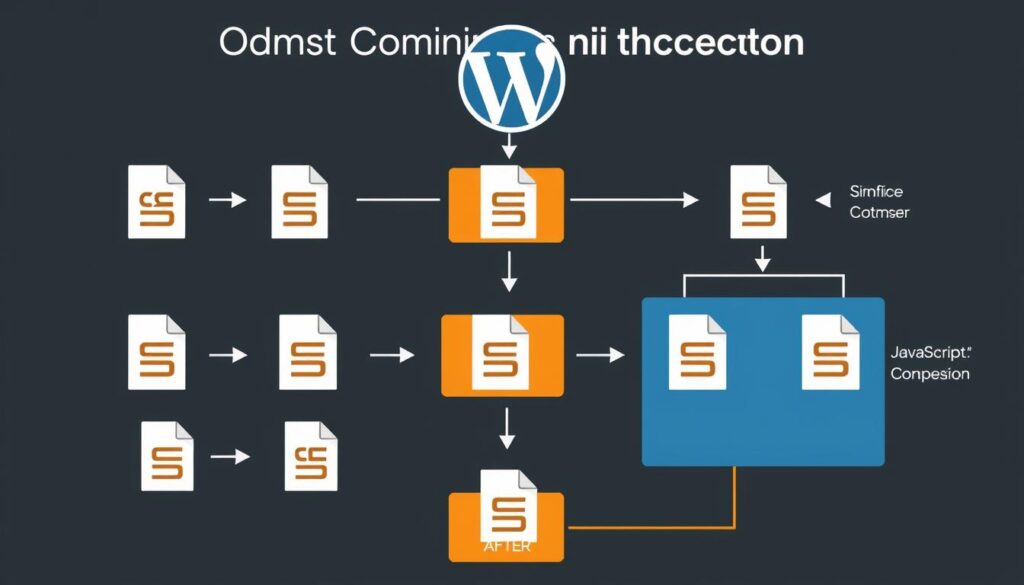
Code optimization workflow for WordPress performance
JavaScript and CSS Optimization
Minification
- Remove unnecessary characters and whitespace
- Combine multiple files to reduce HTTP requests
- Implement tree shaking to eliminate unused code
- Use source maps for debugging minified code
Loading Strategies
- Defer non-critical JavaScript
- Inline critical CSS for faster rendering
- Implement asynchronous loading where appropriate
- Prioritize above-the-fold content loading
HTTP/3 and QUIC Implementation
HTTP/3 with QUIC transport protocol has become standard in 2026, offering significant performance benefits:

Performance comparison between HTTP/2 and HTTP/3 with QUIC
- Reduced connection establishment time through 0-RTT handshakes
- Improved performance on unreliable networks through better packet loss handling
- Enhanced multiplexing without head-of-line blocking issues
- Better mobile performance with connection migration support
Implementation Tip: Most major CDN providers now support HTTP/3 and QUIC by default. Check your hosting provider and CDN settings to ensure these protocols are enabled for your WordPress site.
Critical Rendering Path Optimization
Optimizing the critical rendering path ensures visitors see your content as quickly as possible:

Critical rendering path optimization sequence
- Identify and inline critical CSS for above-the-fold content
- Eliminate render-blocking resources through proper loading attributes
- Prioritize visible content loading with resource hints
- Implement preloading, prefetching, and preconnect for critical assets
- Optimize web font loading with font-display properties
“The critical rendering path optimization remains one of the most impactful yet underutilized performance techniques for WordPress sites in 2026.”
Scaling WordPress for High Traffic
As your WordPress site grows, you’ll need to implement scaling strategies to maintain performance under increased load. These techniques are particularly important for high-traffic sites in 2026.
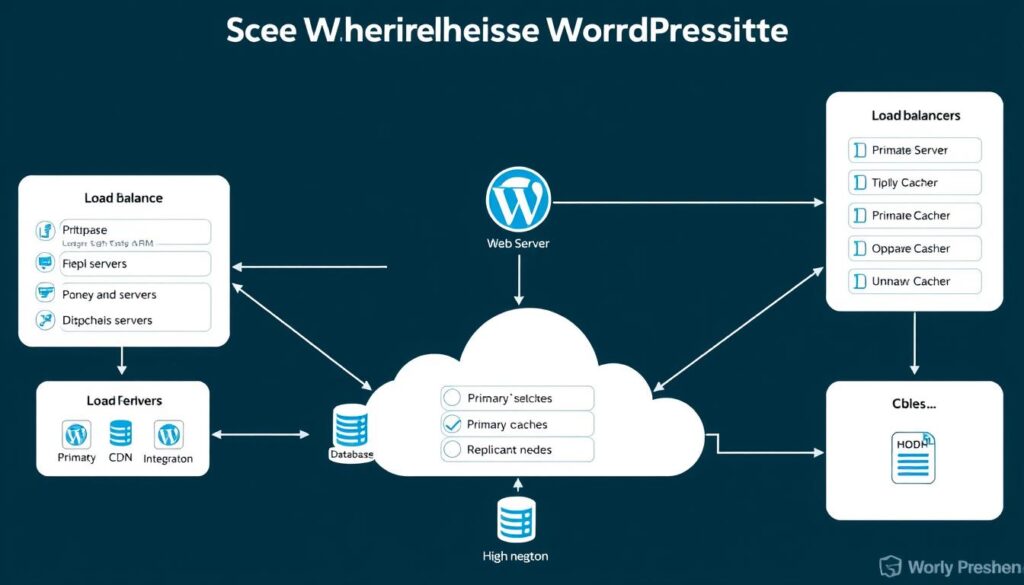
Scalable WordPress architecture for high-traffic websites
Horizontal vs. Vertical Scaling
Horizontal Scaling (Scaling Out)
- Add more servers to distribute load
- Implement load balancing across servers
- Easier to scale incrementally as needed
- Better fault tolerance and redundancy
- Ideal for handling traffic spikes
Vertical Scaling (Scaling Up)
- Increase resources on existing servers
- Simpler implementation with fewer components
- Limited by hardware constraints
- Potential single points of failure
- Good for predictable, steady growth
Load Balancing Strategies
Load balancing distributes traffic across multiple servers to prevent overloading and ensure high availability:

Load balancing configuration for WordPress high-availability
- Round-robin distribution for even traffic allocation
- Least connection method to prioritize less busy servers
- IP hash for session persistence
- Application-aware routing based on request type
- Geographic distribution to route users to nearest servers
Database Scaling for WordPress
Database operations often become the bottleneck for high-traffic WordPress sites. These scaling strategies address database performance:
Read Replicas
Distribute read queries across multiple database servers while writing to a primary server.
Best for: Read-heavy workloads
Sharding
Partition data across multiple databases based on logical divisions (e.g., by user, content type).
Best for: Very large datasets
Database Caching
Implement database query caching to reduce repeated queries and lighten database load.
Best for: Query-intensive operations
Important: Scaling strategies should be implemented proactively, before you experience performance issues. Regular load testing can help identify when it’s time to scale your WordPress infrastructure.
Performance Monitoring and Testing Tools
Continuous monitoring is essential for maintaining optimal WordPress performance. These tools help you track performance metrics and identify issues before they impact users.
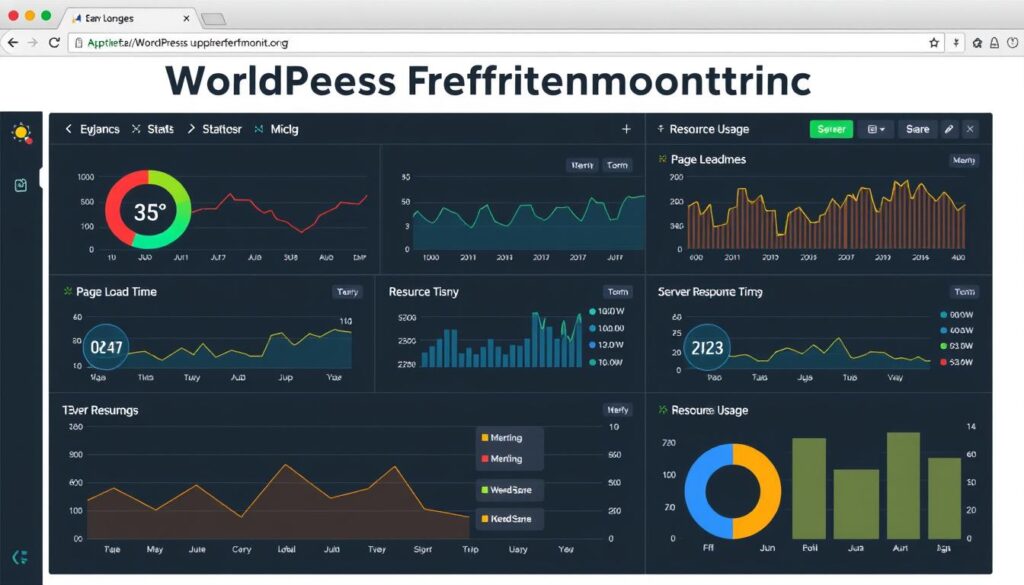
Comprehensive WordPress performance monitoring dashboard
Real User Monitoring (RUM)
RUM tools collect performance data from actual site visitors, providing insights into real-world user experience:
| Tool | Key Features | WordPress Integration | Price Range |
| New Relic | Detailed user journey tracking, error monitoring | Plugin available | Freemium to Enterprise |
| Raygun | Error tracking, real user monitoring | Plugin available | $$$ |
| Sentry | Error tracking, performance monitoring | Manual integration | Freemium |
| LogRocket | Session replay, performance monitoring | Manual integration | Freemium to $$$ |
Synthetic Testing Tools
Synthetic testing simulates user interactions to proactively identify performance issues:
WebPageTest
Advanced performance testing with detailed waterfall charts, filmstrip view, and multiple test locations.
GTmetrix
Comprehensive performance analysis with recommendations, video recordings, and historical tracking.
Lighthouse CI
Automated performance testing integrated into development workflows for continuous monitoring.
WordPress-Specific Monitoring Plugins

WordPress admin dashboard with performance monitoring plugin
- Query Monitor – Detailed analysis of database queries, hooks, and PHP errors
- WP Rocket Insights – Performance metrics with actionable recommendations
- Perfmatters – Performance optimization with monitoring capabilities
- WP Performance Profiler – Identifies slow plugins and theme functions
- Server Status & Uptime Monitor – Tracks server health and availability
Get Your Free WordPress Speed Optimization Checklist
Download our comprehensive checklist with 25+ actionable steps to boost your WordPress site performance immediately.
Future Trends in WordPress Performance (2026 and Beyond)
The WordPress performance landscape continues to evolve rapidly. These emerging trends will shape optimization strategies in 2026 and beyond.

Emerging technologies shaping WordPress performance in 2026
Edge Computing and Distributed WordPress
Edge computing moves processing closer to users, dramatically reducing latency:
- Edge Functions execute code at CDN edge locations
- Distributed rendering generates pages closer to users
- Edge caching with intelligent cache invalidation
- Serverless WordPress components for scalable architecture
- Global data replication for consistent performance worldwide
“By 2026, over 60% of enterprise WordPress sites will leverage edge computing for performance optimization, up from just 15% in 2023.”
AI-Driven Performance Optimization
Artificial intelligence is revolutionizing WordPress performance optimization:

AI-powered performance optimization dashboard
- Predictive resource allocation based on traffic patterns
- Automated image optimization with content-aware compression
- Smart caching that anticipates user behavior
- Intelligent database optimization with query learning
- Performance anomaly detection with root cause analysis
WebAssembly and Progressive Enhancement
WebAssembly (WASM) is enabling near-native performance for web applications:
WebAssembly Benefits
- Near-native execution speed
- Smaller payload sizes
- Improved security through sandboxing
- Language-agnostic development
- Progressive enhancement capabilities
WordPress Applications
- High-performance interactive elements
- Complex calculations and processing
- Image and video editing capabilities
- Advanced animations and visualizations
- Offline functionality support
Sustainability-Focused Optimization
Performance optimization is increasingly aligned with environmental sustainability:
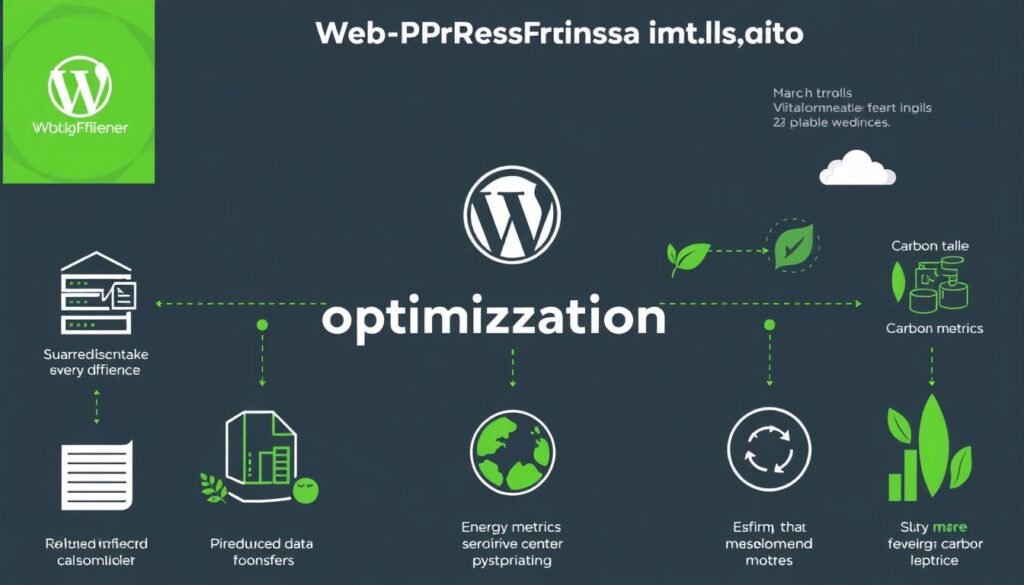
The environmental impact of WordPress performance optimization
- Carbon-aware delivery optimizes for lower emissions
- Energy-efficient algorithms reduce computational demands
- Green hosting providers powered by renewable energy
- Carbon footprint metrics for performance monitoring
- Sustainable development practices for WordPress themes and plugins
2026 Trend: WordPress Core now includes built-in sustainability metrics, allowing site owners to monitor their carbon footprint alongside traditional performance metrics.
Conclusion: Your WordPress Performance Optimization Roadmap
Optimizing WordPress performance is an ongoing process that requires a strategic approach. By implementing the techniques outlined in this guide, you can significantly improve your site’s speed, user experience, and business outcomes.

Strategic roadmap for WordPress performance optimization
Remember these key principles as you optimize your WordPress site:
- Measure first, optimize second – Always establish baseline metrics before making changes
- Prioritize high-impact optimizations – Focus on changes that deliver the greatest performance gains
- Test in a staging environment – Avoid making changes directly on your live site
- Monitor continuously – Performance optimization is an ongoing process, not a one-time task
- Stay updated – WordPress performance best practices continue to evolve
By following the strategies in this guide, you’ll create a faster, more efficient WordPress site that delivers better user experiences, higher search rankings, and improved business results.
Get Your Free WordPress Speed Optimization Checklist
Download our comprehensive checklist with 25+ actionable steps to boost your WordPress site performance immediately.